





Kenny Falco
Members
-
Joined
-
Last visited
Everything posted by Kenny Falco
-
Ok what if I want to shrink the array by one disc then install the second parity drive? How would I do this?
-
I am asking if the array will rebuild the missing disc without needing to install a replacement... as that slot will be taken by a 2nd parity drive.
-
Hi all, I have 6 discs. At the moment I have 1 parity and 5 data. I have purchased some larger drives and now I want to go with 2 parity and 4 data. I'll shut down the server, remove a data drive, insert the larger disc in its place, but when I restart the server, can I simply add this new disc as a 2nd parity device? Will the array rebuild the missing data from the 5th data disc on the remaining 4 in that scenario?
-
Here you are sir... My apologies, I thought I had attached it with my post.
-
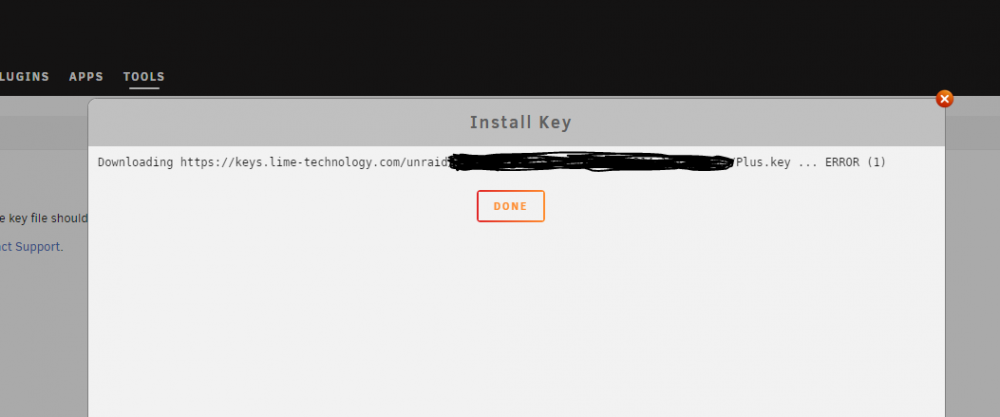
I purchased a key, and when I try to install it, Unraid just says error as it attempts to download the key. Any advice?
