





Will Chen
Members
-
Joined
-
Last visited
-
-
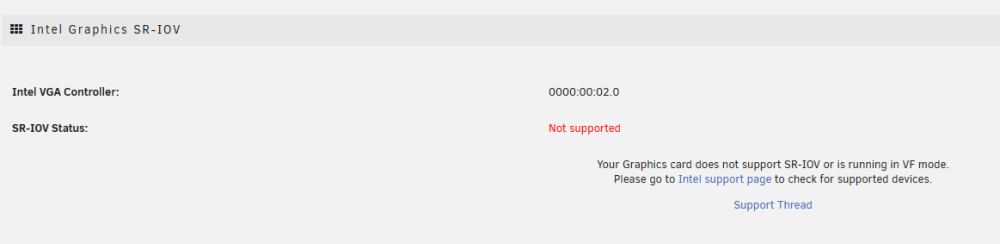
装了Intel GVT-g 提示不支持 装了Intel Graphocs SR-IOV也提示不支持
-
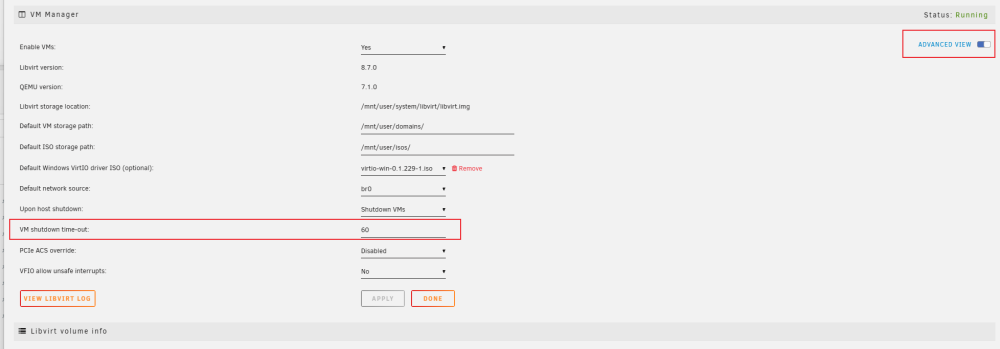
界面就可以改,Setting - VM Manager
-
😂那就等官方或者用pve之类的吧,不然容易真的67了
-
教程里面驱动编译,内核定制都有呀,应该可以实现dkms吧
-
https://github.com/fanhuanji/rtl8125-driver-for-unraid-6.8.2/blob/main/compile_drivers.md 估计得自己编译了
-
-
web界面开机后 命令行运行一下 virsh console <虚拟机名> 看看日志报什么错了
-
如果是反向代理需要加websocket,你可以按F12看看网络是不是有什么请求出错了
-
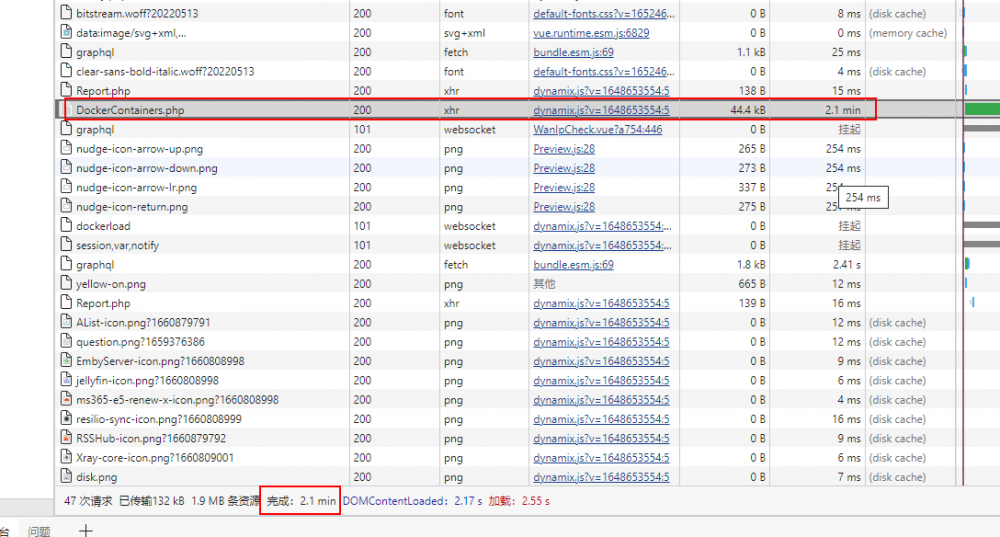
咨询了支持解决了,是因为docker的图标使用raw.githubusercontent.com被墙导致的😂
-
最近发现docker面板打开或者刷新都需要几分钟才能显示 看了一下请求是/plugins/dynamix.docker.manager/include/DockerContainers.php这个请求导致的,请问要怎么排查问题?😓
-
是啊 这句的作用是不加载自带的i915驱动 相当于禁用掉 你是不是装过gputop 装过的话需要先卸载
-
我是11代的,你可以试试有没有用 新建个文件 /boot/config/modprobe.d/i915.conf 然后内容写上 options i915 enable_guc=3

-
666,延长了等待时间,可以了,感谢😁
-
关机是挺久的 我试试看


