





hairymongrel
Members
-
Joined
-
Last visited
-
thanks ! im not sure why it disabled the drives but i have stopped the array removed one parity drive then started the array and reassigned and now it is reconstructing. thanks heaps i owe you big time !
-
so how do i rebuild the parity ? i have ran a few parity checks so i assume its different.
-
i have removed the cache drive from the machine now. if i add a new share it comes up green.
-
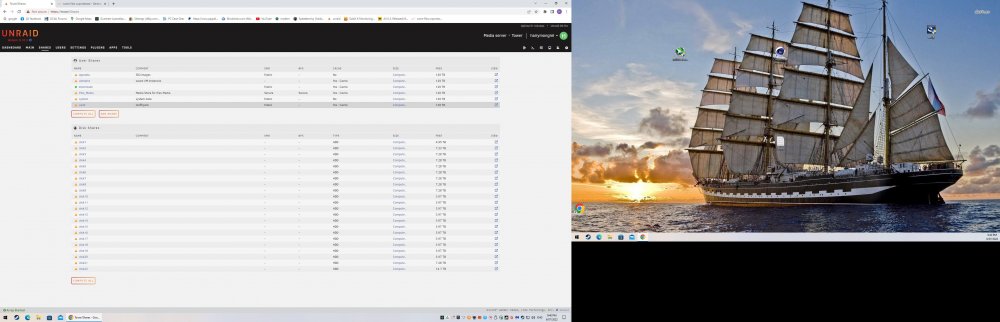
so do i have it back to front ? i thought selecting cache to yes would fill my cache ssd up ? it seems if i select cache to yes it empties my cache drive. now running mover is emptying my cache drive even though use cache is set to yes...... (very confusing). so that means that because im not running mirrored cache its coming up unprotected. hope this fixes it, fingers crossed.
-
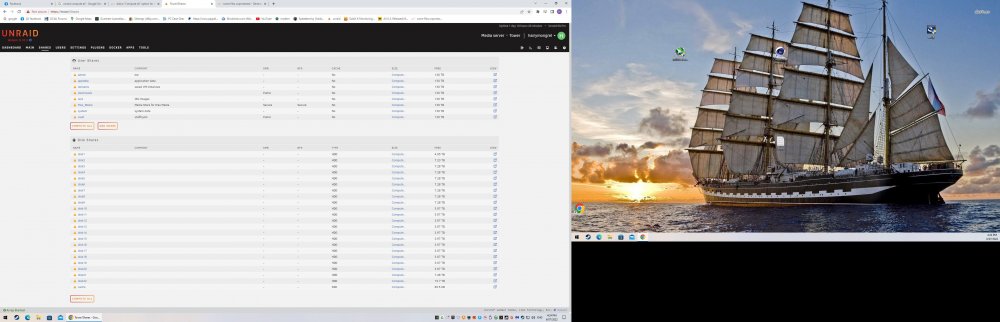
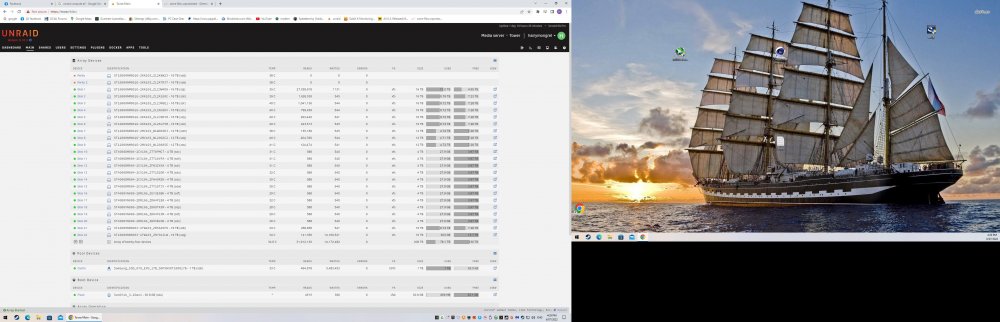
thats why i started this thread i have no parity protected shares..... i have attached a pic to show what i mean. i have ran mover with docker stopped and cache settings changed as suggested above and tried multiple parity checks and still no change. this did happen after i added 2 disks to the array maybe i missed a step ? im unsure. the cache still has files on it that wont copy back to the array (when i run mover nothing happens). is there a way to manually move them ? open to suggestions. cheers.
-
i dont know why everyone repeats this (everyone knows). yes i have my photo's backed up but it takes a long time to replace my media so if i could just get it parity protected again it would be great.
-
i just want my data protected by the parity drives. none of my folders are protected at the moment.
-
yes all of my shares sorry.
-
i did have it set to no but have now changed it to prefer and im running mover again.
-
hey guys i have an issue on all my devices that says they are unprotected even though i have ran a parity check and run mover multiple times. i have 2 pariity disks and a ssd for cache that i have now disabled any help would be greatly appreciated. also windows isnt showing my free space correctly on my array. im new to unraid. cheers. tower-diagnostics-20220703-0923.zip



