





nutt318
Members
-
Joined
-
Last visited
Everything posted by nutt318
-
well it ended up being the power supply
-
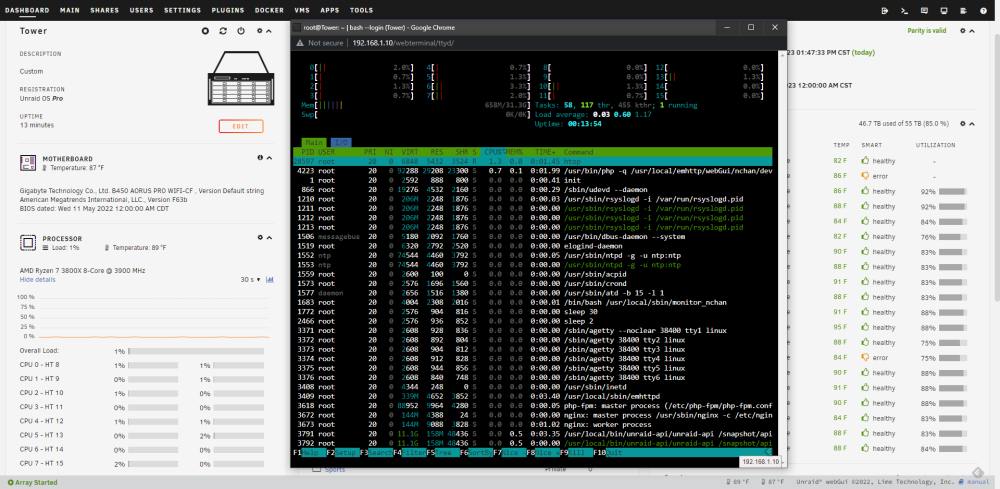
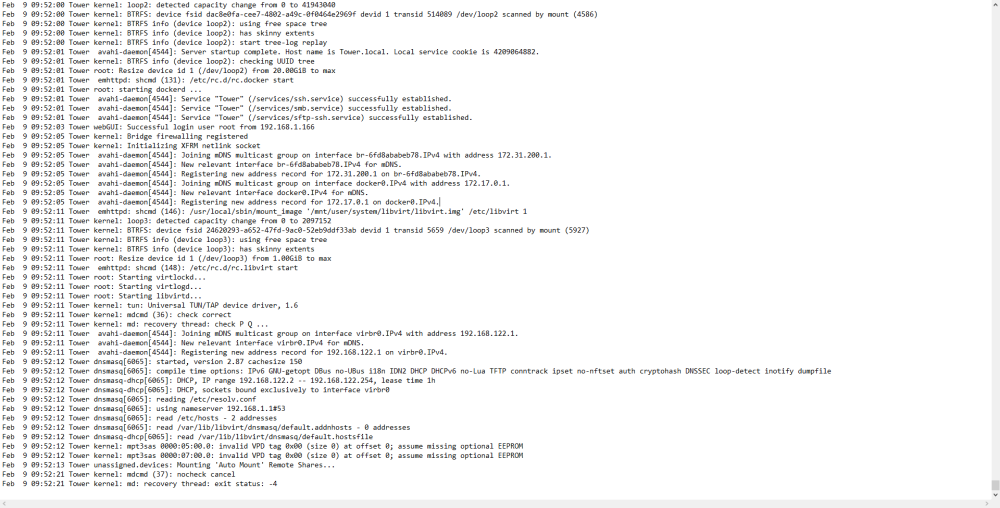
screenshot from syslog earlier today and just the most recent poweroff from the dashboard
-
left it on the bios screen for over an hour and nothing happened. All docker containers are off and no vms are running so there shouldnt be any load causing cpu to overheat.
-
This started a few days ago but just now trying to troubleshoot the issue. When unraid is powered on it would stay running for about 10-15mins then shutdown/poweroff. I've disabled all of the docker containers and vms from auto booting which doesn't seem to help. The only thing that seemed to keep it on was to disable docker all together. Attached is the diag bundle, hopefully someone can point me in the right direction on what is going on all of a sudden. Thanks for the help! tower-diagnostics-20230209-0954.zip


