




Skip to content
View in the app

A better way to browse. Learn more.

Unraid

A full-screen app on your home screen with push notifications, badges and more.

To install this app on iOS and iPadOS
  1. Tap the Share icon in Safari
  2. Scroll the menu and tap Add to Home Screen.
  3. Tap Add in the top-right corner.
To install this app on Android
  1. Tap the 3-dot menu (⋮) in the top-right corner of the browser.
  2. Tap Add to Home screen or Install app.
  3. Confirm by tapping Install.

linhuijie

Members
  • Joined

  • Last visited

  1. 所以是我要把核显设置成第一优先级,然后显示器接核显,才可以看到unraid的gui是吧。那我如果要启动了win虚拟机,那我显示器是不是要换到独显的接口才可以显示了,
  2. 有一个独立显卡和核显,目前显示器是连接在独立显卡上的。显示显示不了的原因是因为unraid默认用核显显示,所以导致显示不出来吗?但是如果我用命令行模式安装,屏幕上是可以显示很多文字的
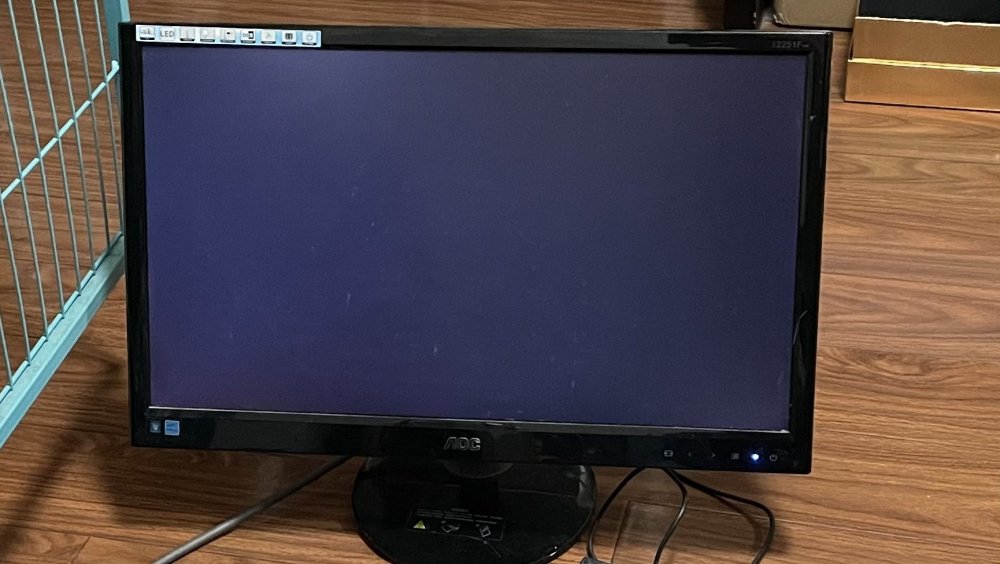
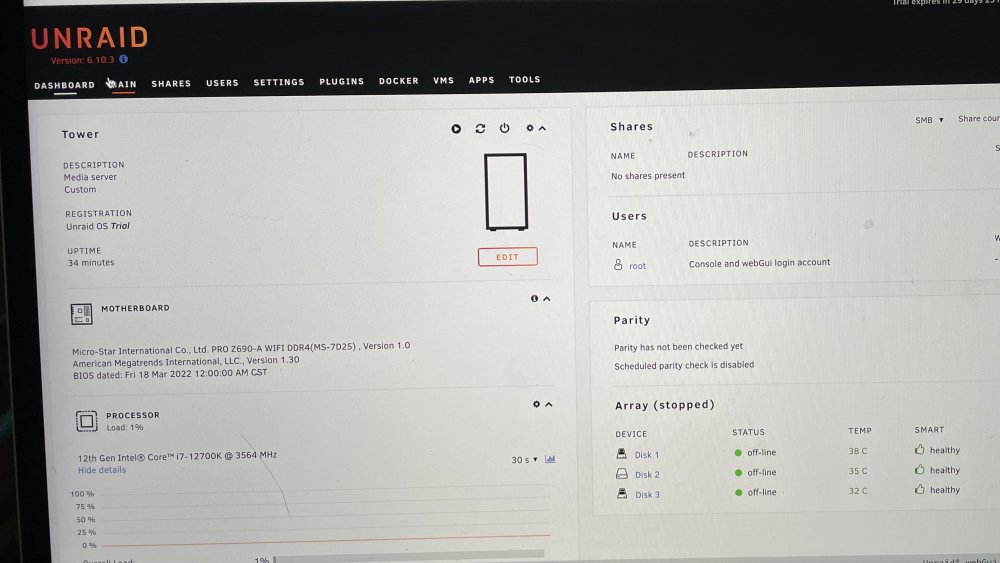
  3. 主板 微星z690a d4 cpu 12700k 启动模式 UEFI Boot 1. 选择第二个gui模式安装,安装完毕后,unraid主机连接的显示器显示不了gui,(安装过程中的信息可以照常显示)但是用另外一台电脑通过IP访问unraid,是可以正常看到gui的 2. 选择第一个命令行模式安装,安装完毕后,unraid主机连接的显示器是可以显示命令的 请问要怎么解决的,排查了很久没找到解决方案 这是安装完成后,连接unraid主机的显示器,无法显示gui 这是同一个局域网下的另外一台电脑,通过ip可以访问到unraid的gui
Account

Navigation

Search

Search

Configure browser push notifications

Chrome (Android)
  1. Tap the lock icon next to the address bar.
  2. Tap Permissions → Notifications.
  3. Adjust your preference.
Chrome (Desktop)
  1. Click the padlock icon in the address bar.
  2. Select Site settings.
  3. Find Notifications and adjust your preference.