domidomi
Members
-
Joined
-
Last visited
Everything posted by domidomi
-
So I'm using this script for the first time, and I don't know much about how xfs_fsr is supposed to work, but it seems to be really slow? It could be that I'm running it with parity enabled, but the write speed on the target HDD is around 13 MB/s while CPU is not even reaching 50%. Nothing else is accessing the shares, no Docker containers are running, no VMs installed at all. I guess I just want to know: is this normal? Edit: Could it be that I'm using this on encrypted XFS? Obviously I have modified the script to use /dev/mapper.
-
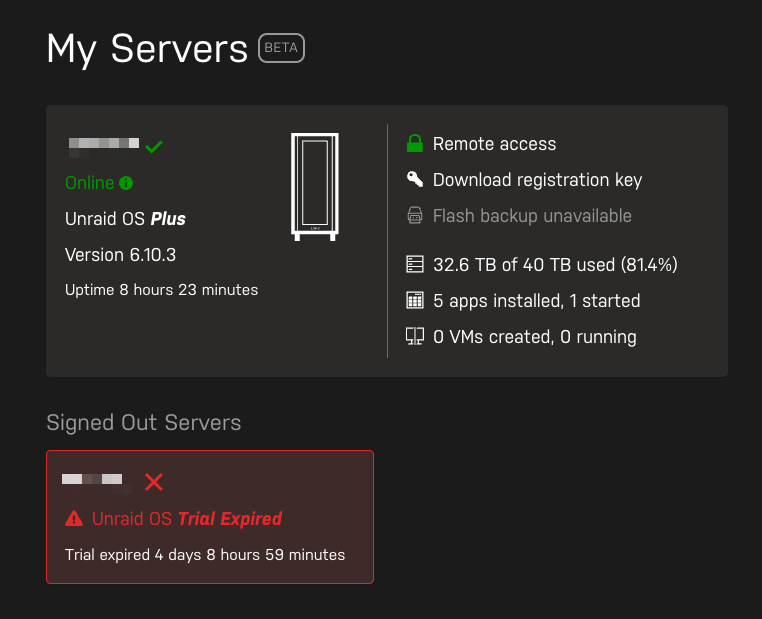
A little while back, I upgraded from the trial of UnRAID to first the Basic version and then the Plus version. However, the old trial version still shows as a signed out server. They're the exact same server. At some point I did change the USB stick that I kept the installation on, but I can't say exactly in which order I switched the USB stick and purchased a license. How can I delete the old installation so that I never have to see it ever again? It's the same install.