Tomm
Members
-
Joined
-
Last visited
Everything posted by Tomm
-
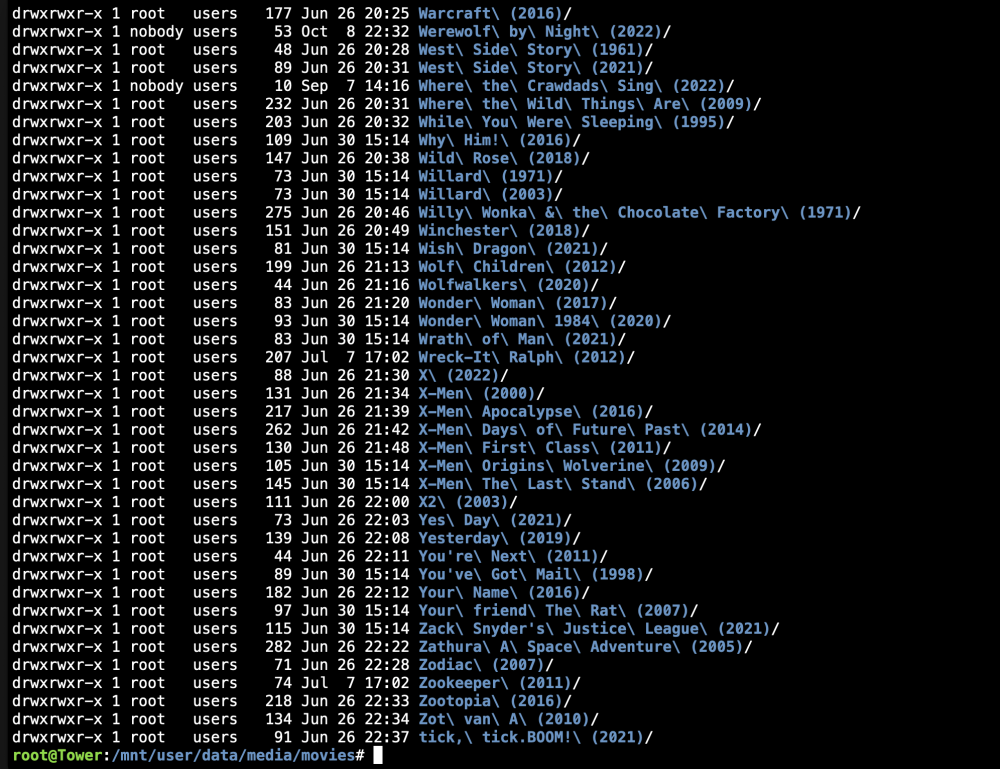
Not sure what you mean by "copy"? I tried your suggestion, and the permissions do look the same now as on your screenshot. Unfortunately it still doesn't work. Couldn't this be an SMB limitation?
-
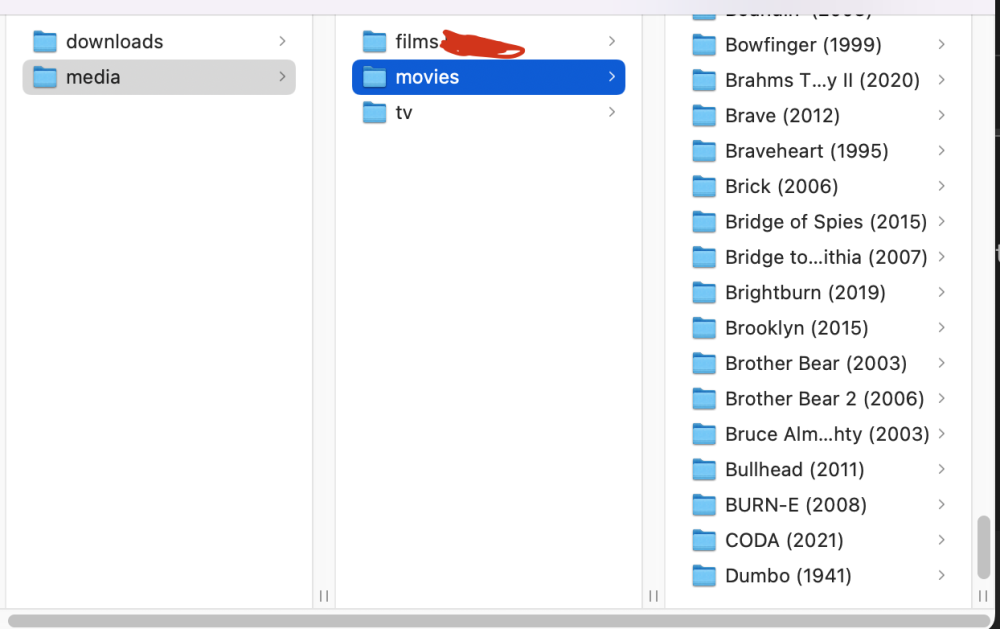
The client in the screenshot isn't relevant (it's the latest macOS). I wanted to back up our movies to our Synology NAS using SMB. I noticed that 90% of our movies are missing from the file explorer list, and tried accessing it via my mac to check if the problem was isolated to the Synology NAS (it wasn't). We're currently making it work through rsync, which does work. I'd prefer not to use root privileges for this though. tower-diagnostics-20221023-1714.zip
-
I'm trying to back up my media through SMB, but I can't see even half of my movies for some reason. I've applied the same permissions (775) on all of them, so that shouldn't be the issue. I've made a user, and gave him access to the share. In the picture below, I'm connected to the share using the user account through SMB. It stops at D, but lots of movies from A to D are also missing. If anyone has any clue as to what might cause this, it would be greatly appreciated.
-
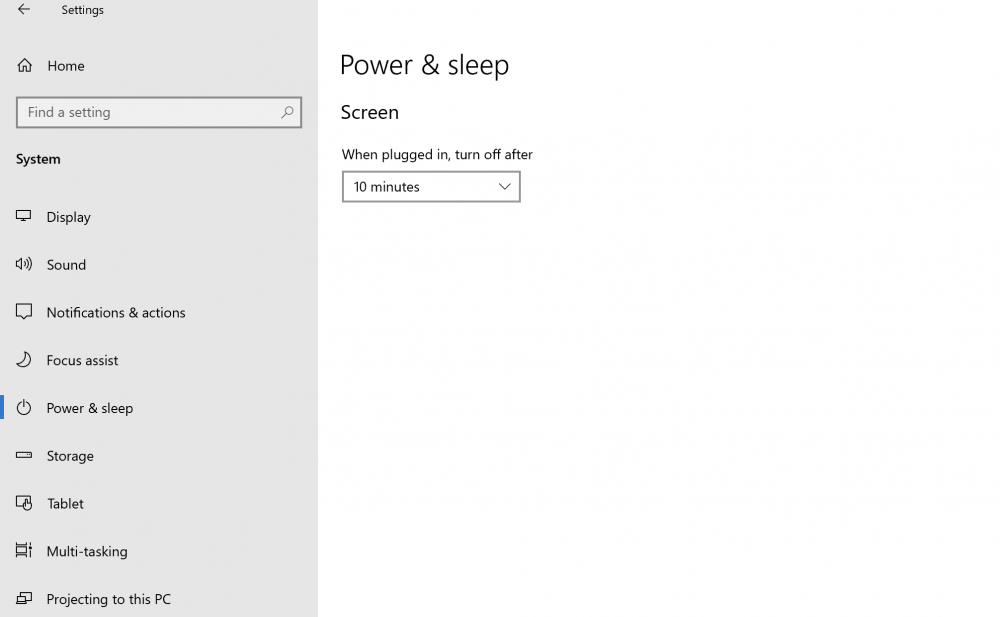
We have a windows 10 Vm constantly running. It's not really resource intensive, but still a waste IMO. We access the VM by using RDP (Microsoft Remote Desktop app). Is there a way to start the W10 VM from hibernation when we try to connect to it? I'm assuming it's not possible since it's basically turned off? Anyway, since that's probably not a thing, is there a way to put the VM to sleep? I can't find it anywhere in my W10 settings for some reason. It only shows what's on the image. Any help on this topic would be greatly appreciated!