





srbob101
Members
-
Joined
-
Last visited
Everything posted by srbob101
-
I'm unable to find any other post with that error, and my server keeps making this error every week and freezing up the server. Are there any other troubleshooting steps I should take?
-
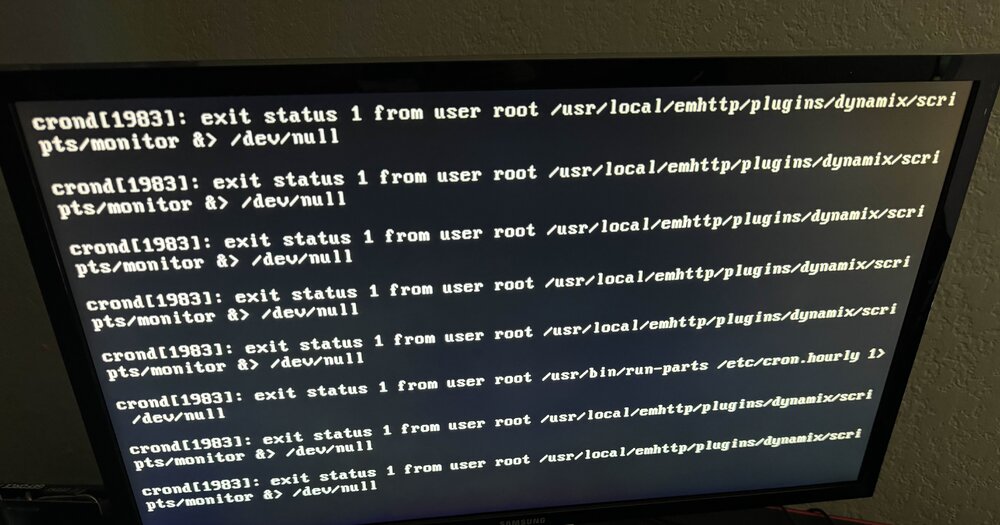
When this happens, it pretty much bricks the device. I can't access the web portal. All my Docker and VMs go offline. The router shows it online, and I can ping it. But I can't sign in to it. I tried SSH, Telnet, and plugging a keyboard into the server. When I do that, it lets me type my password and username, but doesn't log me in. Not sure what the issue could be. I think the problem is my USB holding the OS.
-
not sure if this will help when I try to connect either with tower.local or by the server address chrome says this error DNS_PROBE_FINISHED_NXDOMAIN
-
I'm able to SSH into my server, and I can see on my router's web UI that it has an active internet connection. I've checked the certificate and it's not expired. I've tried forcing SSL and turning it off, but I'm still not having any luck. Any help would be greatly appreciated. tower-diagnostics-20240611-1738.zip
