megene
Members
-
Joined
-
Last visited
-
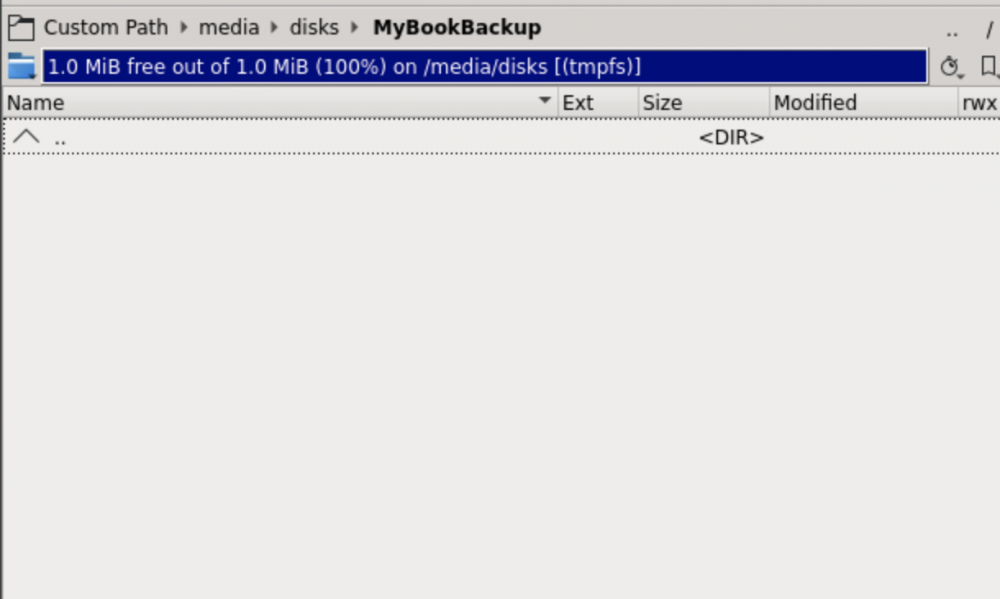
thank you. unfortunately i don't know much about docker mapping. But, i don't know if it's a mapping problem. I can see the drive in krusader, but it's empty => printscreen. Same problem in Duplicati. Could it be a permission problem?
-
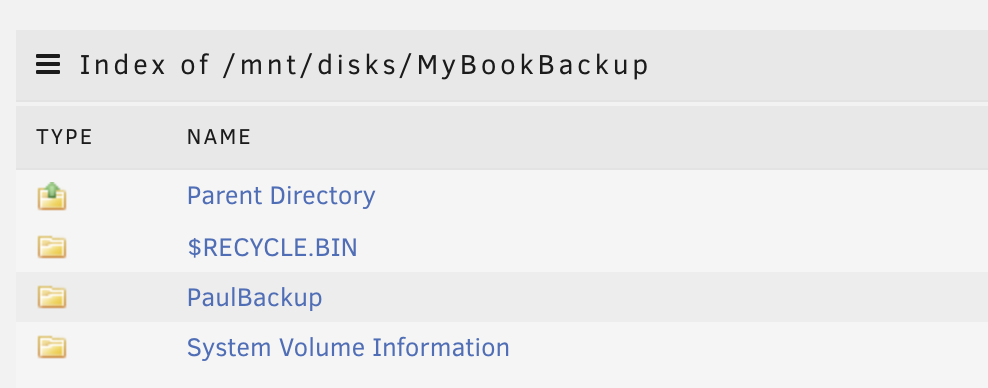
Hello Community I run my unraid server for one year without any problems. But now it starts to make some... 1. I set up an Backup with Duplicati on an external usb Drive (unassigned Devices). 2. Since last week it doesen't work. Error=> folder doesn't exist (I probably caused this problem by restoring appdata. at least it occurred during this period. The recovery was an attempt to solve another problem (mariaDB/Nextcloud)...) 3. when I try to access the drive over Krusader it also show nothing. 4. I can see the folder, if I browse the Unassigned Devices direct. (see printscreen) 5. i can see the folder & files if i access the drive over my windows computer. Do you need more information? thank you very much for your help!