Richard1
Members
-
Joined
-
Last visited
Everything posted by Richard1
-
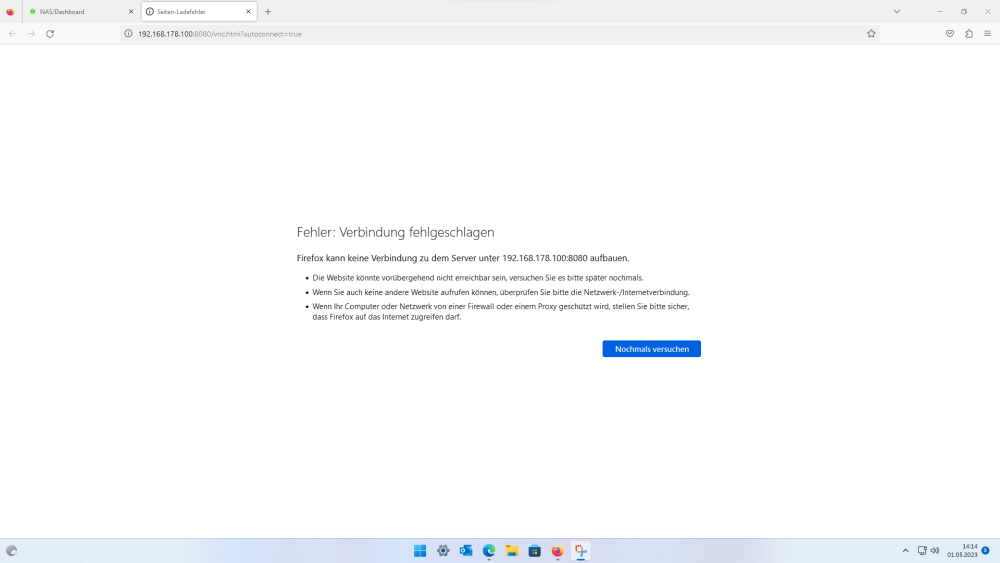
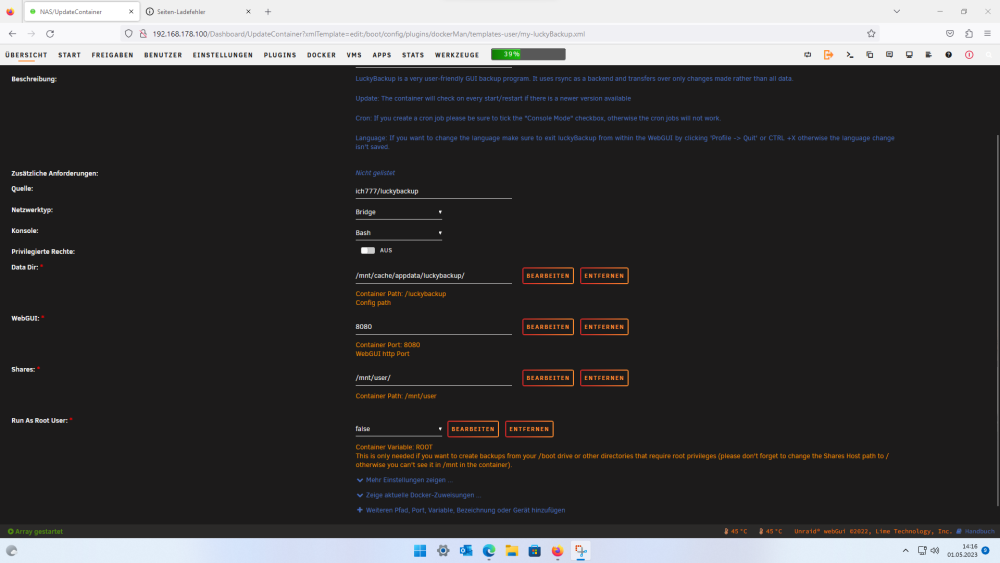
Habe mal firefox auf einen anderen pc neu installiert. (Browser nutze ich sonst nicht, sollte jungfräulich sein.) Gleiche Problem wie gehabt. Komplette Deinstallation von lucky inc Löschung der internen apdata habe ich schon versucht. nach neuinstall gleiches Problem. Irgendwie ist da gerade was verhext. Ich hatte gestern nextcloud und duckdns installiert, ist beides ist vorübergehend deinstalliert um evtl. Probleme damit auszuschließen.
-
IMG_2870.MOV richtige ip: ja richtiger Port: ja logs weiß ich leider nicht wie ich da am leichtesten rankommen soll. über den Docker schließt er die sofort. Gibt es noch eine Möglichkeit da ranzukommen? wusste mir gerade nicht zu helfen als ein video vom Handy zu drehen IMG_2871.MOV
-
Hallo, ich habe gerade einige Probleme mit einigen Docker-Containern. Aufgefallen ist es an luckybackup. Der Docker startet aber die Web-Oberfläche ist nicht erreichbar. Webbrowser aussage: 192.168.xxx.xxx hat eine Verbindung verweigert. Eine ähnliche app wie dirsyncpro welche ich heute installiert habe hat das gleiche Problem. Andere Ports habe ich schon probiert, ohne Erfolg. Gestern hatte ich noch ein Backup laufen lassen, heute startet er nicht mehr. Vielleicht hat jemand noch einen Tip. Vielen Dank schon einmal.
-
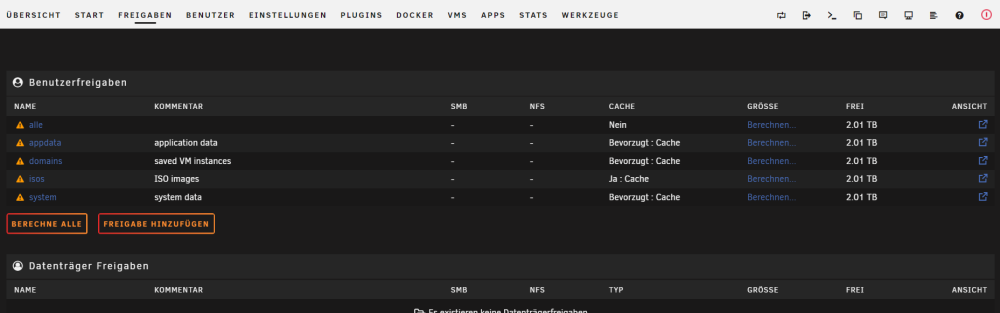
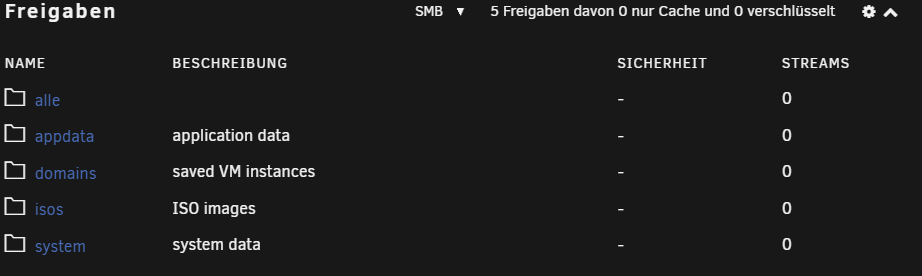
Danke für die Antworten, ein Test-user hatte ich selbstverständlich angelegt. Es funktioniert jetzt. Der Screenshot von hawihoney hat mir sehr geholfen. Mein Test-Share ist "alle" Leider hatte ich versäumt den Export auf yes zu schalten, jetzt funktioniert es auch. Nochmals Vielen Dank an alle beteiligten.
-
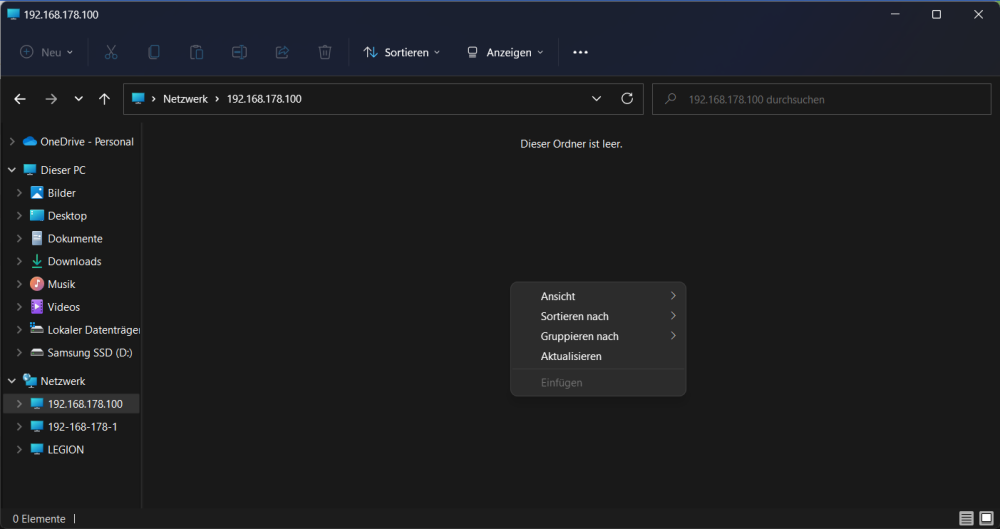
Guten Morgen, ich probiere gerade mal Unraid. Im Großen und Ganzen gefällt es mir ja. Leider bin ich auf Probleme bezüglich der Freigaben gestoßen Im Windows-Explorer kann ich mich einloggen, aber ich sehe keine Dateien oder Ordner. Erstellen kann ich auch nichts im Windows. Vielleicht weiß jemand weiter. Ich nutze eine QNAP 253D in Verbindung einer Testlizenz von Unraid Vielen Dank.