





w4rkvs
Members
-
Joined
-
Last visited
-
I fixed the problem by setting the "System"-user share to cache only.
-
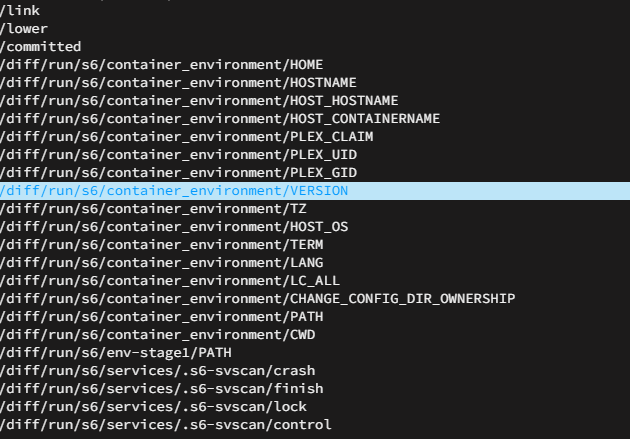
I thats my normal mover time (3am), but the mover keeps hanging up after/while the mover was/is running. Only files from "Domains" (from a running VM) and "System" remain in the cache. For test purposes I restarted the system and ran the mover and the same thing happened again. That are the last moved files (/mnt/cache/system/docker/installed/overlay2/... files): And the new diagnostics: unraidserver1-diagnostics-20240602-2216.zip
-
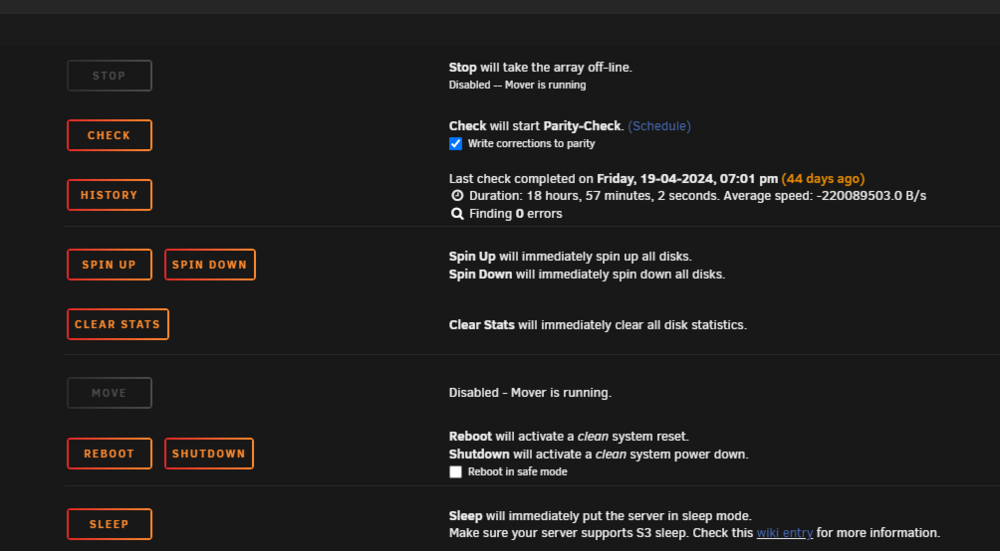
Title says everything. Do not know how to fix the problem. Thanks for helpingunraidserver1-diagnostics-20240602-2106.zip
-
Thanks My pc has been running for two days and everything works fine. I cant say if it was the disabled d.o.c.p. (XMP) mode or a bios downgrade I have made the same day because some usb ports didnt work.
-
CPU: R5 2600X Mainboard: Asus TUF Gaming B450-Plus GPU: Asus ROG RX 570 RAM: 2x8GB 3000MHz G.Skill Ripjaws V DDR4 My Unraid PC goes automaticlly into a 'energy saving mode' after some time. In this mode the Power LED is still on but I cant open the Unraid Web GUI from another PC and I cant turn it normaly off (a short push on the power button). I need to make a hard pc shotdown (a long push on the power button). After I turned the PC back on I could normaly use Unraid and everything works. I have already set power supply idle control to typical current idle and disabled global c-states in the bios. Does anyone have an idea how to fix this problem? Thanks unraidserver1-diagnostics-20220913-1121.zip
