





seedmass
Members
-
Joined
-
Last visited
-
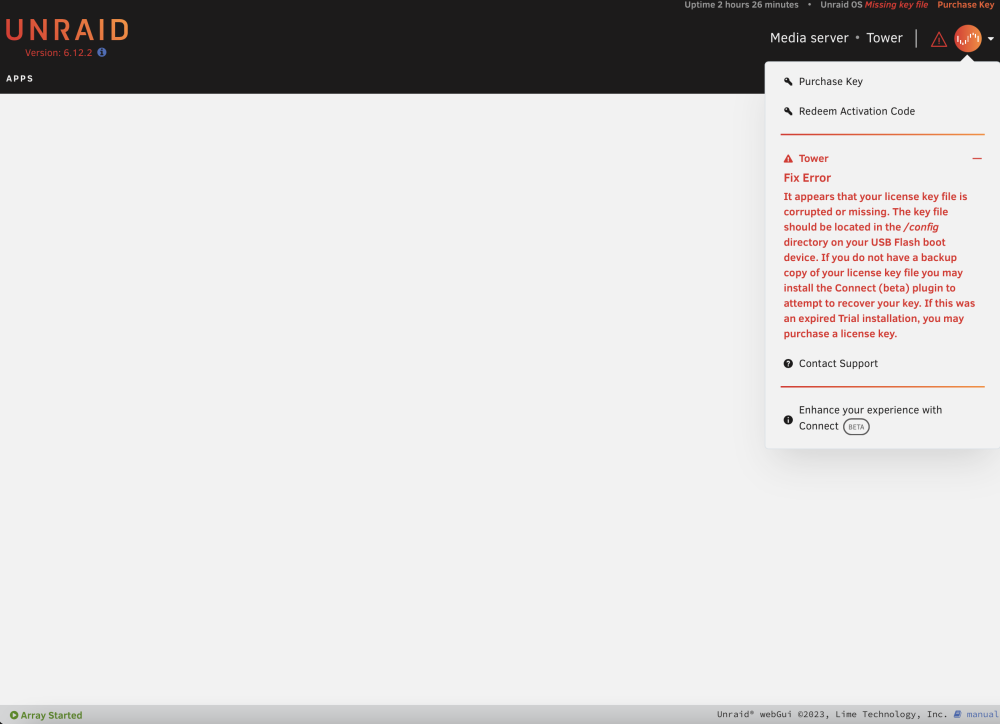
I access my server using a vpn, when opening the UI it shows a blank screen. I was using chrome so I tried safari where it shows it doesn’t have a license. Docker containers are running and im still able to connect to the vpn. Is there a way to restart the server virtually in this state? I have access to the file system, if that helps. Hopefully someone can point me in the right direction. Thanks in advance!

-
YES that worked, thanks! Not sure why this is not mentioned anywhere.
-
I recently bought two new drives: 8 TB Western Digital Red 8 TB Seagate Iron Wolf After stopping the array adding new WD drive to parity slot and Seagate to disk 2. It wont let me start the array it says "Stopped. Invalid expansion." I only had 1 x 8TB Seagate Iron Wolf Pro in disk 1 and a 500GB SSD for cache. Any help would be much appreciated! Unraid: 6.9.2 CPU: i5 6500 Motherboard: Asrock Z170A-X1/3.1 GPU: 1060 RAM: 32GB (NEW previously 8GB) Parity: 8 TB Western Digital Red (NEW) Disk1: 8 TB Seagate Iron Wolf Pro DIsk2: 8 TB Seagate Iron Wolf (NEW) Cache: 500GB Crucial MX500 Plugins: Fix Common Problems CA Auto Update Applications Community Applications Dynamix SSD TRIM Dynamix WireGuard Nvidia Driver Unassigned Devices Unassigned Devices Plus User Scripts tower-diagnostics-20220831-2323.zip

