





DevLuke
Members
-
Joined
-
Last visited
-
I tried to reproduce the error again before updating, but couldn't.
-
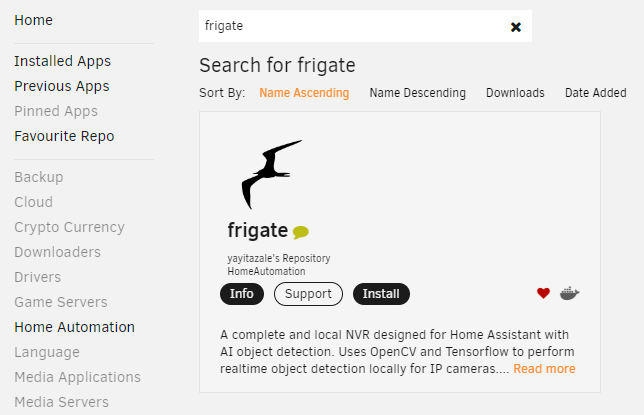
To update on this, removing the app from Previous Apps stops this. So it is partially caused by that. I noticed that the 'tile' said "actions" in place of "install" in the attached screenshot.
-
Hi all, A very strange set of circumstances for this one. I'm running Unraid 6.11.0 Community Applications 2022.09.26 When I look on the Apps page within Unraid at any results page with the app frigate, a javascript alert box appears with the text: Fatal error during get_content TypeError: actionsContext.forEach is not a function So it happens on the Recently Added page, as well as the Home page (it appears more than is visible is loaded into the Recently Added section). It'll also happen if you search for frigate, or go to the second page of the Home Automation category. I had installed frigate, and then uninstalled it trying to diagnose this issue, but it still happened. It definitely didn't happen when I went to install it the first time.

