RhythmicCarnage
Members
-
Joined
-
Last visited
Everything posted by RhythmicCarnage
-
https://openstreamingplatform.com/ It runs in Ubuntu 22 so I'm unsure of how to link it like that is all.
-
So basically I have to somehow route my /var/www folder in the VM to an unRAID disk share? How do I do that?
-
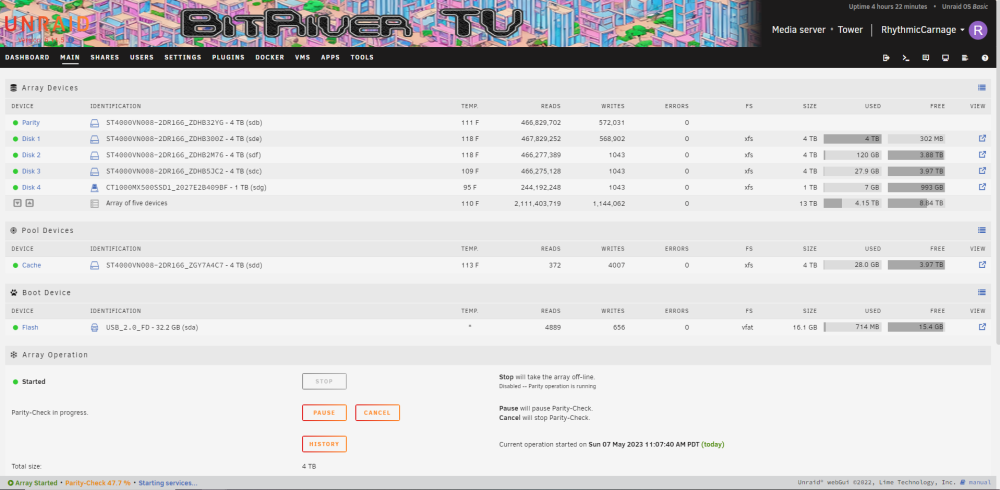
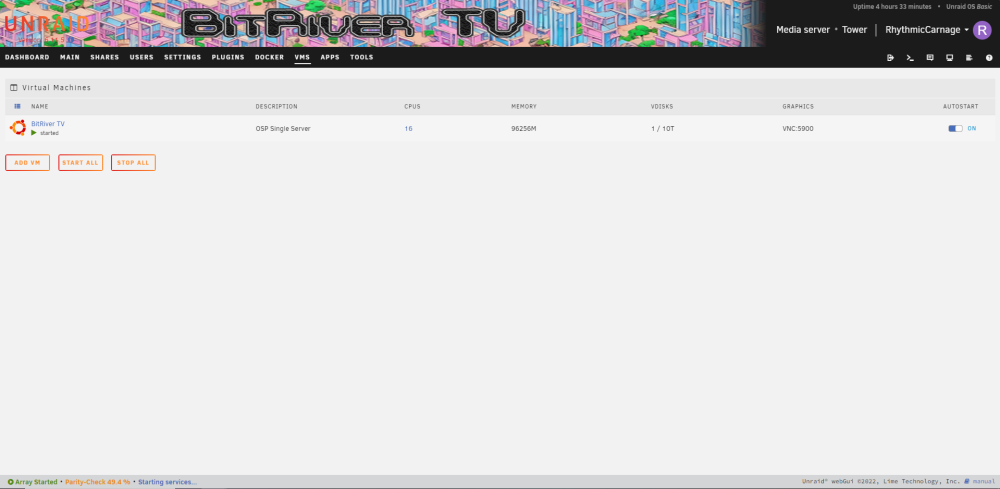
Hello, before I begin I would like to thank you for taking the time to read this. The Project I am using unRAID to host an Ubuntu VM running Open Streaming Platform, which is an open-source video website in a box basically. I also have a Valheim and a NPM docker node running which provides something to game on for my audience and routing/certs for HTTP and HTTPS. The goal when starting out with this project in April 2022 was to create the largest VM I could and then let it fill up with user VODs from the OSP software. The Issue Today I woke up to see the following stats from my unRAID dashboard... Disk 1 = 4TB/4TB full Ubuntu VM Paused So I start Googling and find some discussions on here about Disks can't split a VM img file and now I'm concerned that I have misconfigured the array and VM for what I want. I added a cache disk out of my second parity disk but I don't think the mover is taking anything from the VM and spreading it out. I'm not sure how to handle this... Thoughts? tower-diagnostics-20230507-1524.zip