einsteintower
Members
-
Joined
-
Last visited
Everything posted by einsteintower
-
Unraid Version: 6.11.1 2022-10-06 Installed Plugins: Fix Common Problems, CA Mover Tuning, Community Applications, Dynamix Local Master, Tips and Tweaks, Unassigned Devices, Unassigned Devices Plus M/B: PEGATRON CORPORATION 2ACF Version 1.03 BIOS:AMI Version 7.23 CPU:AMD A8-3800 Memory:8 GiB DDR3 Kernel:Linux 5.19.14-Unraid x86_64 OpenSSL:1.1.1q I've been attempting to begin using Adobe Bridge 2023 (Version 13.0.0.562) on Windows to manage my photo library, with the processed and unprocessed image files stored on my Unraid server. Accessing and viewing images, as well as opening them in other software as needed, all seems to be working pretty well. The problem occurs when attempting to assign keywords within Bridge to individual jpegs. I can check three keyword boxes before the program freezes. After 20 or so seconds, I can check another three keyword boxes, or the program will have to be force-quit and restarted. Checking the log shows (for each file I've attempted to assign keywords to): Oct 29 17:38:08 Tower smbd[16613]: [2022/10/29 17:38:08.511157, 0] ../../source3/smbd/files.c:1193(synthetic_pathref) Oct 29 17:38:08 Tower smbd[16613]: synthetic_pathref: opening [2019/fictional national park/ny1920 (19 of 42).jpg~RFe5ac526.TMP] failed In my completely inexperienced reading of things, Bridge seems to be using a .TMP to write the keywords to the image file, and something about how that .TMP is being handled on the server is causing the process to not work as it should. I think it's worth pointing out that this doesn't happen with files stored locally on the machine. Let me know if there's any further information needed to figure this out, or if I'd be better off harassing Adobe's support service instead. Thanks! tower-diagnostics-20221029-1746.zip
-
Hahaha yep! That'd do it. Please see previous noob comment. It's working now. Thanks! I'm really excited to try it out.
-
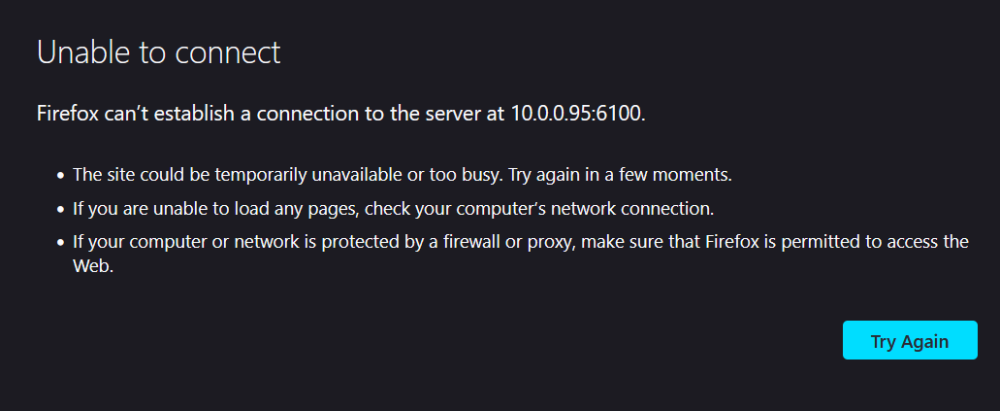
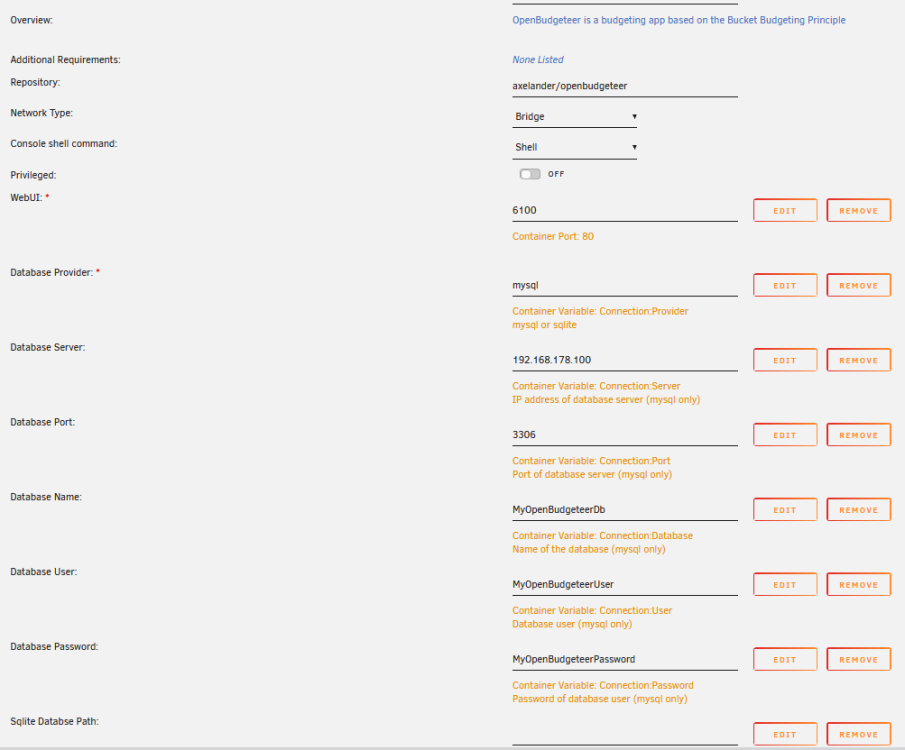
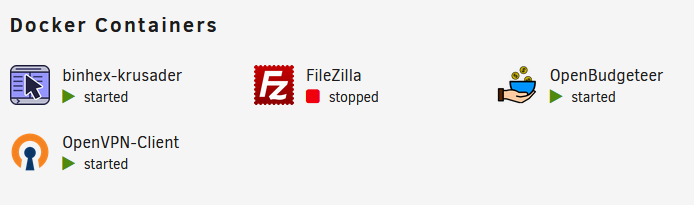
Hi, install went fine as per GitHub instructions, seems to run, but I can't get the webui to open. I've tried reinstalling, but past that point I'll admit I'm a complete novice and have no idea what I need to do in way of troubleshooting. Attached everything I think you should need, but please let me know if you'll need anything else. Thanks in advance for any help you can offer. unraid-ob-e2 - Copy.pdf