Wanna
Members
-
Joined
-
Last visited
-
topic can be closed ... i did not find a solution to the problem mentioned above. but i found a very easy solution with pfsense to route traffic from some specific ip's over a openvpn gateway to my vpn provider. way easier then doing vpn stuff in the docker containers itself.
-
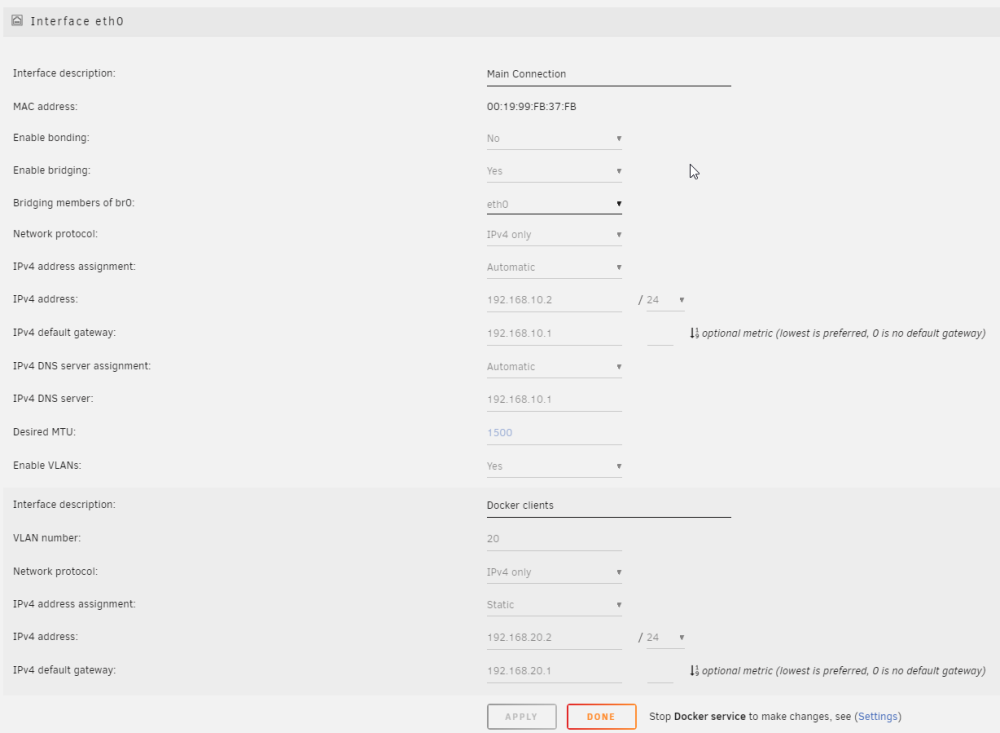
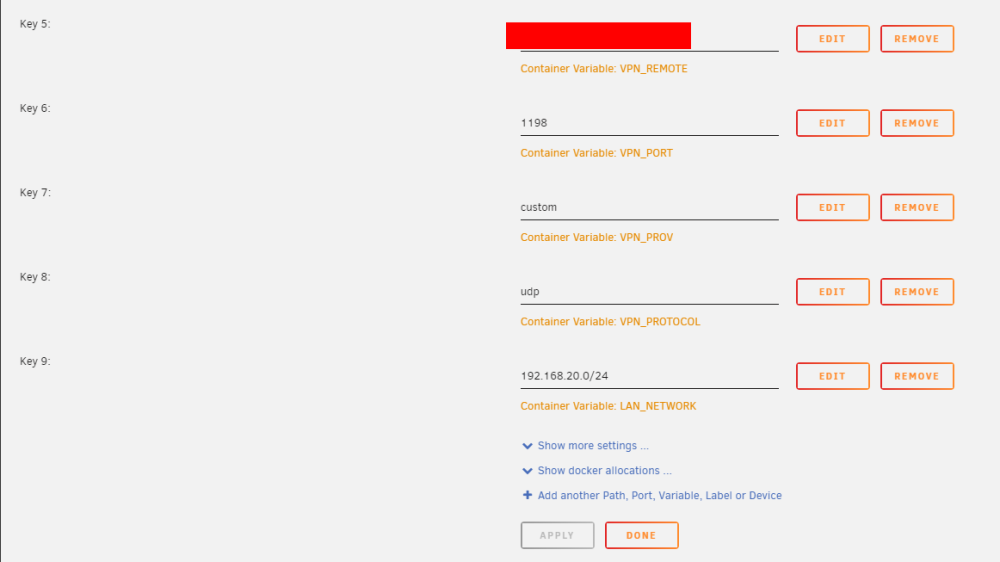
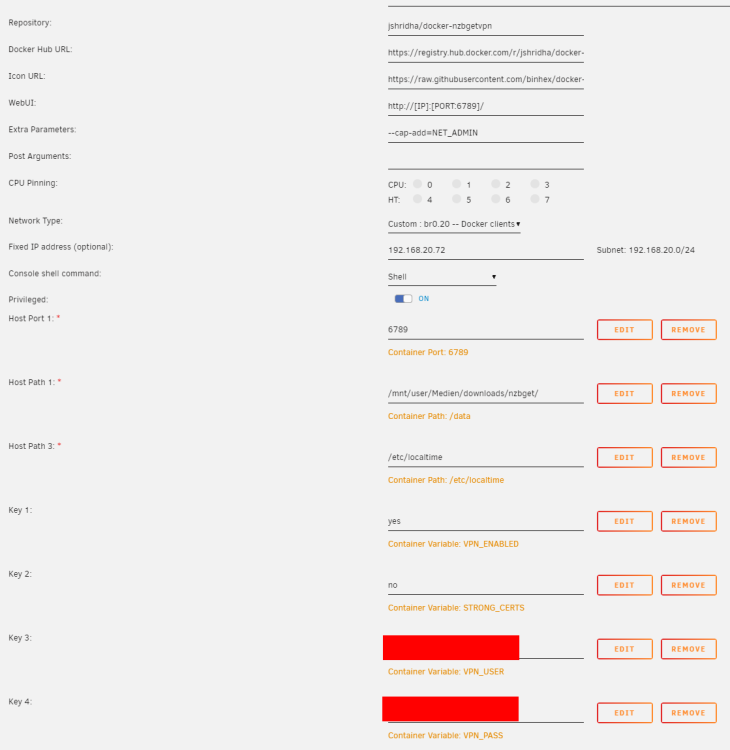
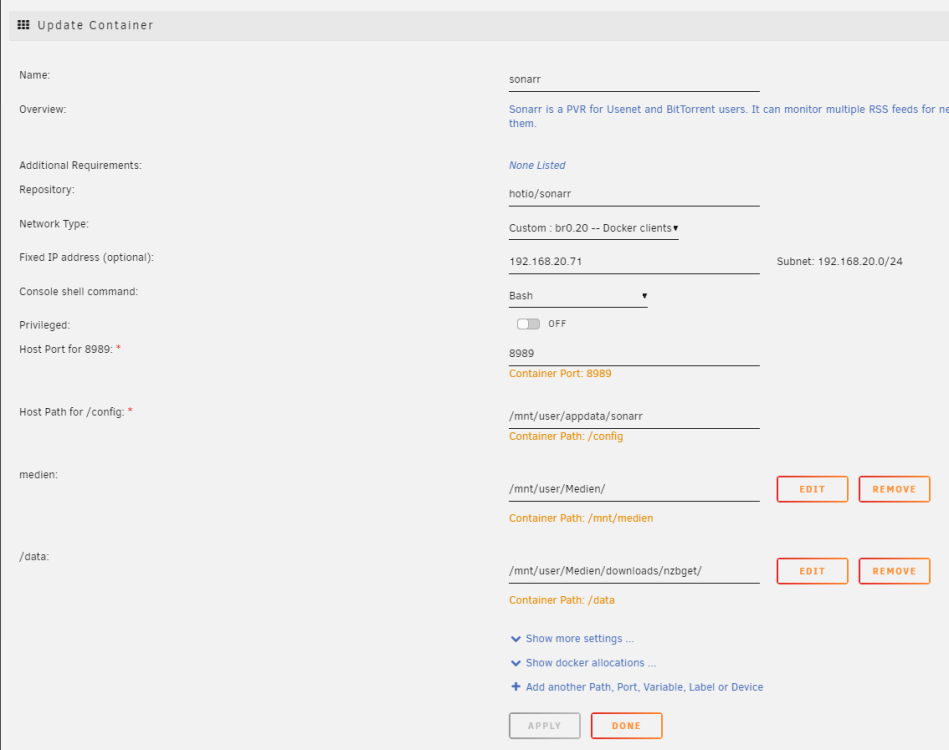
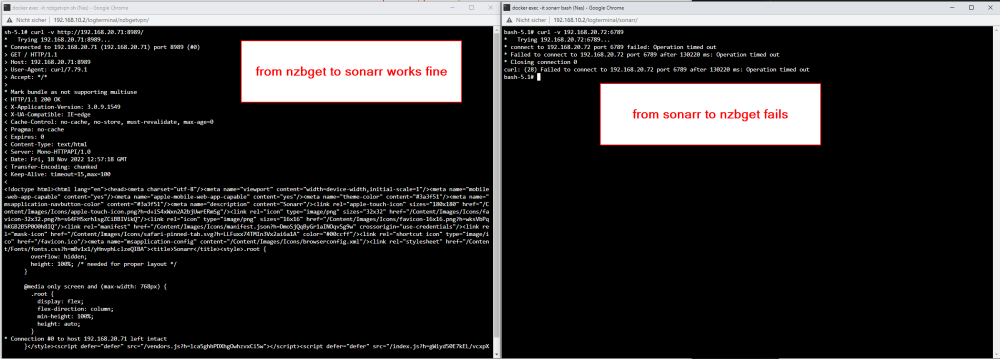
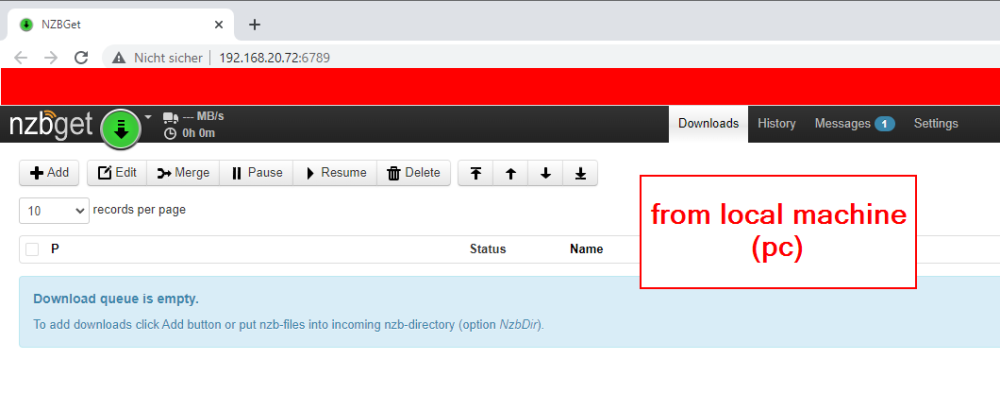
Hi, I am in despair. I have a pfsense router since yesterday. Since then, unfortunately, I can not get my docker on unraid to run as it worked before. Somehow nzbgetvpn can talk to sonarr but sonarr can't talk to nzbgetvpn. Where do I need to search for the error? Ist it a wrong configuration of the docker containers? I currently cannot think of an error in the pfsense config. also from my local machine (pc) connection to nzbgetvpn is possible: My unraid server is running with this config: (192.168.10.0/24 is VLAN 10 / 192.168.20.0/24 is VLAN 20) Here is the config of sonarr: Here is the config of nzbgetvpn: I am thankful for any hints how next steps of troubleshooting will look like. Cause I don't know how to proceed anymore Thanks in advance ----------------------------------------------- Edit: 2022-11-18 wenn ich beide in ein eigenes Docker network packe, dann klappt die Kommunikation. Ich will die beiden aber eigentlich nicht auf der Host Ip laufen lassen sondern ich hätte gerne, dass jeder Container seine eigene IP hat.