Maxver
Members
-
Joined
-
Last visited
-
The controller is working as well. I inserted it in to the PCI-E4 slot (Gen3, x16) on MSI Z690-A DDR4 Motherboard and the 10TB disk is visible in the Disk Management in Windows 10, without any driver installation. Pretty much plug and play on my desktop computer.
-
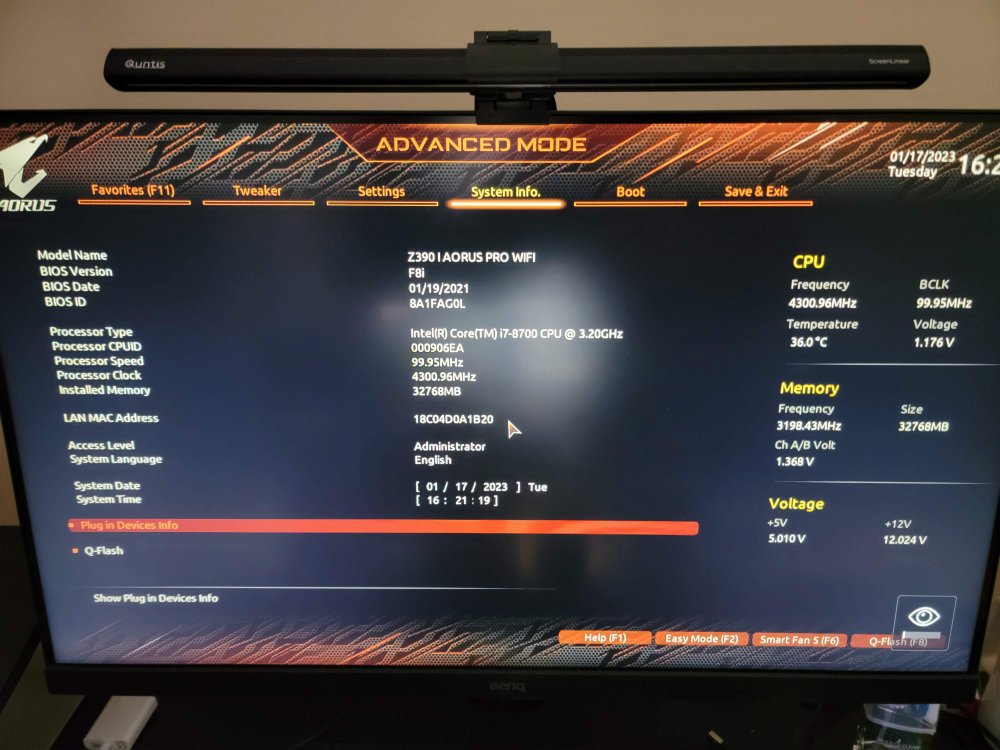
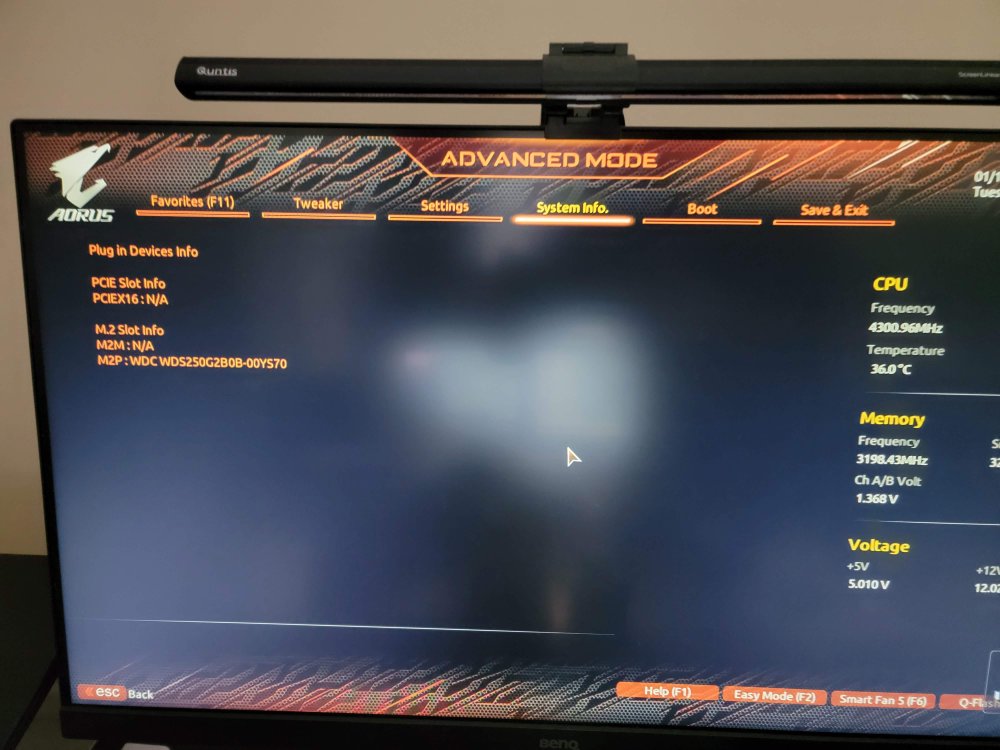
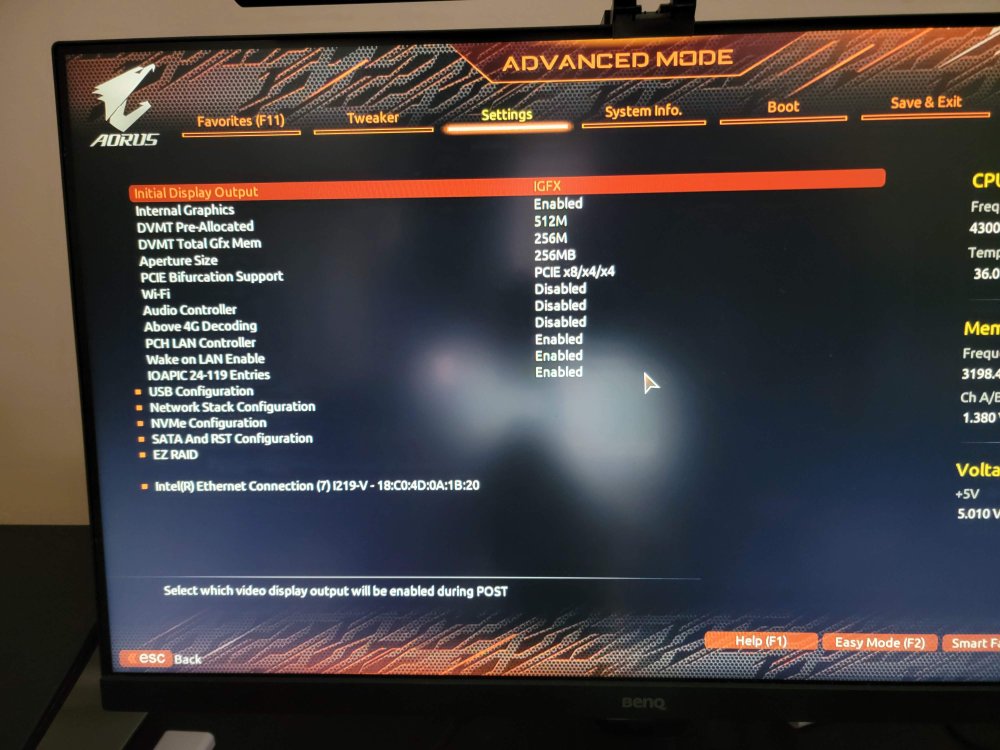
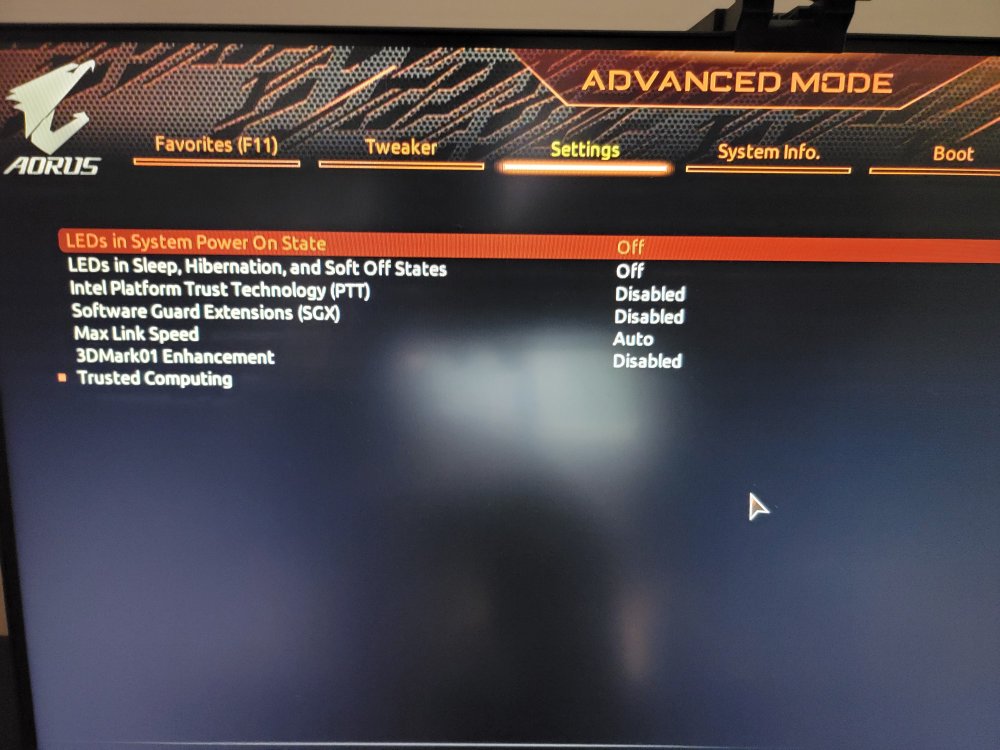
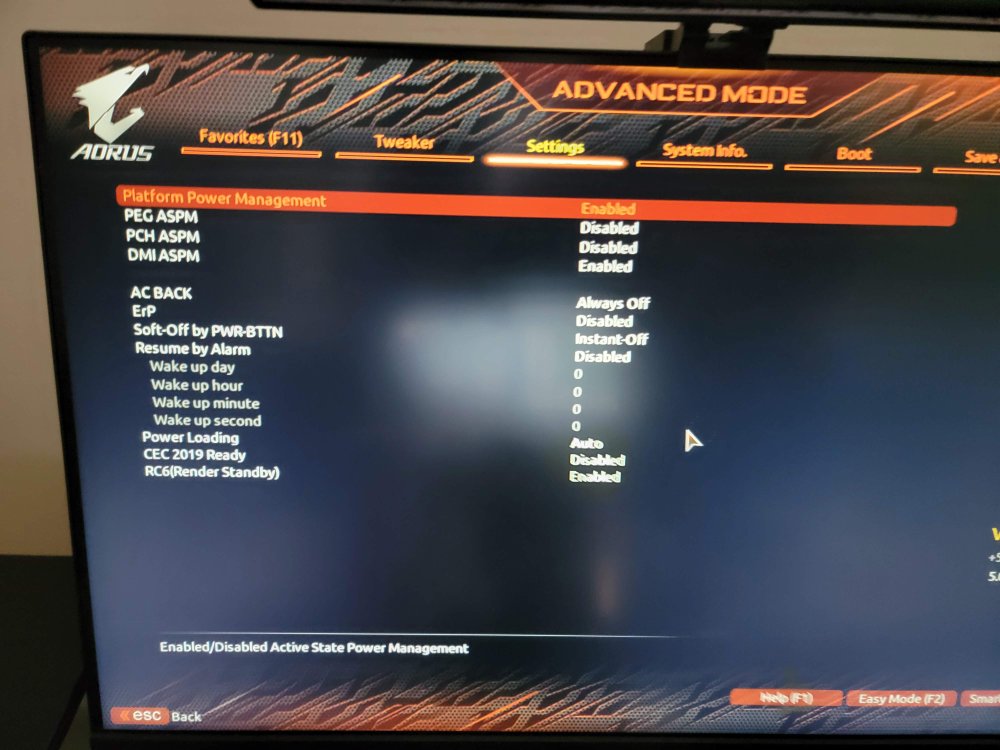
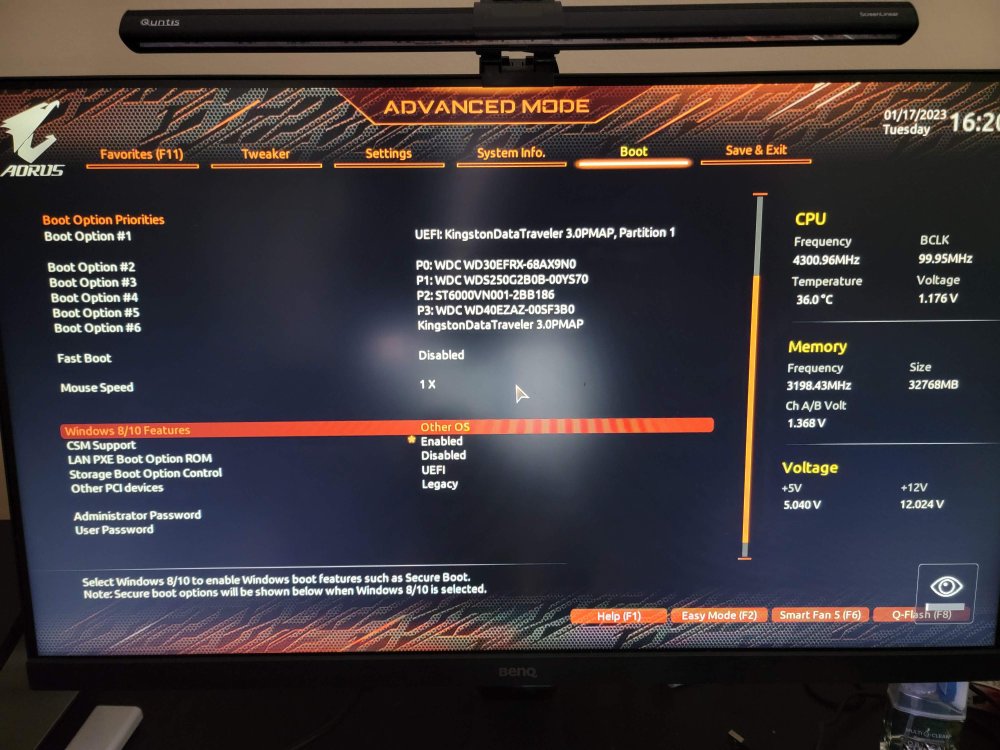
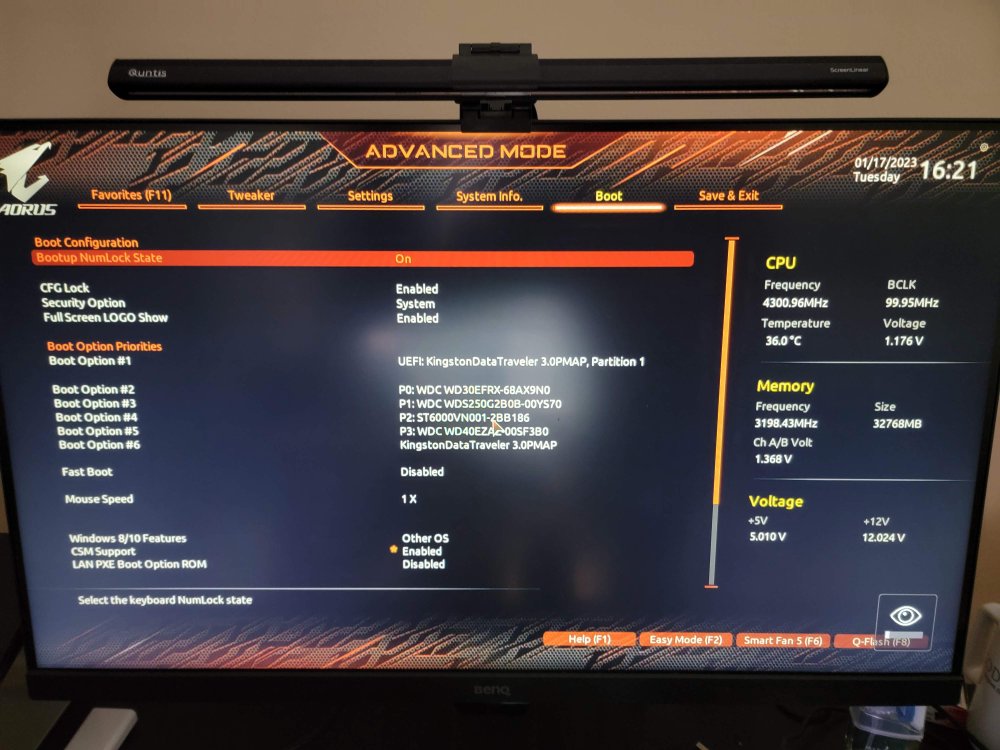
Hi, In short summary, my ASMedia 1064 (SI-PEX40156) cannot be recognized by my system, neither in BIOS or in Unraid. I tried changing various different settings and going through manuals but no luck. CPU i7-8700 Motherboard: Gigabyte Z390 I AORUS PRO WIFI (rev. 1.0), bios F8i https://www.gigabyte.com/Motherboard/Z390-I-AORUS-PRO-WIFI-rev-10/support#support-dl-bios PCI-E Card: ASMedia 1064 (SI-PEX40156) (4 ports), inserted into PCI-E 3.0 X16 slot https://www.sybausa.com/index.php?route=product/product&product_id=1062 RAM: 32GB 3200MHz Disks: 1 SSD M2P, 3 HDD's through SATA on the motherboard I have another card, SI-PEX40064 (Marvell 88SE9215) that I tried using, but no luck, so I purchased the ASMedia one. Through the PCI-E Card, I tried to connect 10TB drive, as well as 3TB drive (WD Red, Blue). It was not shown in the Unraid disk selection and the PCI-E x16 slot in BIOS shows as there's nothing connected there. I tried various settings, such as PCIE bifurcation to 8x/x4/x4 instead of x16, legacy boot compatibility instead of UEFI etc. I can definitely confirm that the PCI-E 3.0 X16 slots works, as I had a graphics card there previously. The disks are functional as well. The PCI-E SATA Card LED's do light up during boot and then only one of them stays on (Power I think), none of the other ones are blinking. Does anyone has any suggestions on why is it not showing up? Is the motherboard the issue and doesn't allow PCIE x1 devices? media-diagnostics-20230117-1020.zip