Desvio
Members
-
Joined
-
Last visited
Everything posted by Desvio
-
Uninstalling the mover tuning plugin did it. Thanks JorgeB!
-
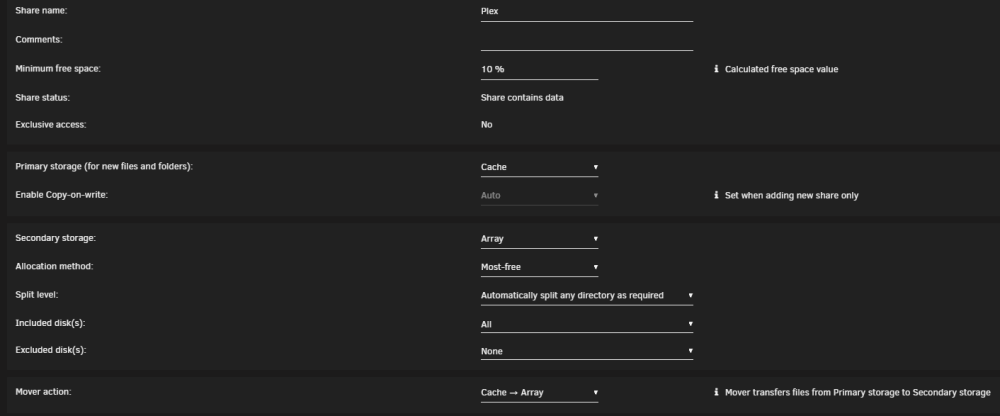
My Plex share doesn't seem to be moving from the cache to the array. I've been running unraid for less than a year. I'm not sure move has ever worked via the scheduler. I have been able to hit the move button from time to time, but that doesn't seem to work any more either. I'm running 6.12.3 and I currently have the mover action set to Cache -> Array. In the last week I've tried: Enabling/disabling/updating the Mover Tuning plugin Shutting down VMs and Dockers Rebooting the server Setting primary storage to array only The Move Now button for the share and various combinations of the above. I'm not sure where what to try next so I thought I'd get another set of eyes on my settings. I've attached a screenshot for the plex share and the diagnostics file. Thanks for any insight you guys can offer. 8300nas-diagnostics-20230822-1833.zip