Skip to content
View in the app

A better way to browse. Learn more.

Unraid

A full-screen app on your home screen with push notifications, badges and more.

To install this app on iOS and iPadOS
  1. Tap the Share icon in Safari
  2. Scroll the menu and tap Add to Home Screen.
  3. Tap Add in the top-right corner.
To install this app on Android
  1. Tap the 3-dot menu (⋮) in the top-right corner of the browser.
  2. Tap Add to Home screen or Install app.
  3. Confirm by tapping Install.

noir

Members
  • Joined

  • Last visited

  1. 我的也是,不知道为什么
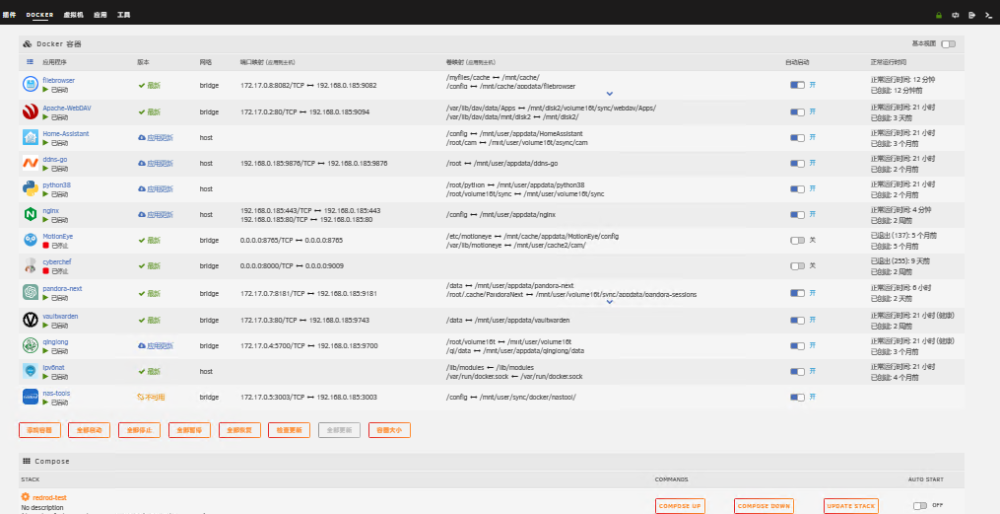
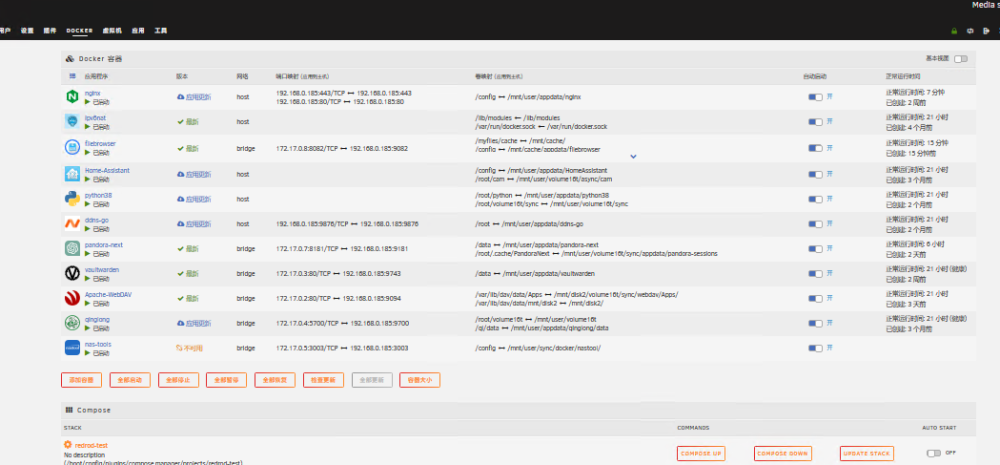
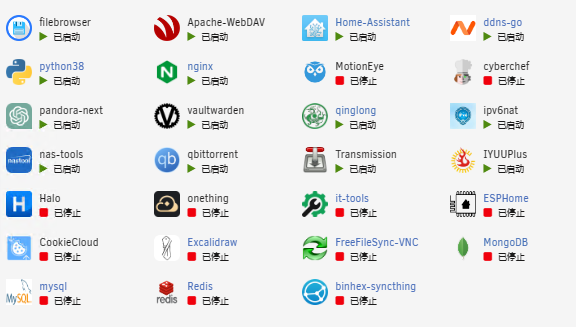
  2. docker容器拖拽排序后刷新页面,容器顺序会随机打乱,并且在docker页面显示不全(固定仅显示11个) 首页概况中显示了所有容器 但docker页面中仅显示11个,而且偶尔会再次随机打乱,但是同样还是仅显示11个 重启后恢复正常
  3. 一开始我所有虚拟显卡全勾,可以正常运行,后来我想尝试给多个虚拟机分配虚拟核显,就变得突然用不了,重复卸载安装了很多次,终于解决,实测可以给多个虚拟机直通虚拟核显,并且同时生效
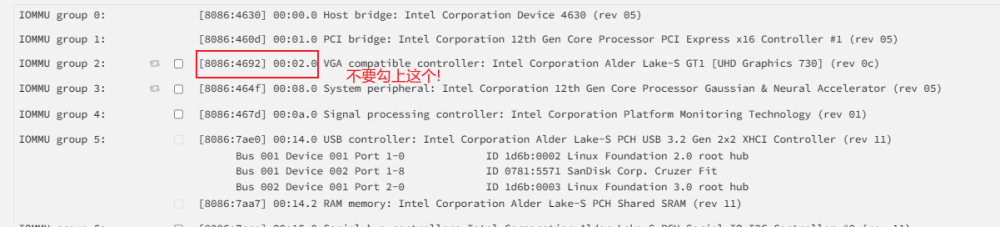
  4. 感谢大佬的插件,我来分享一个我遇到的问题,我安装插件以后勾上了出现的所有显卡,重启以后另外两个虚拟显卡消失,只剩00:02.0这个显卡,翻了帖子以后反复排查,最后怀疑直通了原始核显导致无法虚拟出其它核显,取消后不勾上原始核显解决!!
Account

Navigation

Search

Search

Configure browser push notifications

Chrome (Android)
  1. Tap the lock icon next to the address bar.
  2. Tap Permissions → Notifications.
  3. Adjust your preference.
Chrome (Desktop)
  1. Click the padlock icon in the address bar.
  2. Select Site settings.
  3. Find Notifications and adjust your preference.