Skip to content
View in the app

A better way to browse. Learn more.

Unraid

A full-screen app on your home screen with push notifications, badges and more.

To install this app on iOS and iPadOS
  1. Tap the Share icon in Safari
  2. Scroll the menu and tap Add to Home Screen.
  3. Tap Add in the top-right corner.
To install this app on Android
  1. Tap the 3-dot menu (⋮) in the top-right corner of the browser.
  2. Tap Add to Home screen or Install app.
  3. Confirm by tapping Install.

LewisWen

Members
  • Joined

  • Last visited

  1. 距離有點遠而且是藏牆壁裡的😭不過還是謝啦!!
  2. 請問有什麼檢測的方法可以知道網線的質量呢?
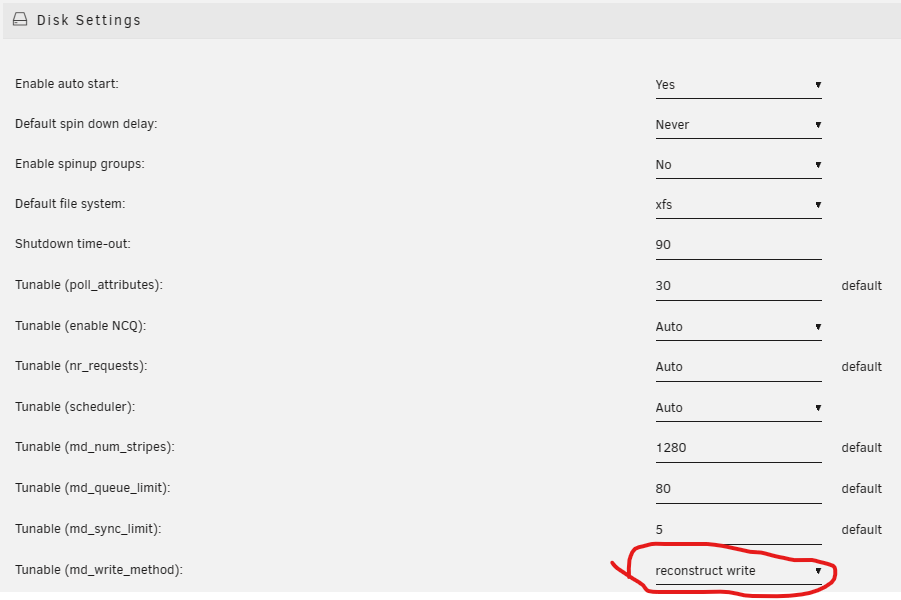
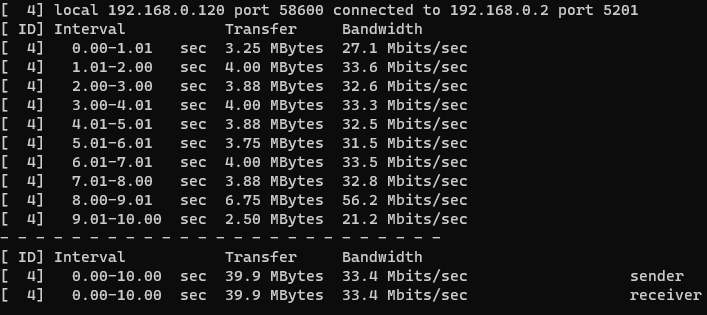
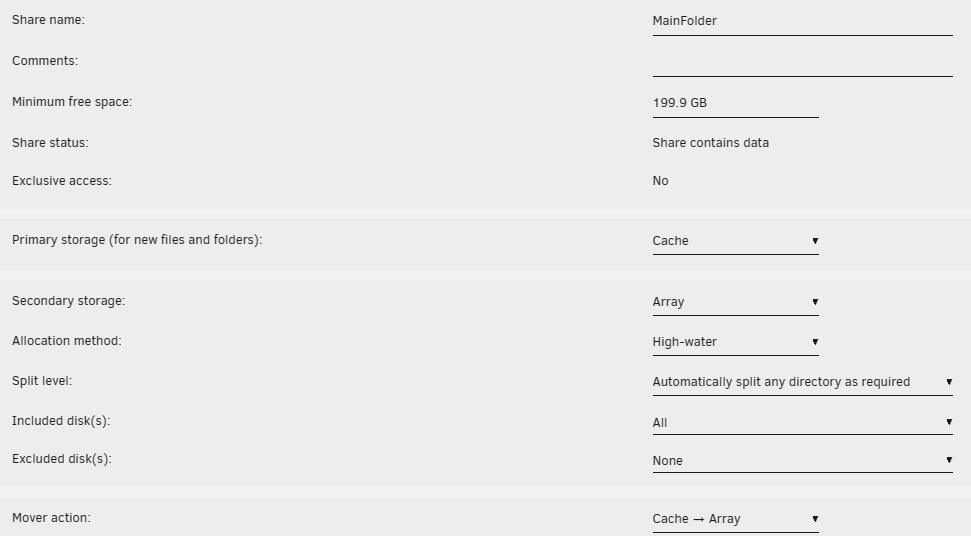
  3. 用了unraid一陣子,感覺真的是滿方便的,但不知為什麼我的內網傳輸速度真的很慢 查閱了其他大老的解決方案都沒有結果,一直卡在10MB/s,在此請教各位前輩 硬體配置: N5105四網孔軟路由 網路配置: 有線電視外網→CABLE數據機→N5105 └無線AP┬終端設備 └有線網路→打遊戲電腦 unraid設定: 一個SSD配置在cache 所有資料會先經過這個pool再進到array 這個cache資料格式是zfs 參考大老設定把寫入模式更改成reconstruct write 但我用這台遊戲電腦連有線網路到軟路由上速度都還是非常慢如下圖 請問各位前輩這還有什麼辦法可以解決嗎
Account

Navigation

Search

Search

Configure browser push notifications

Chrome (Android)
  1. Tap the lock icon next to the address bar.
  2. Tap Permissions → Notifications.
  3. Adjust your preference.
Chrome (Desktop)
  1. Click the padlock icon in the address bar.
  2. Select Site settings.
  3. Find Notifications and adjust your preference.