





magc1987
Members
-
Joined
-
Last visited
-
Yeah but i was trying to find out what the problem was in the HA VM. In any case i just rebuilt a fresh HA VM and just redid everything and will see if this resolves the issue.
-
I am posting the diagnostics here. Is there anything in the diagnostics that can help pinpoint any more problems?channas-diagnostics-20260114-1831.zip
-
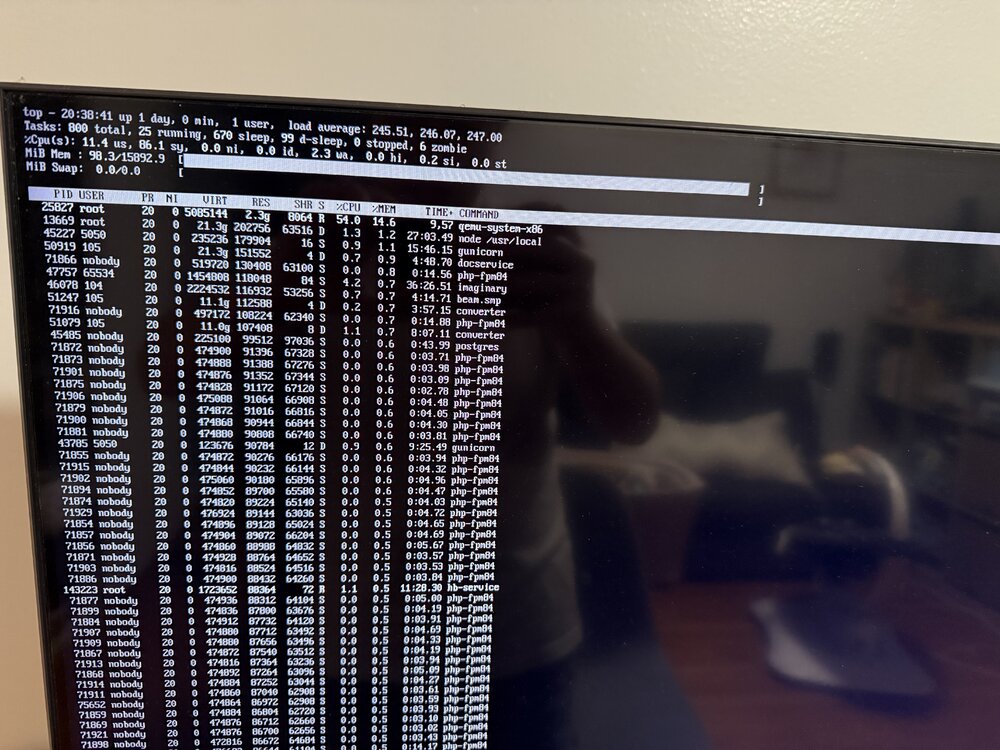
I managed to figure out that it was home assistant VM that was causing all of this.
-
I also managed to get Top up
-
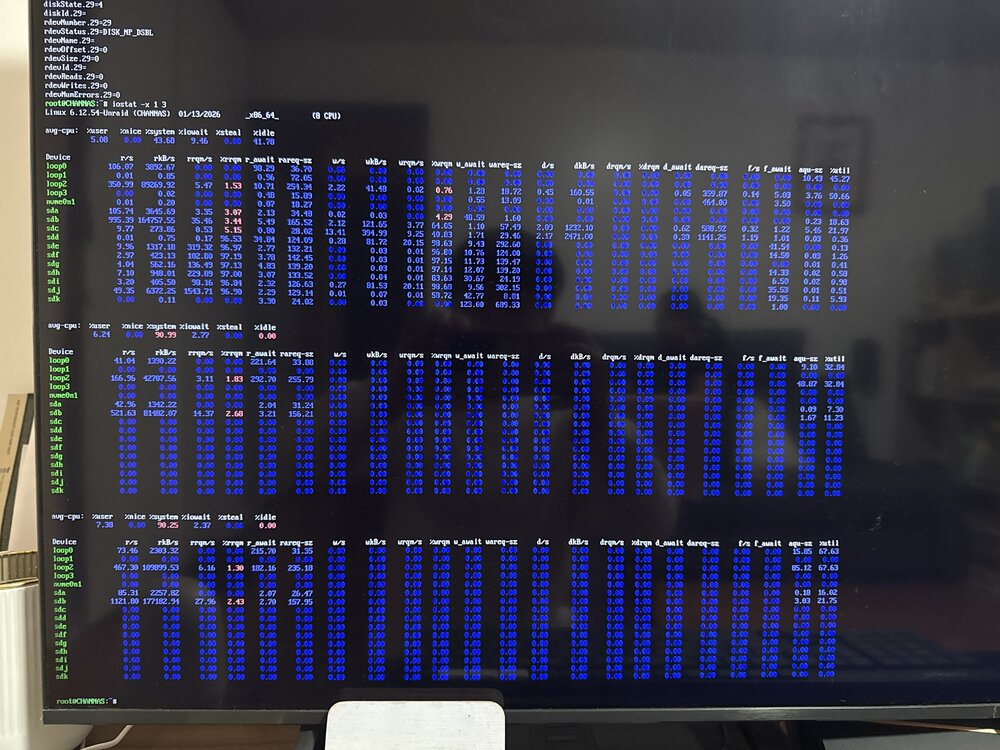
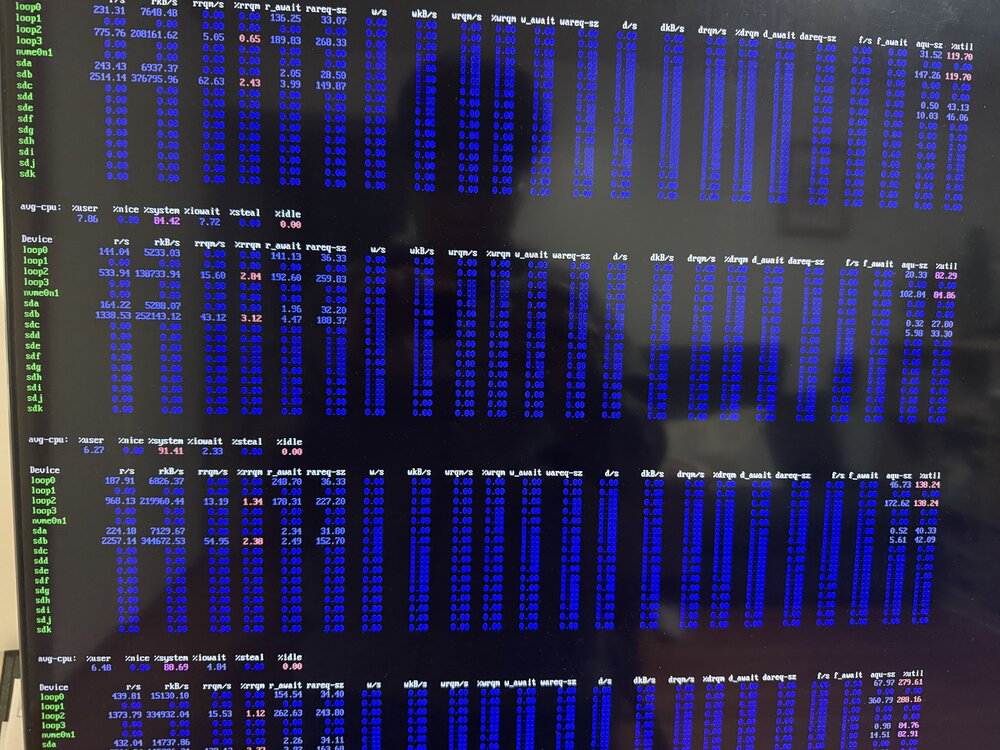
So far. I managed to get access via console. I did iostat -x and got this. Anything else i need to do to get to the bottom of the problem?
-
Any other way to find out? if its like I/O wait or something? i can't get any more diagnostics, cause SSH is unresponsive and the console (with keyboard and mouse plugged in) keeps on looping on enter username. It times out before I can enter a password.
-
Yes i initiated the shutdown hence that log. Here is another log. So yesterday i started a manual parity check parity check finished, but system became unresponsive early morning today. and you can see a switching to runlevel:0 again at jan 12 7:25:36. syslog-192.168.254.20.log
-
The one attached is already from the syslog server. it was able to shutdown on its cleanly. I just can't understand why it would freeze up all of a sudden. I am suspecting IO wait scenario.
-
I have an unraid server I7-7700k 16gb ram using an HBA board: 9207-8i with 8 hdd 2 cache drives using sata SDD I would sometimes get random freezing/stuck up, meaning system becomes unresponsive, cannot access the webui, SSH or even using the local console (attaching keyboard and mouse). the local console would show user login, after typing login, it will timeout in 60 seconds since I cannot input the password. I checked syslogs but cannot really identify the problem. Last night it was doing a parity check then probably a mover move at 3am. when i woke up this morning, the system froze, so did a power button press which logged into syslog correctly at 6:37. 1/11/2026 I am attaching my diagnostics and syslog. channas-syslog-192.168.254.20-20260111-1351.zip channas-diagnostics-20260111-0846.zip
-
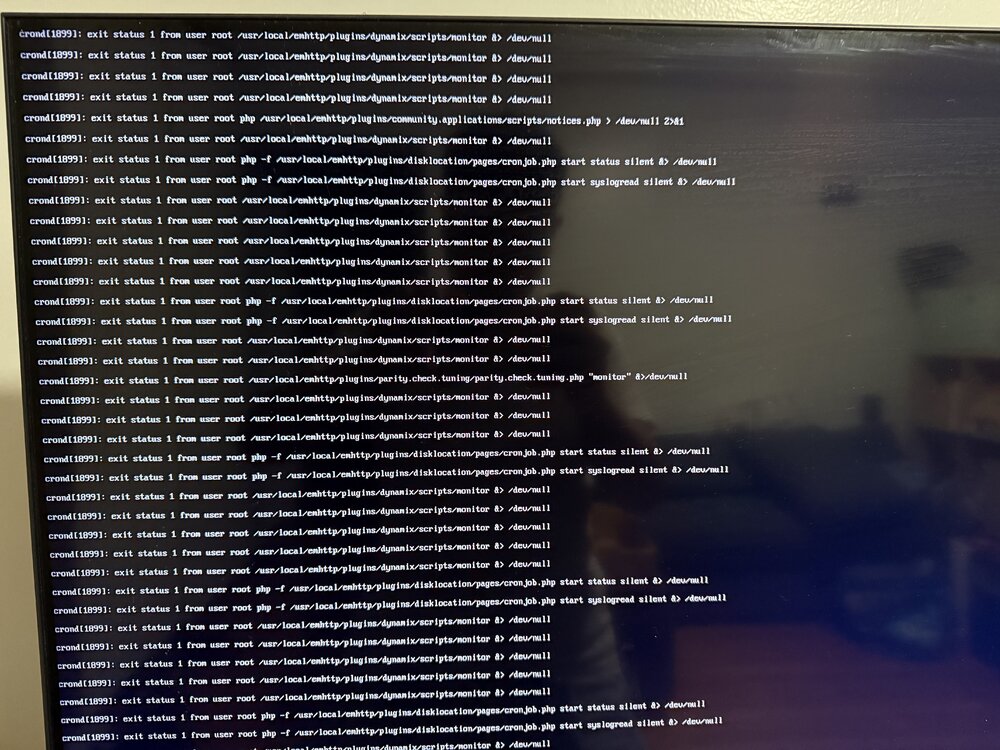
Once I did a hard reset, it was able to boot properly. But the error messages appeared again and now I can't get into my system again. I'm attaching the error messages. I've already uninstalled nerdtools and removed all the files
-
I had to do the hard reboot. Because I can't even login.
-
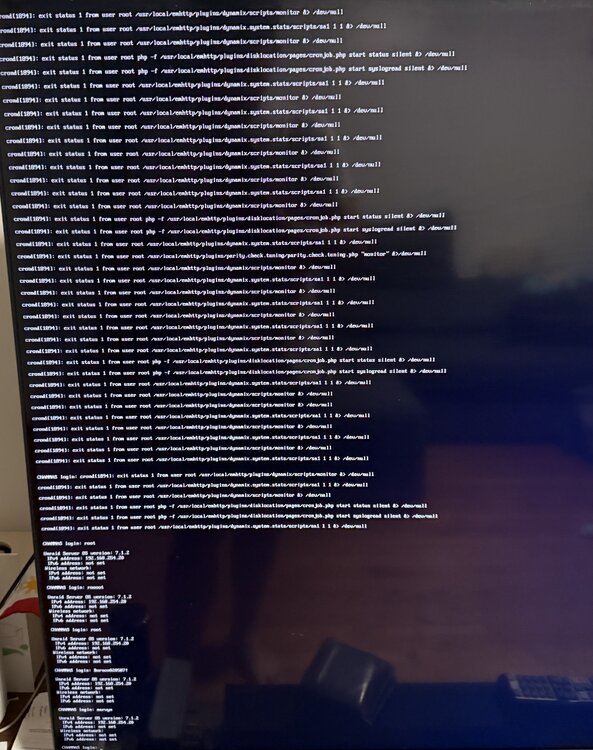
Hi my unraid does a system backup and looks for updates for apps and plugins on Sunday. But i noticed after sunday, the server would usually hang up and stop responding. When I connect UNRAID to a monitor, it doesn't let me login. it just keeps on cycling back on asking for the username. I also see these error messages exit status 1 from user root /usr/local/emhttp/plugins/dynamix/scripts/monitor &> /dev/null exit status 1 from user root /usr/local/emhttp/plugins/dynamix.system.stats/scripts/sa1 1 1 &> /dev/null I've attached the images i also attached diagnostics channas-diagnostics-20250818-2028.zip
-
I decided to downgrade back to 7.0.0 and that fixed the problem. But i'll take your advice and uninstall nerdTools as well.
-
Hi, My unraid system just froze today and I had to manually restart. Upon restarting, the array is stuck at starting array. however if I boot to safemode, it will start up the array. I am attaching my diagnostics, if anyone can give clues to whats causing the issue. Thank you channas-diagnostics-20250513-2039.zip
-
I decided to restore from backup and update to 6.12.3 manually and that fixed the issue.


