JWM22
Members
-
Joined
-
Last visited
-
Hello JorgeB, thanks for your help. That indeed did the trick! I entered in the terminal: echo "blacklist ast" > /boot/config/modprobe.d/ast.conf, and reboorted. And yes, now the screen keeps working. perfect... Thanks!
-
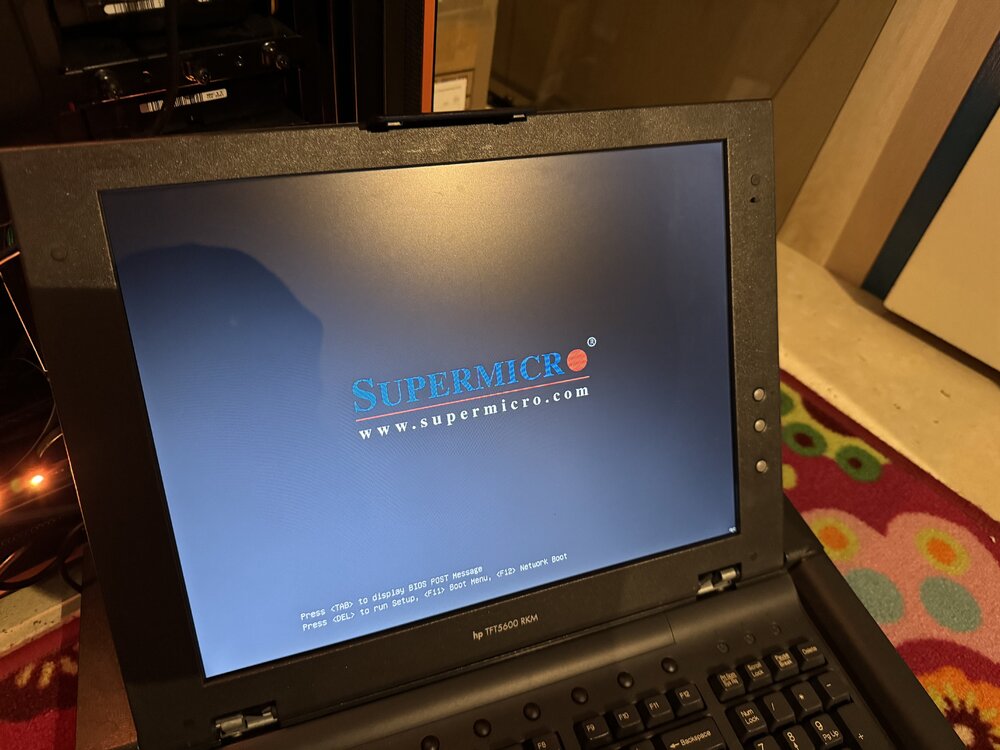
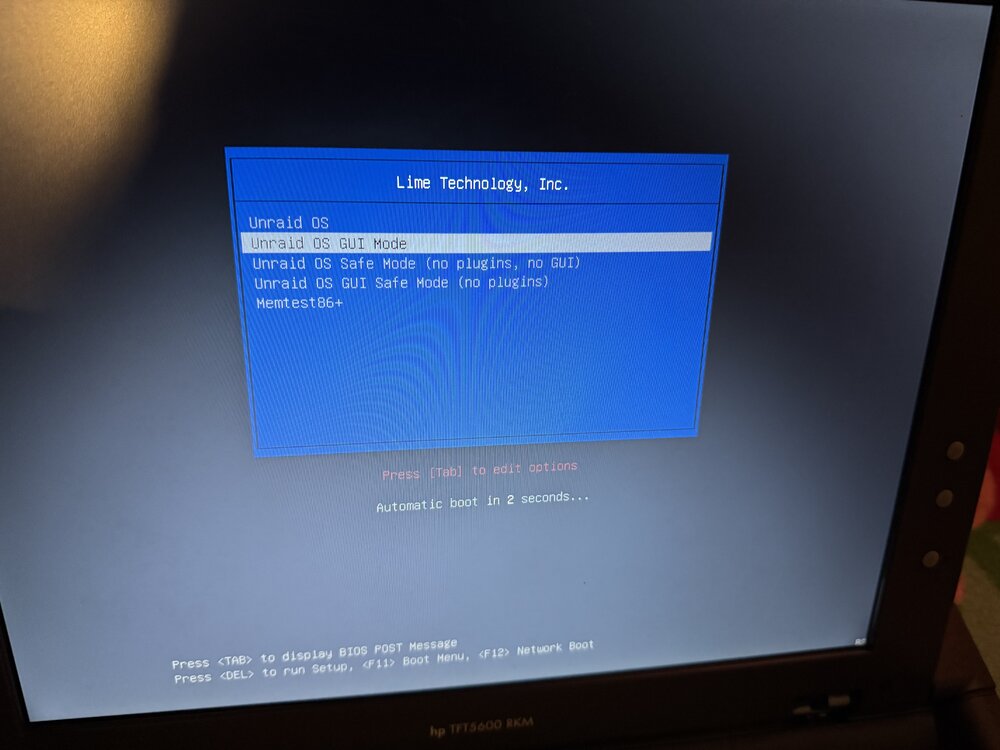
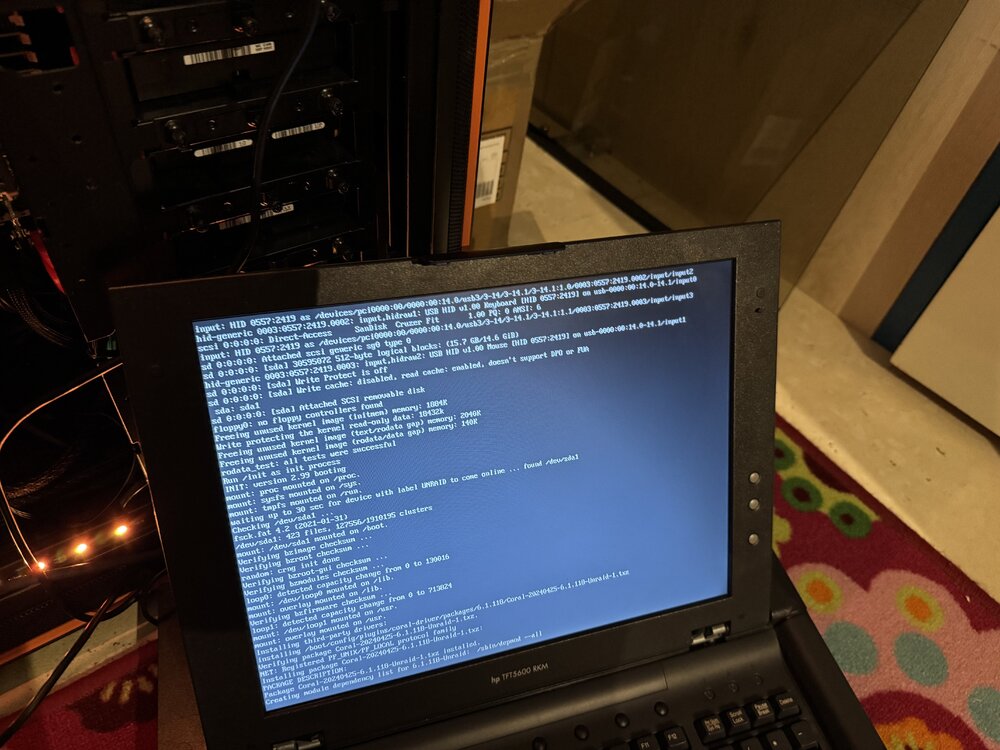
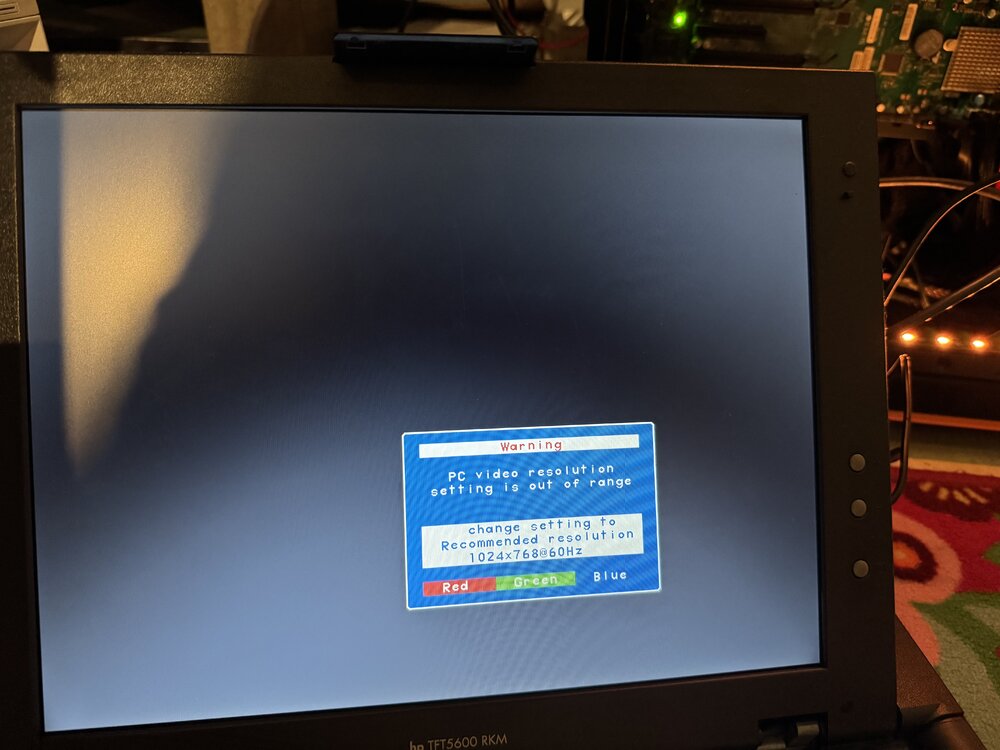
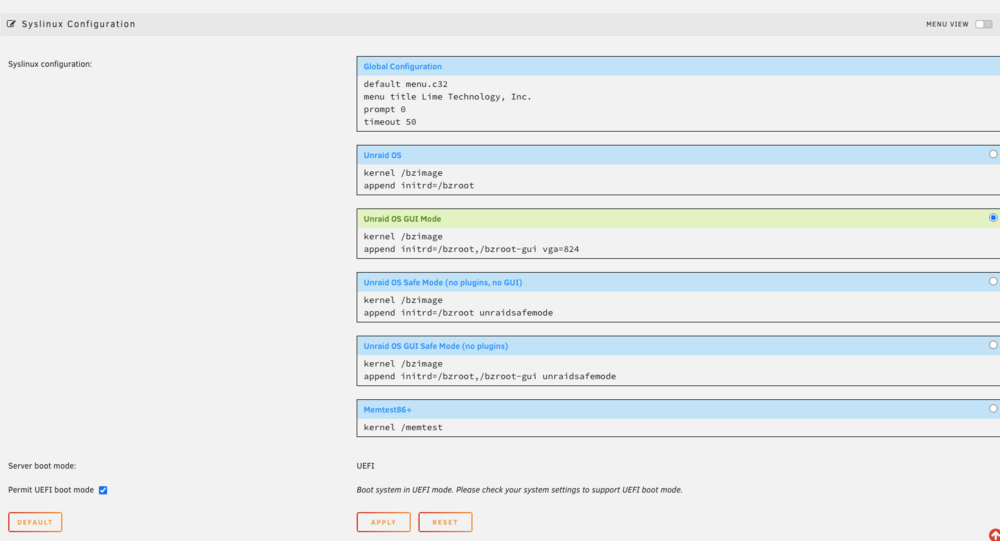
hello everyone, Hope you guys can help me! I have the feeling, I a missing something very obvious, but I just can't figure it out. I recently bought a secondhand KVM Console, an HP TFT5600 RKM from the internet. It's an old one, I know, but it was cheap and it is to build in to my serverrack and just for having a screen and keyboard connected to my server (just in case). And it works fine. However when I start, or reboot my server, the screen works (as show in the images) but once the Unraid OS Gui Mode is selected, it shows the starting proces of Unraid. But then, pretty quickly, goes black. With a message that the pc video resolution is out of range and I have to adjust it to max 1024 x 768. It's an old console, so I have to adjust the resolution to lower then standard. (I suppose) I'v read around on this forum, and it should be straight forward. Add the command "vga=824", to the syslinux configuration. The value '824' comes from this link. (found in this post) So that is exactly what i did (see image) But I keep getting the same message, that video resolution is out of range. What am I missing? Hope you can help me.... Julian (from the netherlands) my system: Supermicro X10DRI-T Motherboard (Aspeed AST2400 BMC) and on-board VGA Unraid 6.12.4 HP TFT5600RKM