Skip to content
View in the app

A better way to browse. Learn more.

Unraid

A full-screen app on your home screen with push notifications, badges and more.

To install this app on iOS and iPadOS
  1. Tap the Share icon in Safari
  2. Scroll the menu and tap Add to Home Screen.
  3. Tap Add in the top-right corner.
To install this app on Android
  1. Tap the 3-dot menu (⋮) in the top-right corner of the browser.
  2. Tap Add to Home screen or Install app.
  3. Confirm by tapping Install.

Altraum

Members
  • Joined

  • Last visited

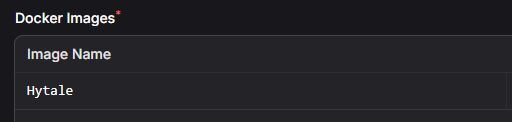
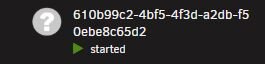
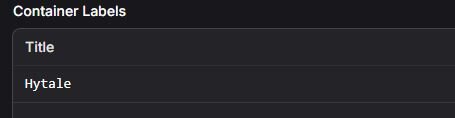
  1. Would need some help regarding the name of the server images being created on Unraid. I recently setup a Hytale server which is running fine, however when looking at its image in Unraid, I can see that its name corresponds to the Server UUID field of the server. Looking at the Environment Configuration of the server, I saw a "Container Labels" section under Docker Settings, thinking that it would be for changing the default UUID name, however it didn't do anything. I also tried the same thing with the "Image Name" field to no avail (both in the Server and the Egg itself). Is there another way to go about this ? Did I miss a step ? Or is this simply not possible ? Thanks in advance for any help provided.
Account

Navigation

Search

Search

Configure browser push notifications

Chrome (Android)
  1. Tap the lock icon next to the address bar.
  2. Tap Permissions → Notifications.
  3. Adjust your preference.
Chrome (Desktop)
  1. Click the padlock icon in the address bar.
  2. Select Site settings.
  3. Find Notifications and adjust your preference.