PredatorVI
Members
-
Joined
-
Last visited
Everything posted by PredatorVI
-
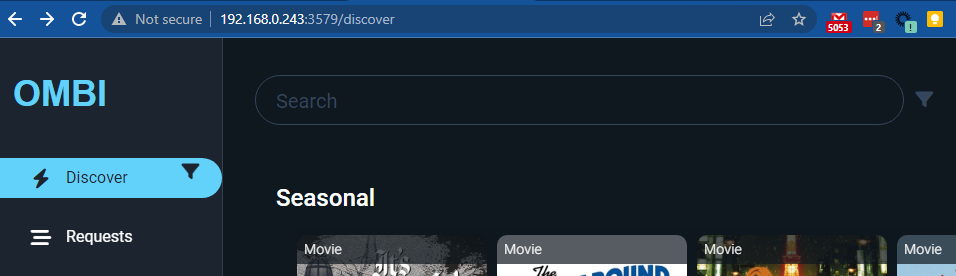
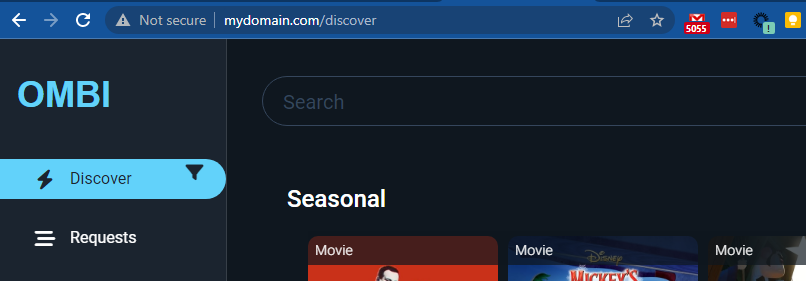
[Edit] I forgot to mention I'm running Unraid Version: 6.11.5 (Trial: 8 days left) I'm new to Unraid and new-ish to docker and am seeing this as well from what I can tell. I'm hoping if I try to explain it, the solution will present itself . My setup is currently as follows: Unraid Server IP: 192.168.0.243 Nginx Proxy Manager docker container (unraid hosted): Network type: Custom:br0 Static IP: 192.168.0.253 Listening ports: 192.168.0.253:443/TCP <--> 192.168.0.253:443 192.168.0.253:80/TCP <--> 192.168.0.253:80 192.168.0.253:81/TCP <--> 192.168.0.253:81 Ombi docker container (unraid hosted): Network type: Host (unraid) Listening ports: 192.168.0.243:3579/TCP <--> 192.168.0.243:3579 According to this configuration, if I browse to the Unraid server IP using the Ombi port at http://192.168.0.243:3579/ I should be able to see the Ombi application. This in fact does work: For this test now, I've configured my local /etc/hosts file to resolve mydomain.com to the Unraid IP: I now I want Nginx to redirect this domain using HTTP to the Ombi service. On Nginx I have the following proxy host: Given Nginx-Proxy-Manger is running at 192.168.0.253 and listening on ports 80/443, I would think that going to http://mydomain.com/ would redirect to Ombi at http://192.168.0.243:3579. However, this returns a 502-Bad Gateway: If I change the Ombi container's Network type to Bridge, the port mapping looks as follows: 172.17.0.2:3579/TCP <--> 192.168.0.243:3579 I can still hit Ombi directly at http://192.168.0.243:3579, but still get a 502-Bad Gateway going through Nginx-Proxy-Manager. I also tried using the Ombi container's internal Nat IP 172.17.0.2, but I eventually get 504-Gateway Time-out (I expected this to fail). The only way it works for me is if I change the Ombi container Network type to be "Custom:br0" with static IP 192.168.0.210. Now http://mydomain.com works just fine! Can anyone explain why Nginx-Proxy-Manager won't redirect to the Unraid server IP+Ombi port even though the application works fine when hit directly? Thanks so much!