matthewb
Members
-
Joined
-
Last visited
Everything posted by matthewb
-
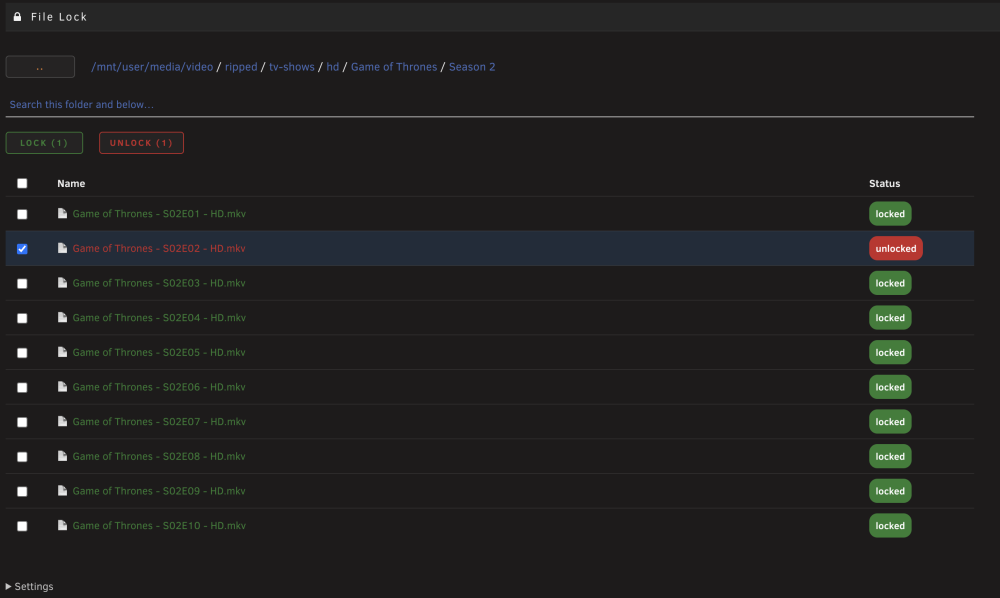
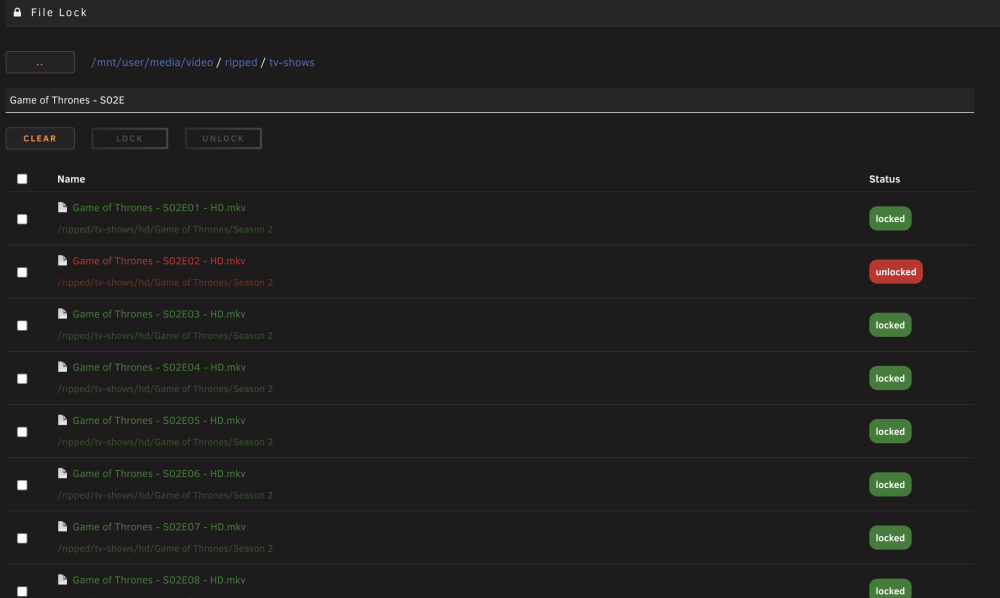
An easy-to-use interface that helps you add and remove the immutable attribute to files. Immutable files, hereafter referred to as locked files, cannot be moved, renamed, modified, or deleted by any user, including root, or system daemons without first having their immutable flags removed. Files without an immutable flag are hereafter referred to as unlocked files. Locking and unlocking files, which is typically performed via the standard Linux chattr program, is tedious to do in unRAID due to the fused file system. For instance, locking the file /mnt/user/appdata/path/to/file isn't directly possible; the program requires the path to the file outside of the context of the fused filesystem: /mnt/disk4/appdata/path/to/file is required instead. The user might not know what disk a particular file is stored on, especially in the case of a share whose data spans multiple disks. A good use case for this plugin is managing immutable status on, say, a media collection to prevent accidental file deletion. Immutable flags are incompatible with exFAT/FAT filesystems, so this plugin will not function properly if pointed to files resident on those filesystems. Features include: Individual locking and unlocking of files. Batch locking and unlocking of files. Recursive locking and unlocking of every file inside a selected folder. Automatic resolution of fused /mnt/user paths to the correct physical disk. Built-in file browser, sandboxed to a configurable base directory. Recursive search by filename. Screenshots: GitHub: https://github.com/matthewbolding/unraid-plugin-file-lock