





ded
Members
-
Joined
-
Last visited
-
that would appear to have fixed it
-
This all started after a power outage and the ups died while I was on vacation. The system would lockup randomly and would not be able to access it. Couple days later lost 2 ram slots. So basically it’s a new system now, new mob, cpu, and ram. Had to reach out to support for help after install of unraid using backup for it saying not having license and not having the option to manually enter it. Needless to say it’s been fun couple of days dealing with this system.
-
Memtest86+ would not launch from unraid boot menu, tried 1 stick, 2 sticks, moving to differ slots still would not launch. Ended up downloading memtest to usb. Memtest passed but now login has changed to tower and there is another error.
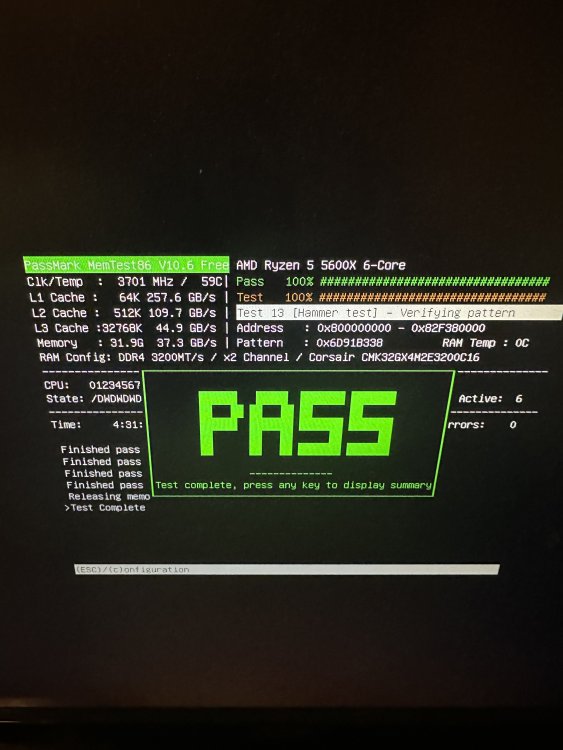
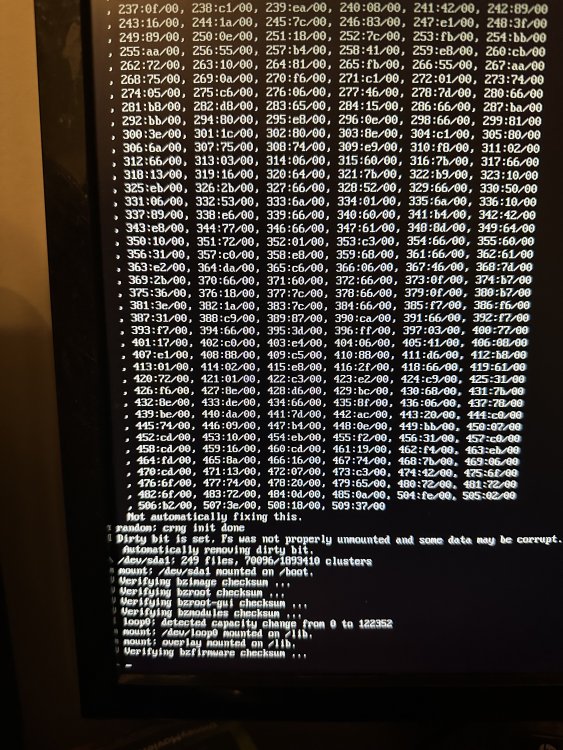
-
I keep getting this error’s: smartct1[12181]: segfault at 0 ip 0000000000000000 sp 00007fff95be2bd8 error 14 in smartctl[400000+4000] likely on CPU 5 (core 5, socket 0)| It cycles through differ cpu numbers, I’m not sure what this is, my log was full of this and it cycles through all the cpu cores.


