ShinyHero
Members
-
Joined
-
Last visited
Everything posted by ShinyHero
-
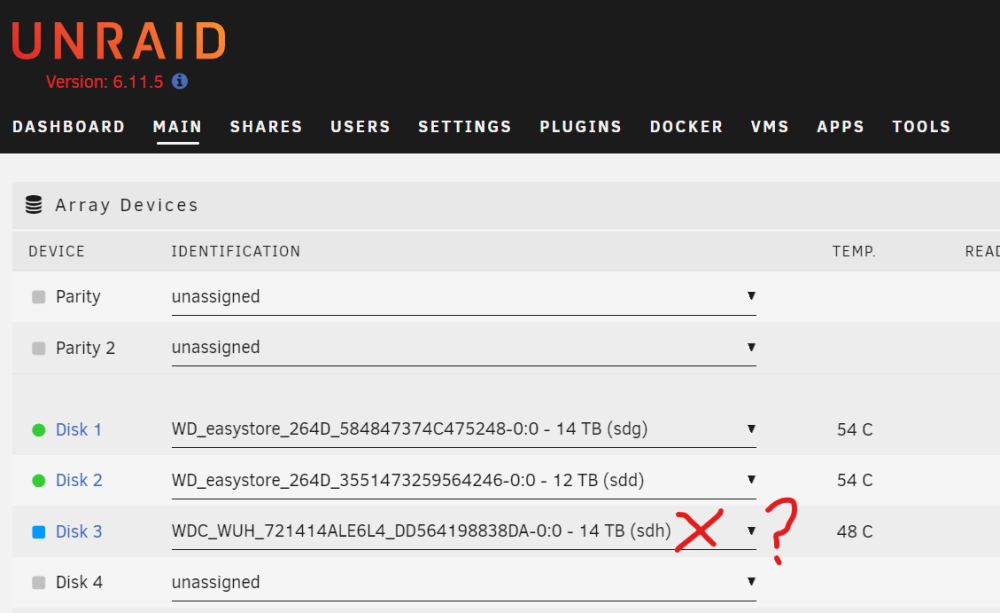
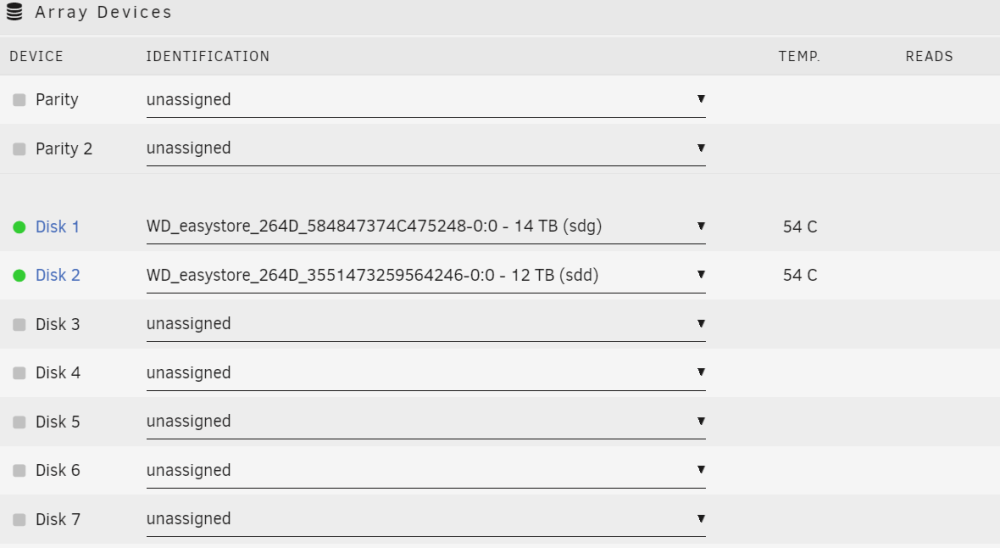
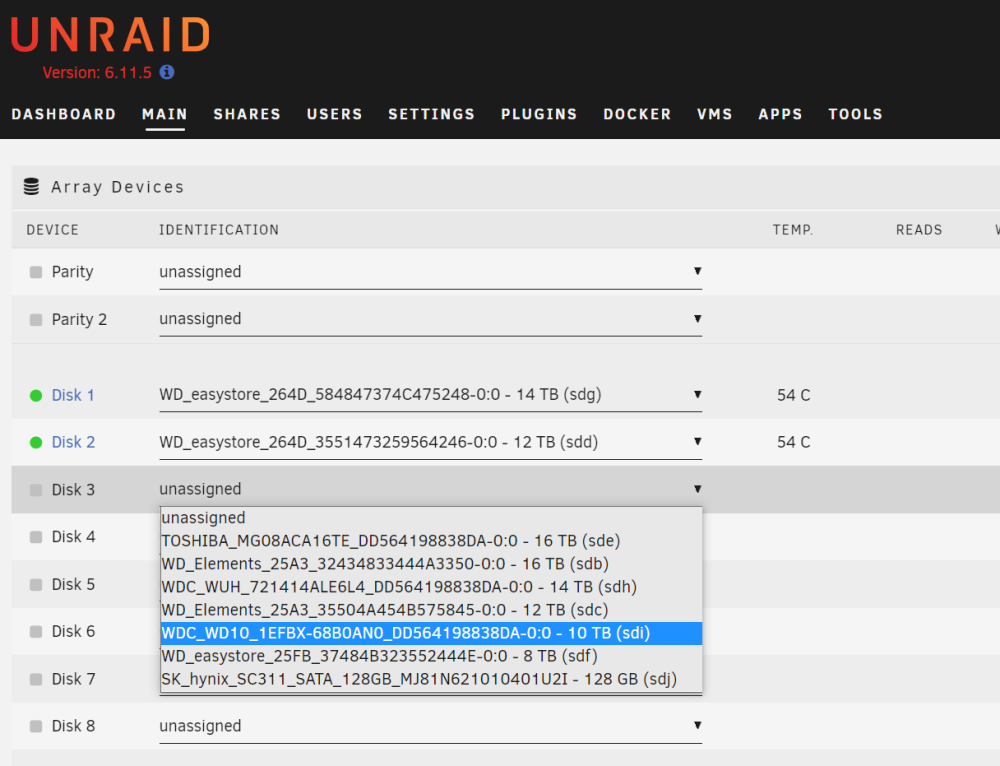
Really need help here. Valid config with several drives. Added one or two more, rebooted and unraid says disk missing when it is RIGHT THERE and mountable to temp directory under shell. Same exact name. Some of my drives have the same self generated mount point so I change the mount point name. Can not fix it at all, so through the GUI I select Start with a "new configuration". Select two drives. Can successfully add two drives back to array and start it. Stop array again. When I try to add the third drive the UNRAID GUI switches the drive!! I select sdi and it swaps my selection to sdh 🤯 This has happened to me over several years with several different builds. Not sure what circumstances this happens, but eventually it does every time. Unable to proceed or use my UNRAID. HELP.