facjxzdt
Members
-
Joined
-
Last visited
-
I deleted the network.cfg and unraid returned normal
-
boomnas-diagnostics-20240806-1918.zip The diagnostics from safe mode
-
It's not working I can't even ping my gateway. but i can ping 127.0.0.1
-
BOOMNAS-诊断-20240806-1846.zip This is my diagnostics
-
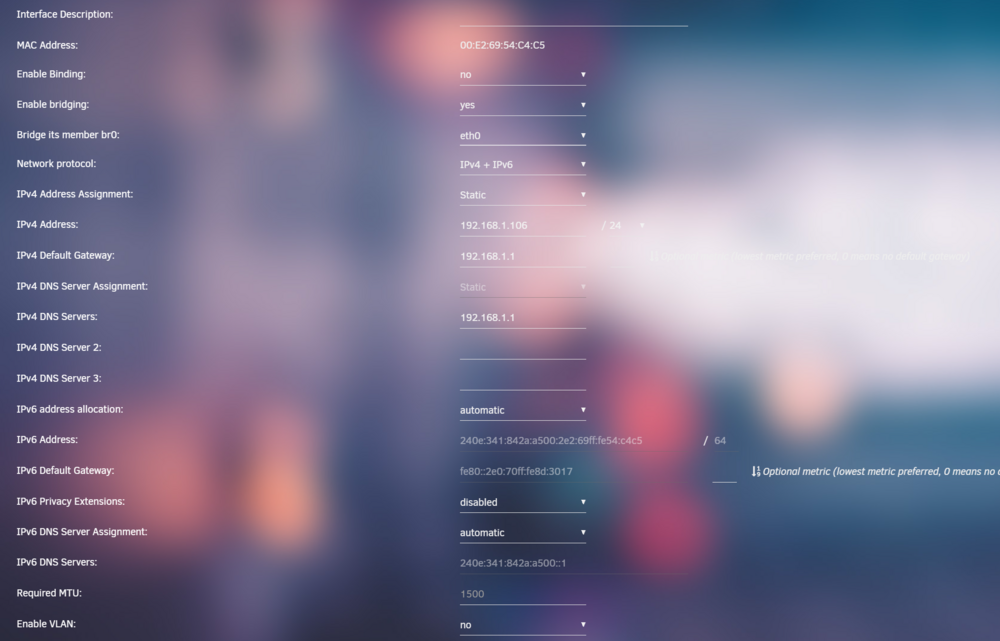
unraid宿主机ping baidu.com都不通 但是unraid下的docker容器和虚拟机都可以正常上网 我只有一张网卡 这是我的配置文件

-
My unraid version is 6.12.10 I'm using ipv4+ipv6 However, my Unraid host machine cannot access the internet, while the Docker containers and virtual machines under Unraid can connect to the internet. I only have one network card. This is my internet config
-
OK. Thank you
-
I purchased the Pro version of unRAID two years ago, but now I can't find the Pro package option on the pricing page. Is the Pro version eligible for lifetime system updates?
-
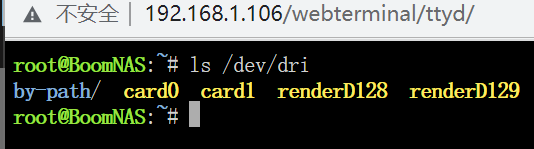
cpu:12500 gpu:tesla p4 系统版本:6.12.3 在安装p4之前核显可以正常硬解,安装p4并安装nvidia驱动后就无法正常调用 jellyfin使用nyanmisaka大佬的 emby使用官方市场的官方版本 这是驱动目录 这是jellyfin的配置 在主板的bios中已经开启了above 4g的选项