





nmcmill
Members
-
Joined
-
Last visited
-
This was the solution, thank you very much for the help!
-
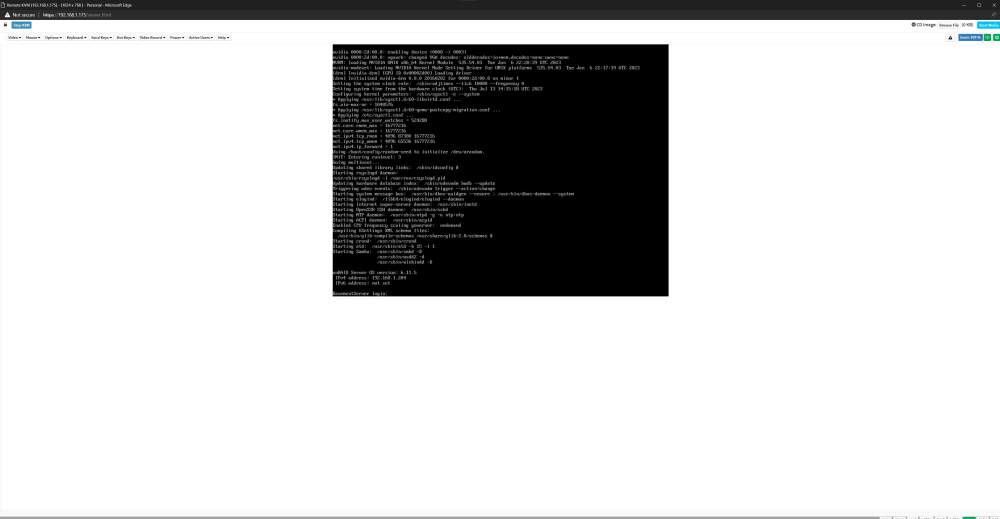
here is the diagnostic file i took after it won't show the dashboard or boot to gui, this is what the command line looks like. basementserver-diagnostics-20230712-2129.zip
-
I was able to take another diagnostic from the command line but I'm not sure how to get that file off the server, I checked if the / boot mount point existed and if I understand it correctly it does.
-
So I was having connectivity issue with my unraid server where I couldn't update any of my containers or plugins and I couldn't access the apps page. I had a error on the top right of the dashboard that said "NETWORK: getaddrinfo ENOTFOUND mothership.unraid.netCLOUD: Socket closed. I grabbed a diagnostic report and then restarted my server, now I can only see the console through IPMI and cant access the web ui at all anymore. Here is the diagnostic i grabbed before restarting. Thanks basementserver-diagnostics-20230712-1623.zip


