ItsJinxyy
Members
-
Joined
-
Last visited
Everything posted by ItsJinxyy
-
I still have this issue. If anyone has any tips or ideas to try that would be great
-
I've tried booting the VM using OVMF as well, same issue. And to make sure I didn't catastrophicly bork my install I booted back into it normally and that's where I am for the night. And I want to watch movies which are on that SSD.
-
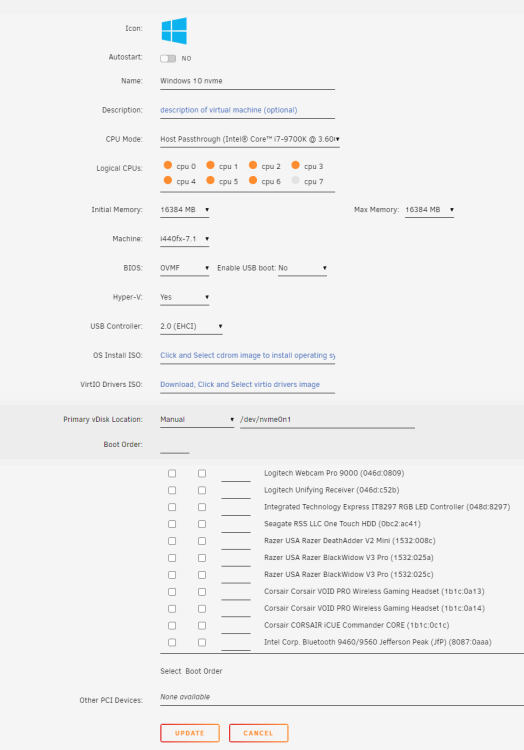
So based on other forum posts I've read I'm doing everything right. The roadblock I'm facing seems to be a windows one. While attempting to boot using my NVMe SSD as the boot device (my current bare metal win10 install) It throws me to advanced startup repair. I've tried all the basic troubleshooting (chkdsk, sfc /scannow) the one thing I haven't tried is changing the bcd but that doesn't seem the be the issue as if it was I believe I would be getting an Instant blue screen. Attached are my Unraid VM settings, and a clip of what the VM is doing while booting. Any help would be greatly appreciated 2023-01-28 20-18-19.mkv