nathanz
Members
-
Joined
-
Last visited
-
Would you please consider adding "luakit"? Just want to replace firefox in GUI mode with it. TIA
-
Also, I've ordered a cheap displaylink usb2hdmi doggle which only works in Windows 8.1/10 as a backup plan. It's not so ideal because my favorite/target controlling vm would definitely be a ubuntu/debian instance. Thanks guys.
-
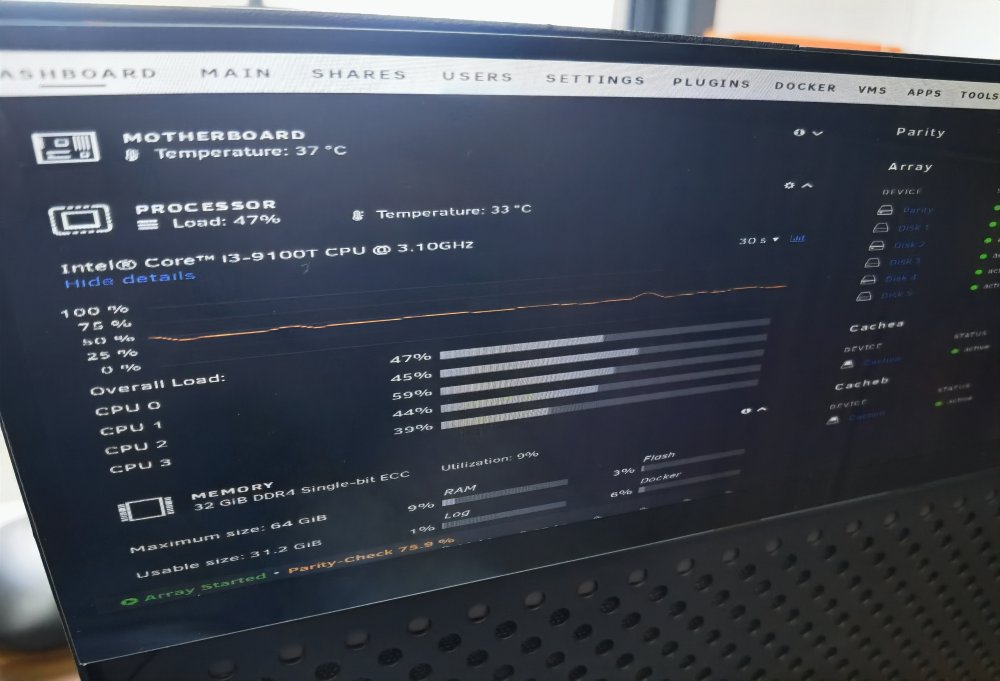
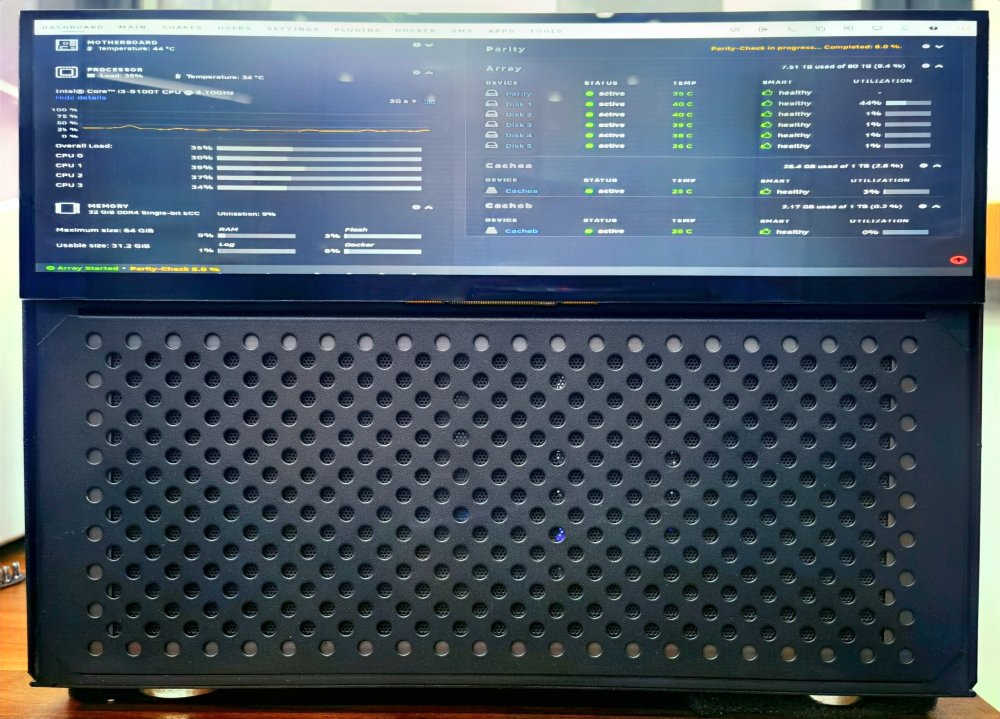
When I was planning to upgrade my nas from synology ds218+ to ds1522+ last month, someone told me I should really consider a storage server from scratch. So I did pretty much research and finally got the server all assembled. The setup is as listed below: The whole power consumption was about 60w when ilde, and 90w when doing parity check. I must say it runs like a charm as a media server, and my qb/*arr/emby combo was good to go. So I was pretty satisfied, especially with the well-fitted lcd display, at least for now. Then there comes the problem about gpu usage: The display was connected to the vga port in the motherboard via a vga2hdmi cable. Unraid boots into gui mode, in which I could log-on to the unraid web-gui within a firefox browser. It worked, but not in the way I wanted. The goal is to hand over the lcd display directly to the DOCKER/VM for different purpose/scenarios, and at the same time the emby server could utilize the uhd630 as a decoding device. After digging so so so much documents provided by google, and trying again&again&again, I've found myself in a situation like this: Maybe I should give up the vfio uhd630 passthru solution because: So, I'd really like some suggections now. Any protential solution would be greatly appreciated. If there was no other way to achieve this, maybe I should consider a half-sized pci-e graphics card like gt1030, with 50w+ more power consumption, do I?