Umbra
Members
-
Joined
-
Last visited
-
Hi, I keep getting the below error on my machine, I've tried to look through the logs but I'm somewhat new to Unraid so not sure what I'm really looking for. Any help would be appreciated, thanks! bubbles-diagnostics-20230430-0906.zip

-
Found the issue was having two cache drives in Raid1, was causing massive overhead while downloading and unpacking files. Converted to raid0 and all working normally now.
-
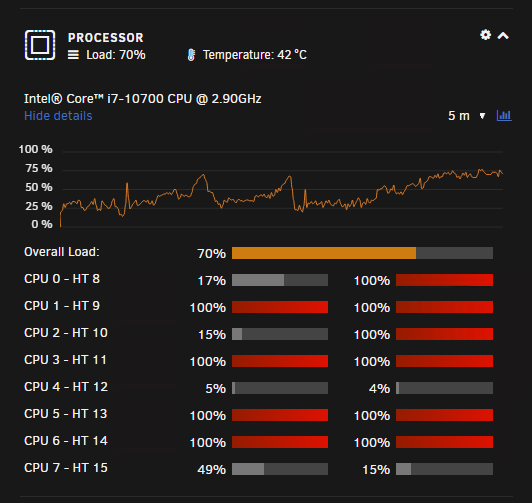
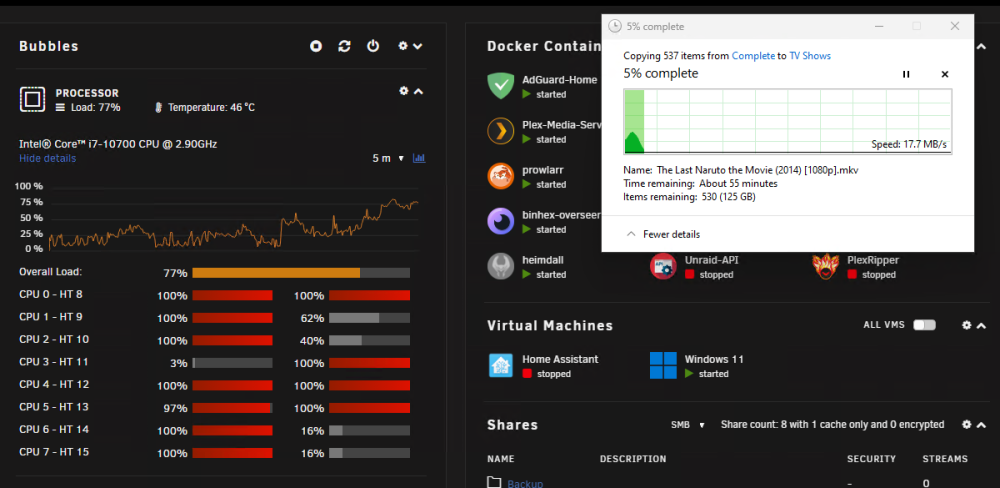
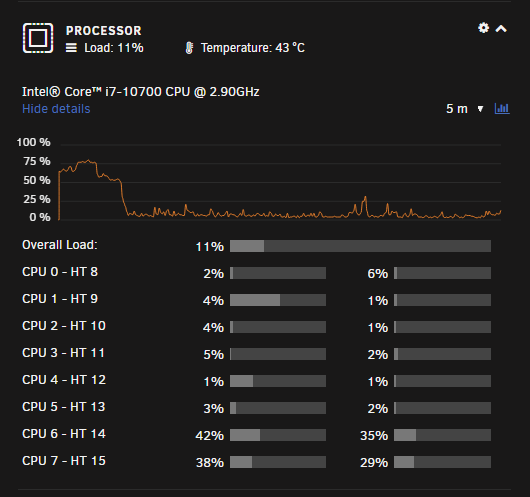
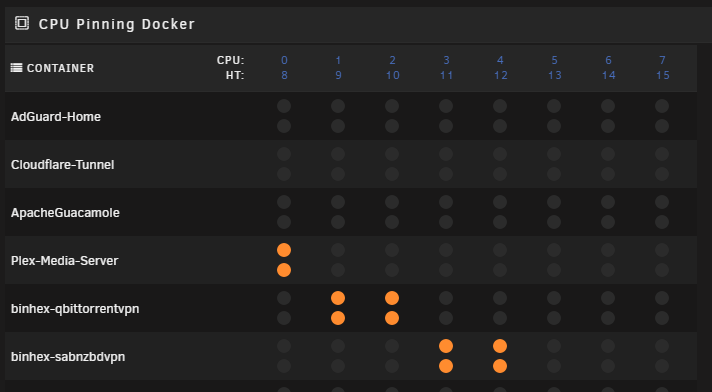
Hi, Somewhat new to Unraid, only 3-4 months, I've started running into severe performance issues in the last couple of days while SABNZBD is unpacking files, has been working with no issues for the last month or two since I set it up. My CPU usage goes much higher than normal, the entire server and anything running on it becomes almost completely unresponsive (VM's, SABNZBD/other dockers lose connection, Plex streams freezing). It'll freeze up for a minute or so, come good for a bit and then freeze up again. The second the unpack is complete, CPU usage drops to >5% and everything returns to normal. SABNZBD is set to only use 4 specific cores, but when it's unpacking up to 10 cores hit 100%. I run two cache drives in a pool, write speeds only hitting 40-50MB/s max so I'm pretty sure it's not a disk speed issue and I have an i7-10700 which should be able to handle the load pretty easily. Only change I have made to the config recently was adding two new 16TB drives, one as parity and one in the pool. Moved my old 4TB parity to the pool as well. I noticed the same issue when I was copying some files from one folder in my share to another using a VM running in Unraid. Transfer was extremely slow, CPU usage went crazy and most things became unresponsive. Not really sure what it could point to. I've attached some screenshots of what's happening as well as diagnostics during it happening and when I was taking the screenshots. I would love any insight, thanks in advanced! Unraid v6.11.5 bubbles-diagnostics-20230425-1145.zip