





sproutmaster
Members
-
Joined
-
Last visited
-
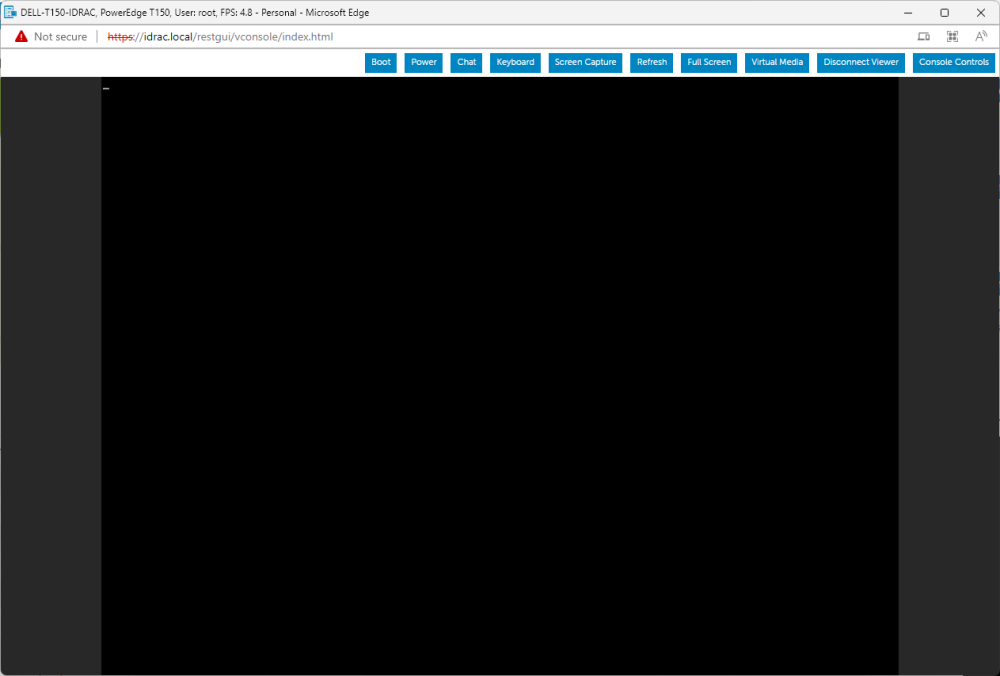
Hi Alex, Yes. The server has iDRAC. The issue occurs after unraid boots. Everything upto that point works as expected. I also connected a monitor to see if it was an idrac issue but keeps getting the same result. WebUI also works fine. A blinking underscore is what I get after successful boot. If I boot without GUI mode, I can see and interact with the terminal. interface.
-
On my dell server, I used to get video on vga port until I added and removed a discrete graphics card. Video seems to break post unraid boot. I have followed this article on reddit and changed pcie passthrough settings but have no luck reverting to the original configuration. Is there a way to get this functionality back without resetting unraid? https://www.reddit.com/r/unRAID/comments/l6dekj/unraid_gui_boots_to_blank_screen/
