





kman1898
Members
-
Joined
-
Last visited
Everything posted by kman1898
-
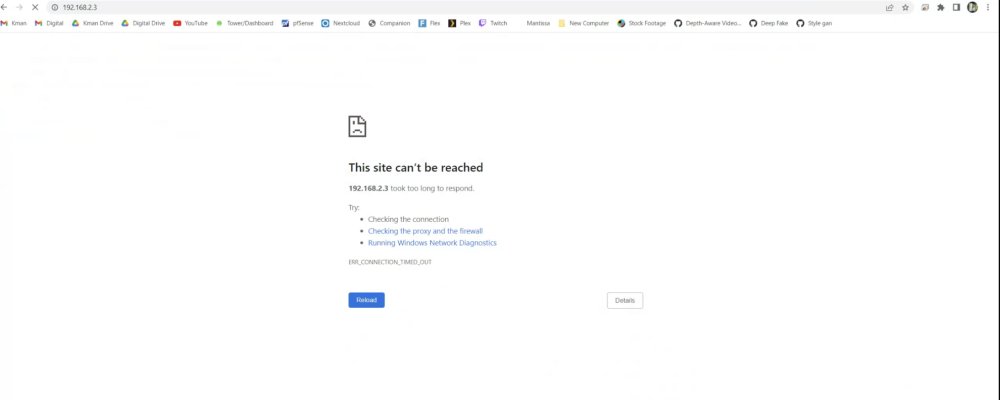
This is exactly what it shows. But before making the change and after making a new boot drive from a backup the url works as it should. and again after booting, my windows machine can see the unraid ip when running arp -a
-
I can ping unraid but I do not get the gui login screen like I normally do. It is the same static ip when I ping but nothing comes up in terms of gui.
-
So I did what you said and I can see unraid on my network but no gui, just like last time. and when I boot the system and go to unraid gui option via keyboard on a monitor it loads correctly then eventually all the text goes away to a black screen. It doesn’t go to the default state of showing the ip address or anything. So there’s no way for me to run diagnostics. I can see it on my mini routers network traffic and via arp -a on windows but the web gui just will not load.
-
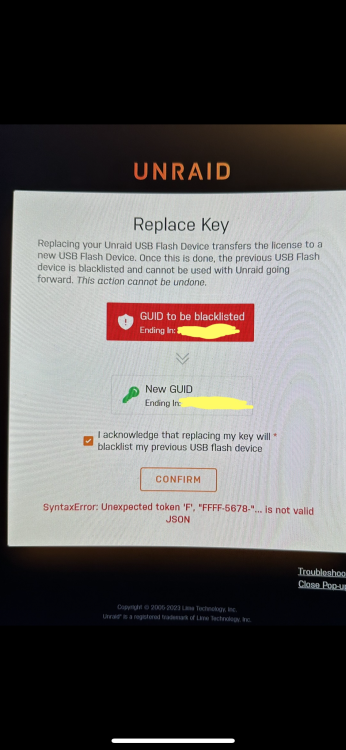
I am trying to replace the key on server and am running into an issue. I am getting the error SyntaxError: Unexpected token 'F', "FFFF-5678-"... is not valid JSON what is causing this and how do I fix it? I do not want to purchase a new key but I’ve tried most things I have found about this error. But those errors aren’t this exact error.
-
So I have a kinda weird situation that I’m hoping someone can help me with. my server has a pfsense vm running. I also have a 2.5g nic on mobo and a 10g nic add in card. Eth 0 is the 2.5g nic and thusly is the ip for my server is it’s ip. What I’m wanting to do is to have my 10g be eth 0. The issue happens when I try to swap them. I have to stop the array to be able to switch them and upon switching them I have to restart. The last time I did this when unraid booted up the 10g card didn’t default to a static ip and since there is no dhcp from pfsense, since it’s not running, no ip address was assigned. Which made unraid inaccessible. is there another way to do this where that won’t happen? Or will I just need to grab a router that can do dhcp to fix the ip address so I can make this work?

