aandersen23
Members
-
Joined
-
Last visited
-
Diagnostics andersenserver-diagnostics-20230627-1405.zip
-
Attached syslog. 2 months ago unraid became unstable with random crashes. Memtest passed. Updated unraid. Switched usb drive as it failed. Switch LSI cards from 9200 to 9300 series. Cant figure out what is going on. Went away from windows 10 as unraid supposed to be more stable but this has been disaster so far. syslog (1).txt
-
Started a full server move from windows to unraid. Moved the data successfully. Unraid wasnt working as I wanted yet so resumed old server for the time being. A bunch of movies and tv shows got updated (better formats). When using rsync it just retransfers every single file or most files. What is the best way or command to use with rsync? I have tried --ignore-existing, --size-only, combo of both of those Using rsync -avh src dest
-
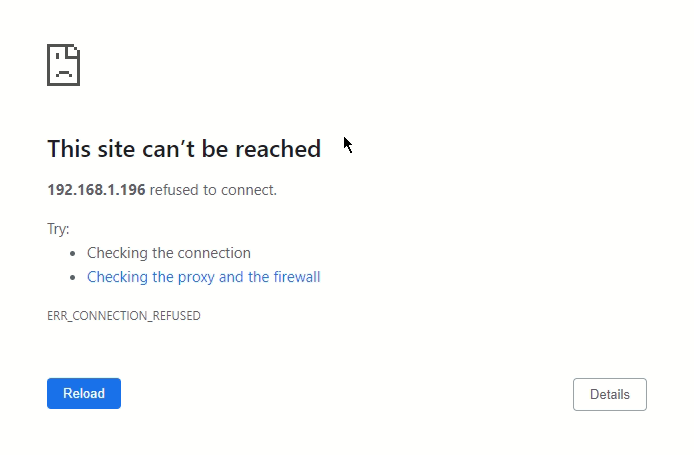
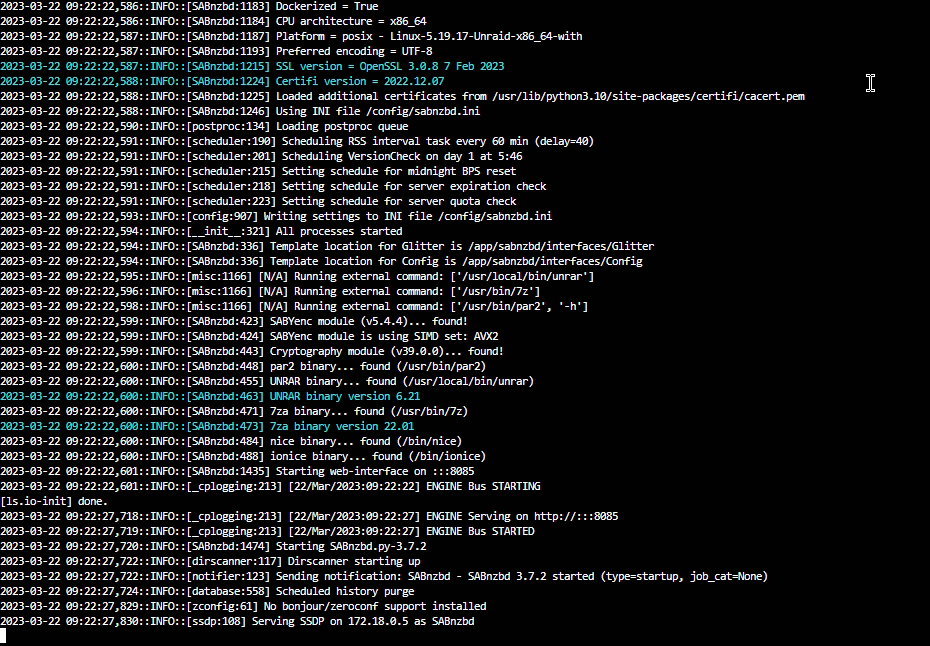
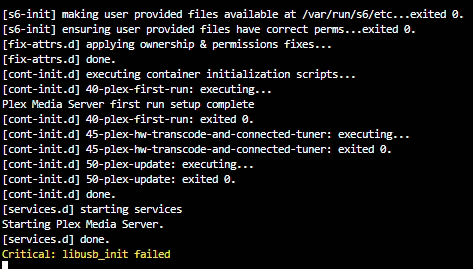
New to unraid and moving from windows to unraid. Moved all data, now trying to configure all the apps. Radarr works fine and loads teh webui without issues. I am getting two different errors for sabnzbd and plex. Any tips would be helpful. I used the new permissions tool to change ownership. I created custom network for all containers which I have read has been issue but couldnt find solution. Sabnzbd Plex