MrLJ
Members
-
Joined
-
Last visited
-
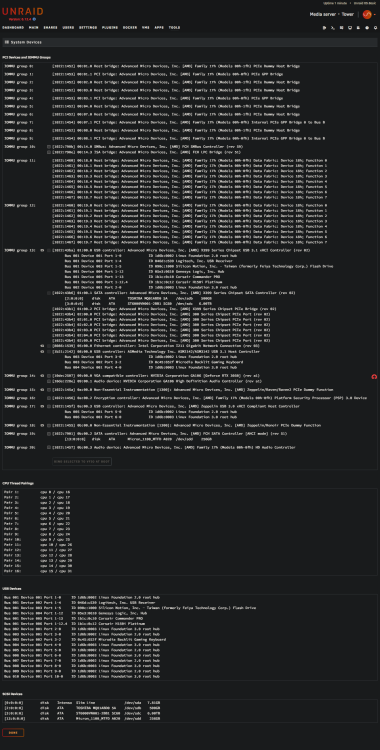
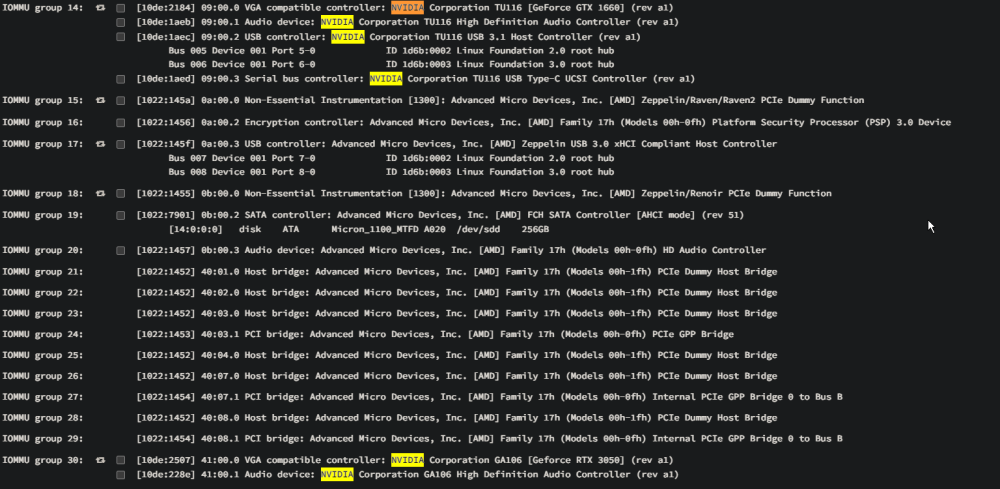
After talking to a bunch of friends and troubleshooting I have found the issue. The BIOS didn't have the switch enabled to enumerate all IOMMU in IVRS. After setting this to enabled it now shows both GPUs in the System Devices.

-
MrLJ changed their profile photo
-
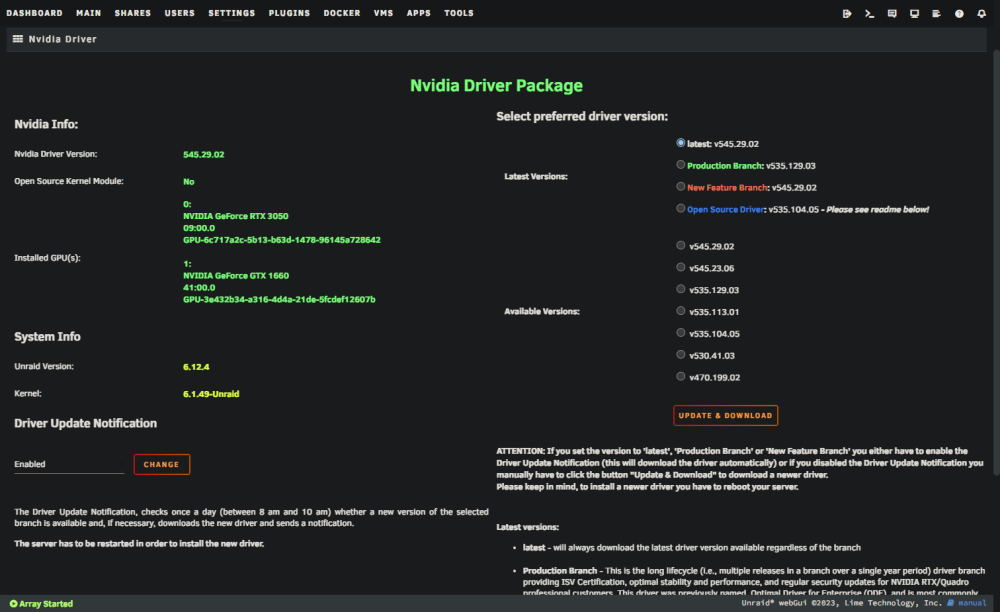
Hi, I've switched hardware from an i7-6700k to a Threadripper 2950x. Now that I did a clean reinstall of Unraid on the new server it's not not showing both GPUs (GTX 1660 and RTX3050). Both GPUs did work in the old system. One is used to be bound to a VM and the other one runs de-/encoding for docker. Hardware: AMD Threadripper 2950x 96GB Ram RTX 3050 GTX 1660 Asus Prime x399-A I also installed the Nvidia driver and both GPUs show up in the driver panel. Here are my logs that I was able to grab: dmesg.txt dmesg_nvidia.txt lspci.txt lspci_nvidia.txt tower-diagnostics-20231112-0036.zip