





Simon.B
Members
-
Joined
-
Last visited
-
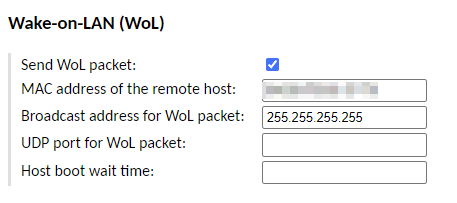
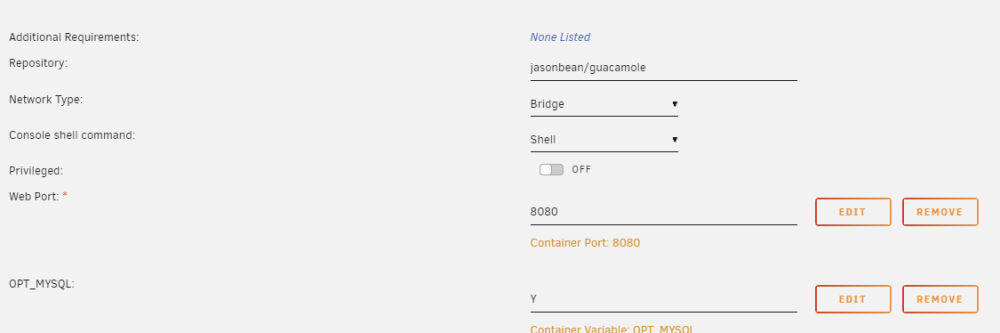
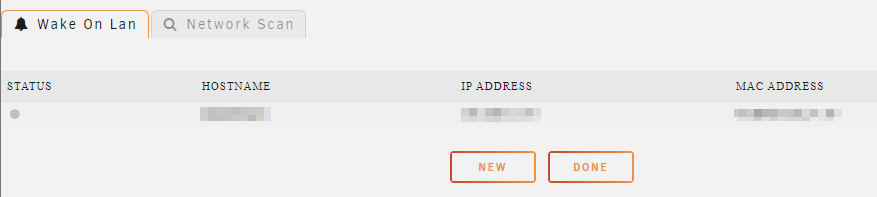
Hi I've been trying to make WOL work from my Unraid server to my Desktop Win11 Machine. After some tail and error i have some success. but not quite there yet. I can wake my Win11 PC if go into my unraid terminal and do this command: etherwake -D -i eth1 -b <Win11 MAC Adress> I see the WOL Package arrive at the win11 box in Wireshark. So the problems starts when i try to make things a little bit easier. I would like a "button" to wake my Win11 from my Unraid server. I started out with Guacamole Docker. Container configuration I've tried other options in Network Type, but nothing so far has helped me, These are the current settings Inside Guacamole i've setup the Win11 MAC address. I don't see the WOL Package arrive at the Win11 box Wake On Lan Plugin After Guacamole failures, I tried out the Wake On Lan Plugin for Unraid, with to me sound like i would get closer to a "Terminal like" state. If I do a network Scan it finds nothing If i enter the information manually it does not work. Status stays grey, and if i try to send the WOL package, it does not show up on the Win11 machine. So the only success i have is when i go into the UNRAID terminal, and use etherwake using eth1 interface. Any hints are welcome - Thanks

-
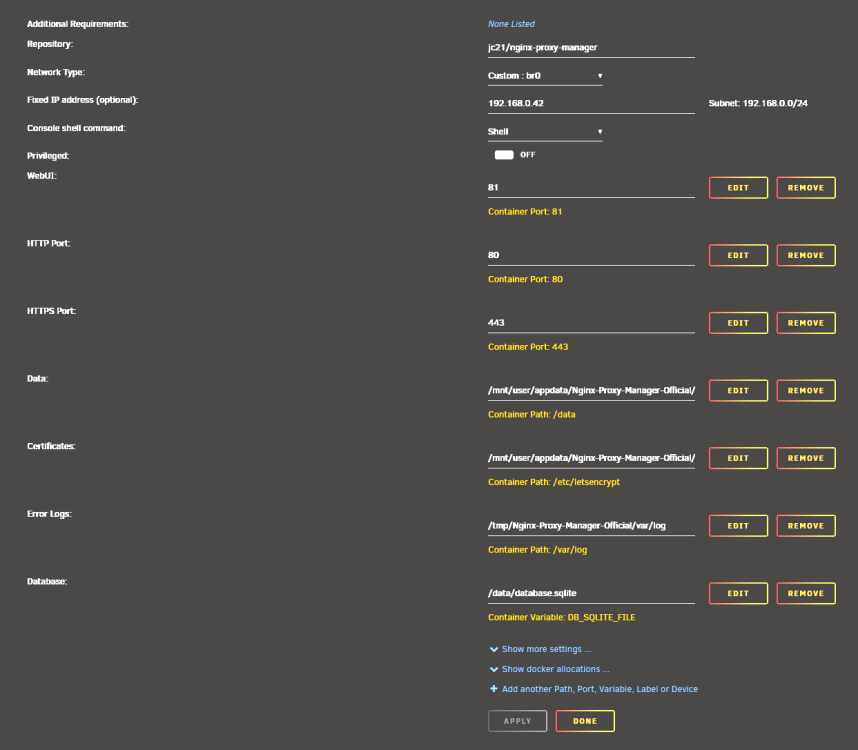
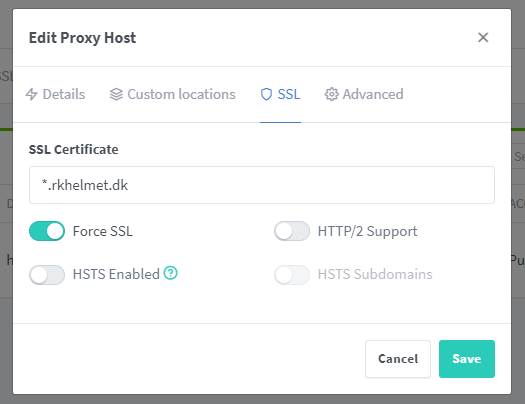
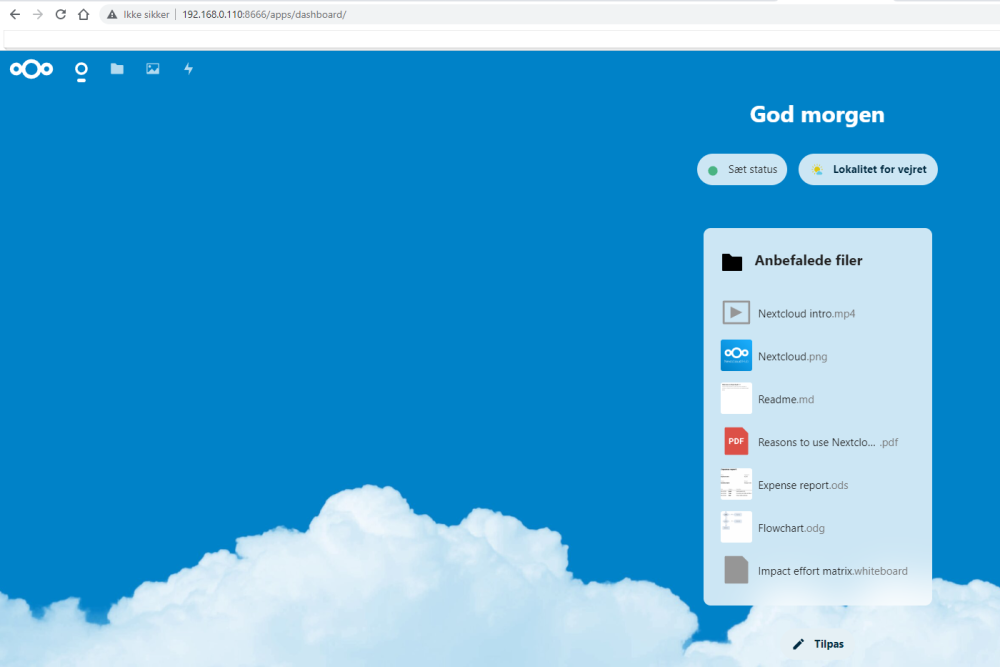
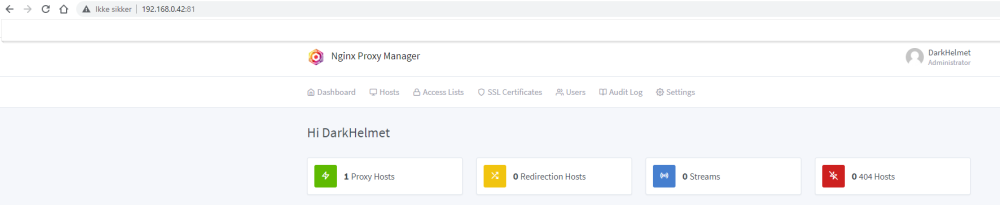
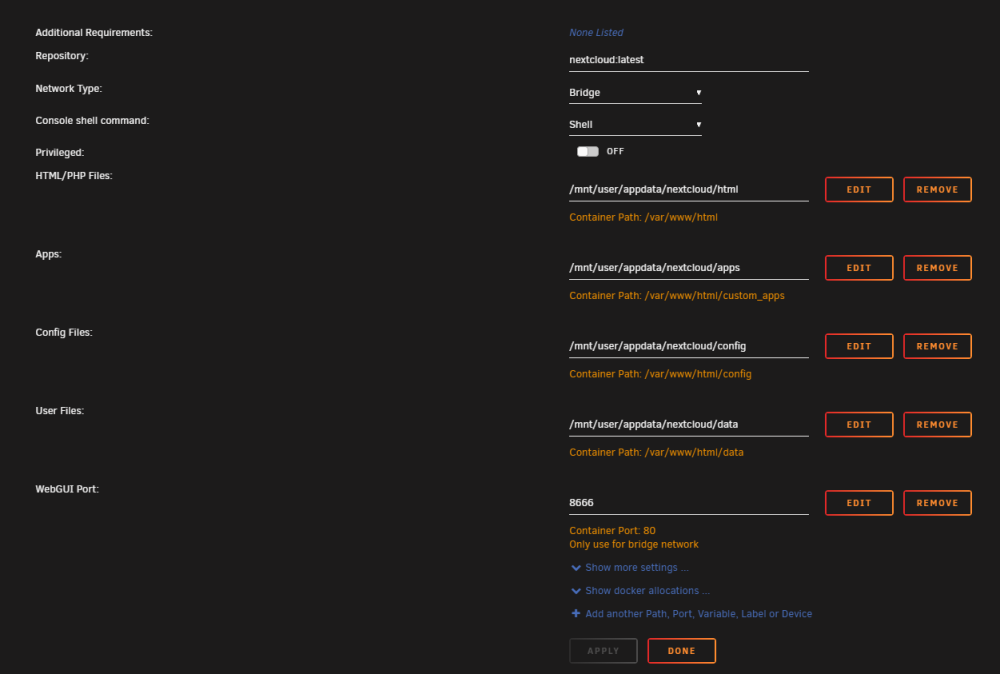
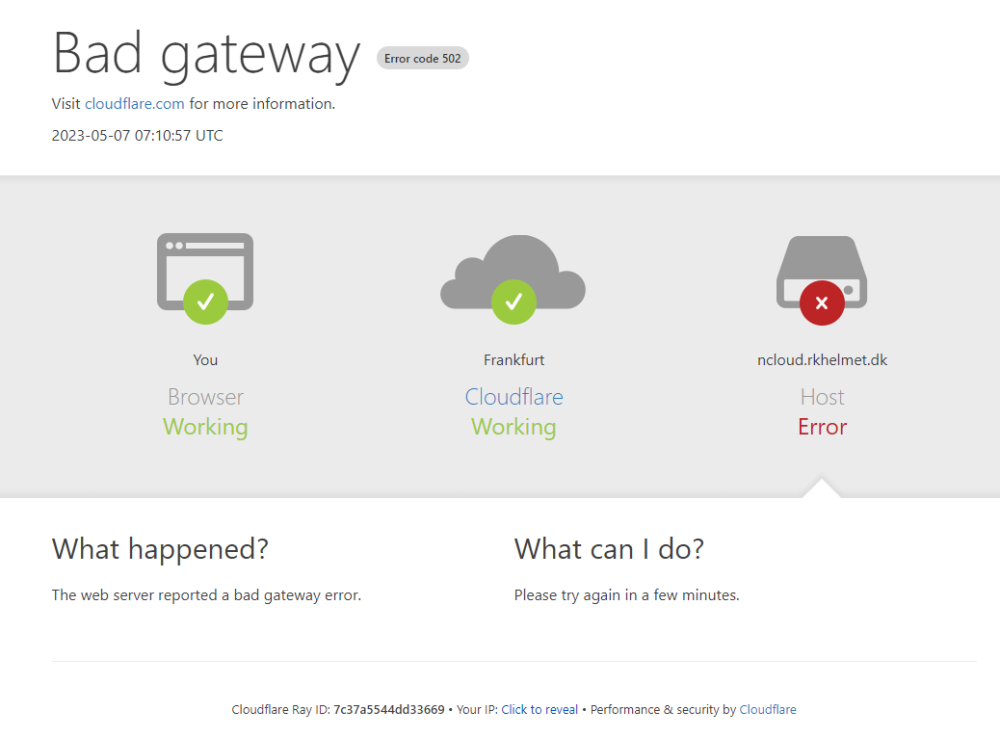
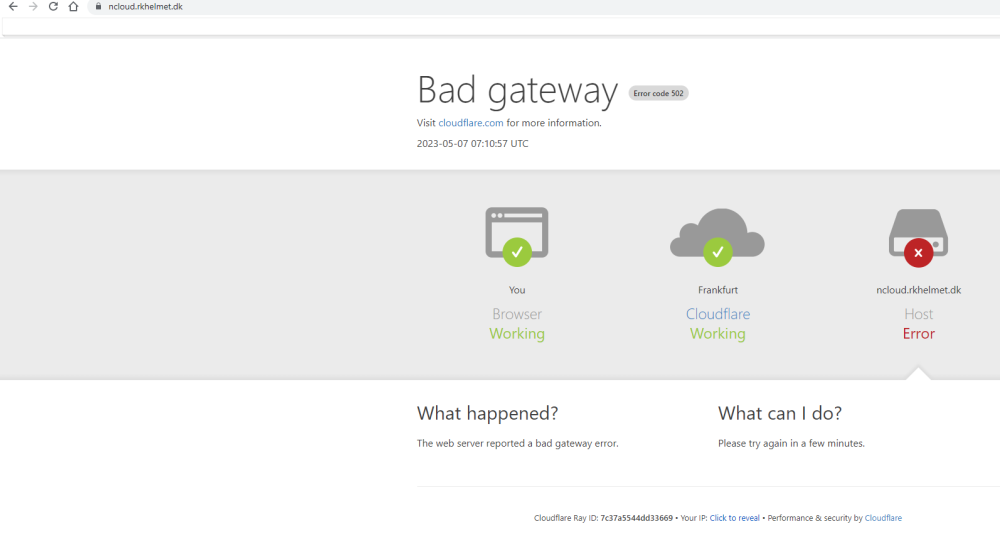
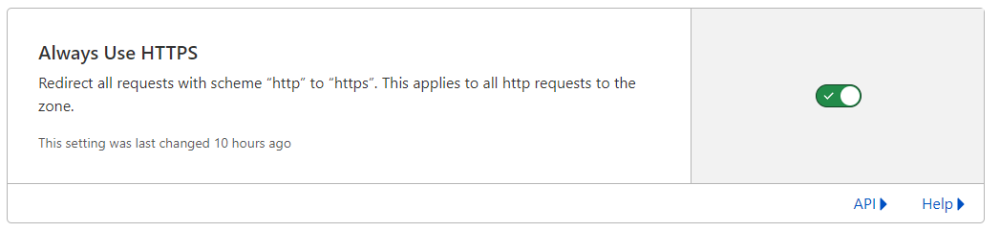
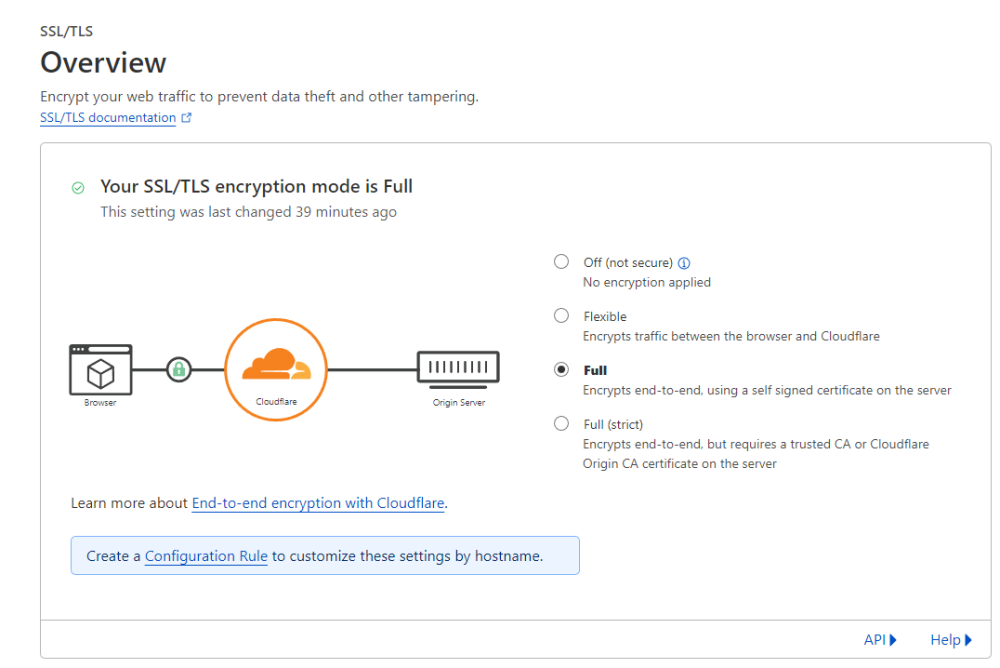
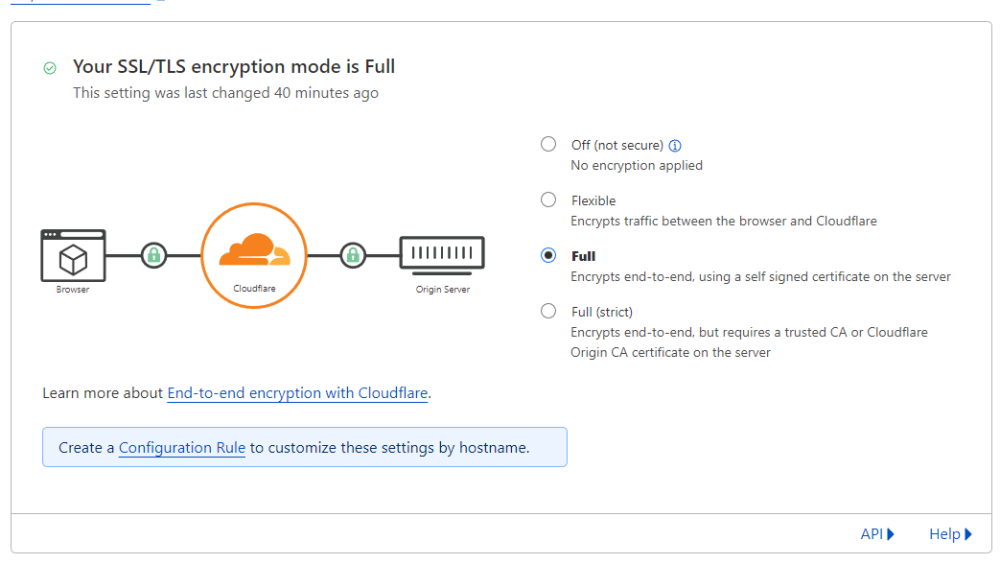
Hi All I don't really think this is a UNRAID problem, but it is running on my fairly new unraid server, so I'm trying this forum for help I've tried follow mr. RaidOwls video on how to set this up But I'm not quite there, and not sure what is going on. I think the problem is in my Nginx, but now sure. I'm trying to expose my NextCloud container to the internet through this url: ncloud.rkhelmet.dk Cloudflare Settings my public IP is 93.160.28.168 TLS SSL/TLS encryption mode is Full I've tried setting it to Full (Strict) Always Use HTTPS = true I also did the API Token thing he mentions.. Router Settings forwarded port 80 and 443 to my Nginx proxy container IP 192.168.0.42 I had a little problem here, I had to set a static IP on the Nginx container, because Docker gave it 192.168.0.2, witch is out of allowed range of my router, so the router gave me an error when trying to forward to 192.168.0.2, so I set the IP to 192.168.0.42 Nginx docker settings: Here i notice that RaidOwl mention something about "exposed Ports" but i don't really see anything here about exposed ports. here is what i see in the docker view Nginx Settings I can access and use Nginx locally on 192.168.0.42:81 I have one Proxy Host ncloud.rkhelmet.dk that point to my nextCloud container 192.168.0.110:8666 NextCloud Docker Settings NextCloud settings: not really any settings to show, but it is running and I can use it locally on 192.168.0.110:8666 What happens ? When i go to ncloud.rkhelmet.dk i get this error page I feel like i get different errors, sometimes I also see a less "pretty" error page saying DNS_PROBE_FINISHED_NXDOMAIN ---- Edit Start ---- tried running this command in a unraid terminal docker ps I notice that Ports is blank for the nginx ?? also notice that nextCloid is using port 80 hmmm ---- Edit End ---- Can anyone help me figure out what I need to do to fix this ? Thanks







-
I found the answer i think in this thread https://forums.unraid.net/bug-reports/stable-releases/smbd6110-pathref-errors-r2111/page/3/?tab=comments#comment-21972 I did this Now the warnings seems to be gone
-
Hi I'm new to UNRAID, and been messing around with it for the first time this weekend. I like it but I have a few problems. I would like to tackle this one first. I started copying a large number of files to my new Array. when I got back to check the progress, I saw that my Memory log was at 100%. Looking at the syslog I see these lines on every single file I copy: Apr 23 20:17:56 DarkHelmet-Srv smbd[23820]: [2023/04/23 20:17:56.192252, 0] ../../source3/smbd/files.c:1199(synthetic_pathref) Apr 23 20:17:56 DarkHelmet-Srv smbd[23820]: synthetic_pathref: opening [E-Drive/TV-Shows/The IT Crowd/The.IT.Crowd.S01.DVDRip.XviD-TB/The.IT.Crowd.S01E01.REALLY.REAL.PROPER.WS.DVDRip.XviD-iNGOT/the.it.crowd.s01e01.dvdrip.xvid-ingot.avi] failed I believe I'm running pretty much vanilla, the only thing I've messed around with is the cache on my backup share. My cache ran full at some point, and I could not get it to move the data to the array. so I tried removeing the cache from the backup share. and deleted the files that were left in cache. Now I've turned the cache back on, because the "fix common problems" mentioned the cache thing. "Fix Common problems" plugin now have no warnings left. The file transfer seems to work though, the file is copied to he UNRAID share, and I can use the file there. How do I fix of these synthetic_pathref warnings ? darkhelmet-srv-diagnostics-20230423-1959.zip


