devndanger
Members
-
Joined
-
Last visited
-
Actually, here is the latest with errors. tower-diagnostics-20250223-1417.zip
-
Ok, is that all you saw in the diag logs?
-
tower-diagnostics-20250223-1218.zipNew diag
-
Well I might have figured out why it wasn't starting. I didnt have a cache drive. I released one of the drives from the assigned and make it a cached drive and now it started. I am curious, do I need to have a cache drive?
-
Should I start a new post or will this be ok? tower-diagnostics-20250223-1148.zip
-
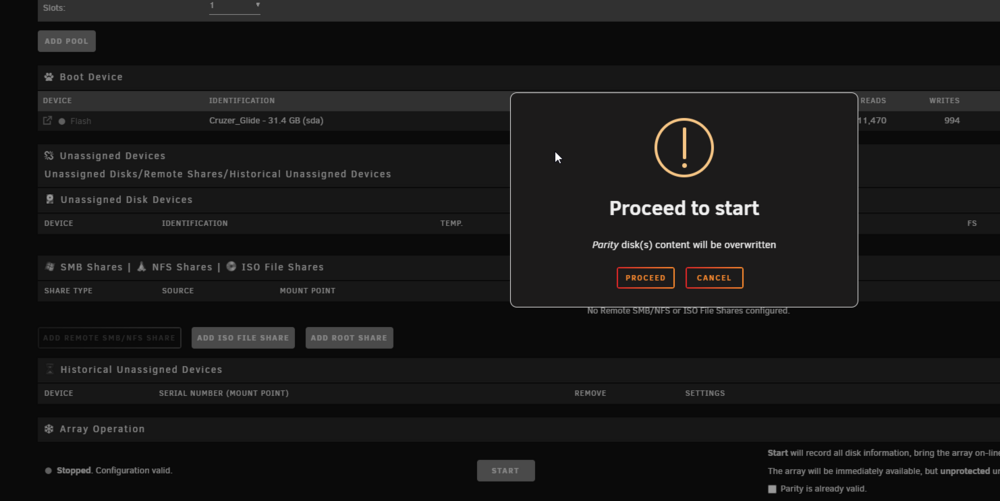
I recently had some drives go bad so I backed up my entire unraid. Installed new drives and assigned them in unraid. When I go to start the array the page locks up. I can click on other pages in unraid and they work, but the array never starts up. My server does not have JBOD (I don't think) So I set the drives up as RAID 0 but all separate. I also do see them in unraid. Help please!