AlexElizard
Members
-
Joined
-
Last visited
-
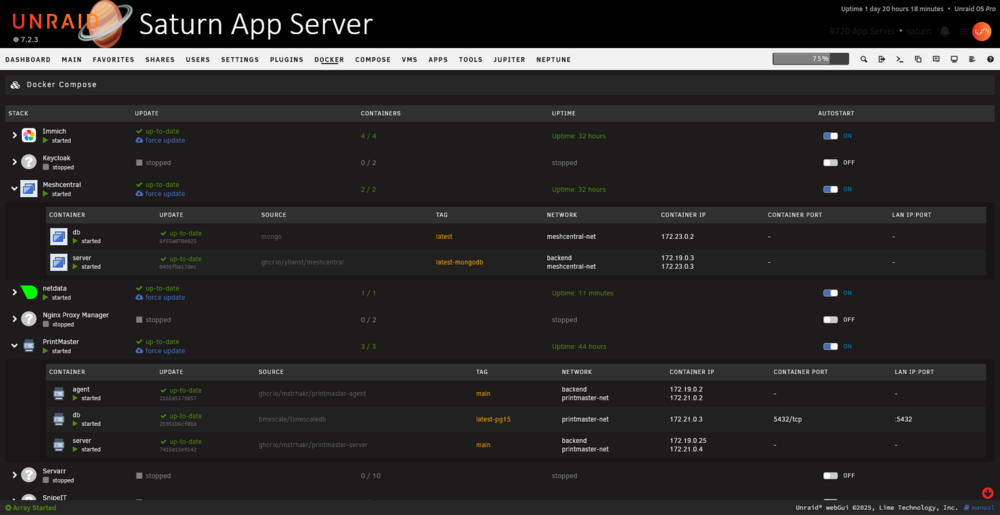
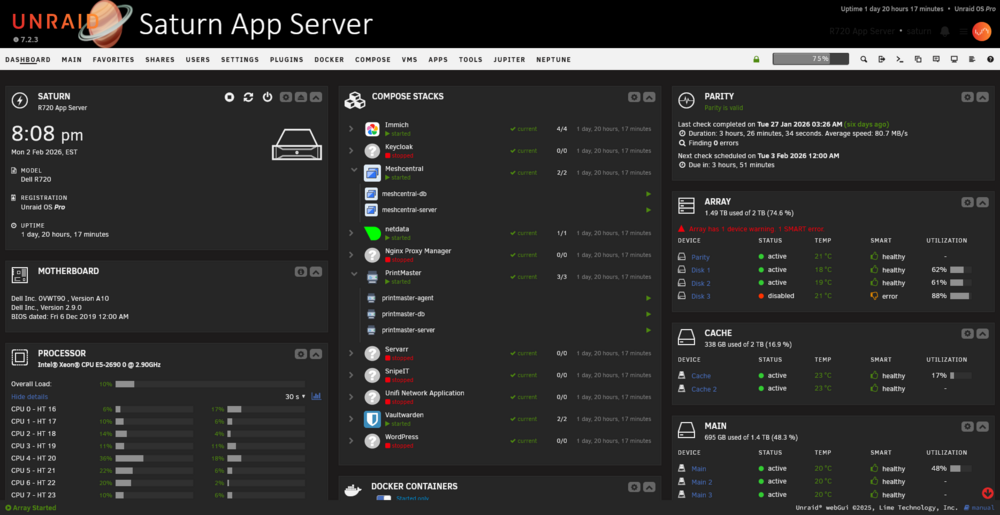
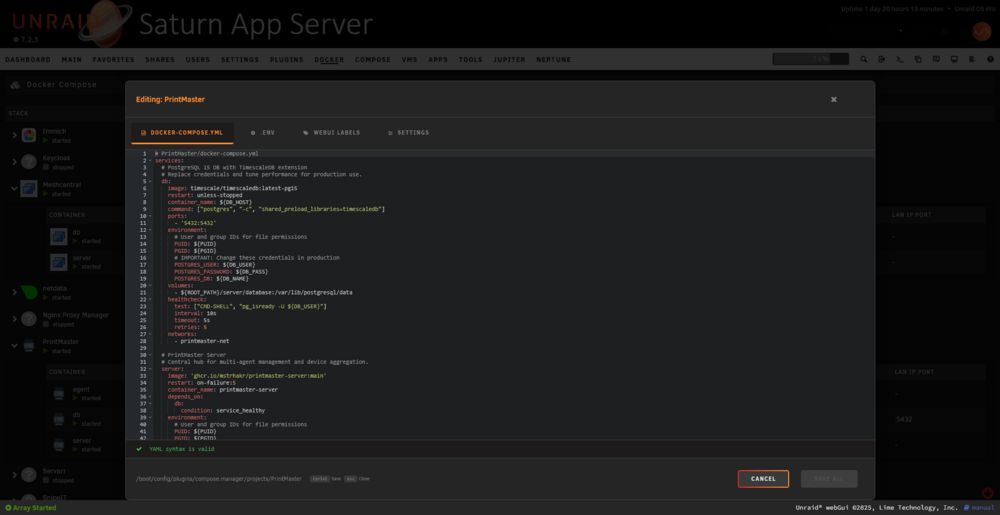
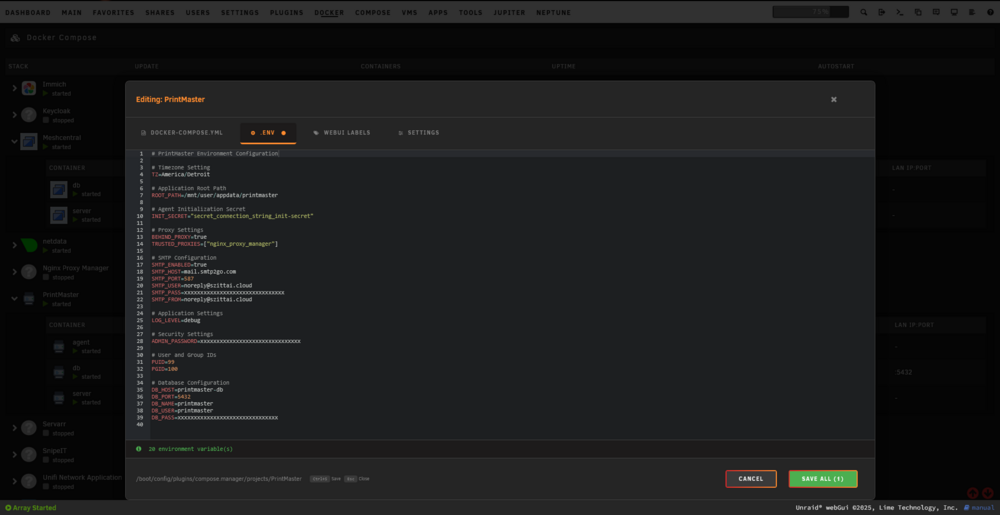
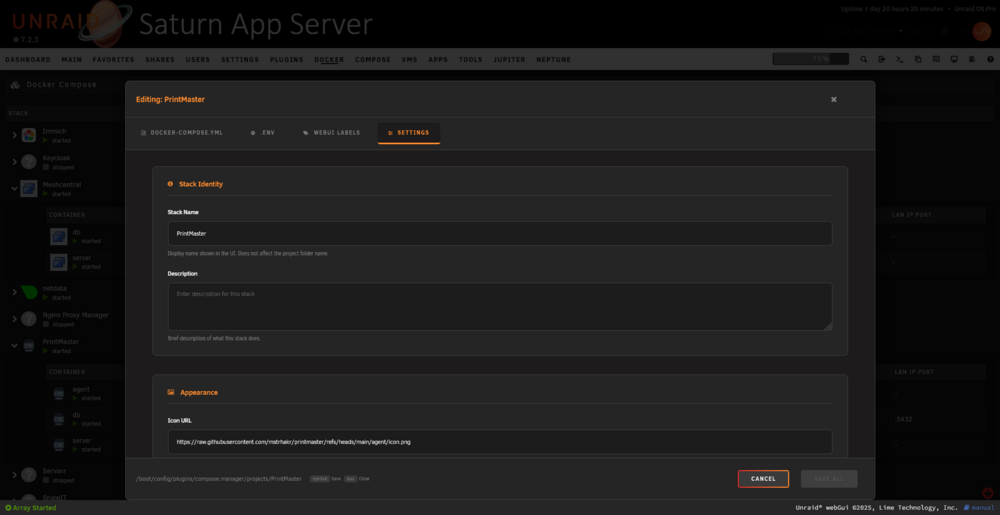
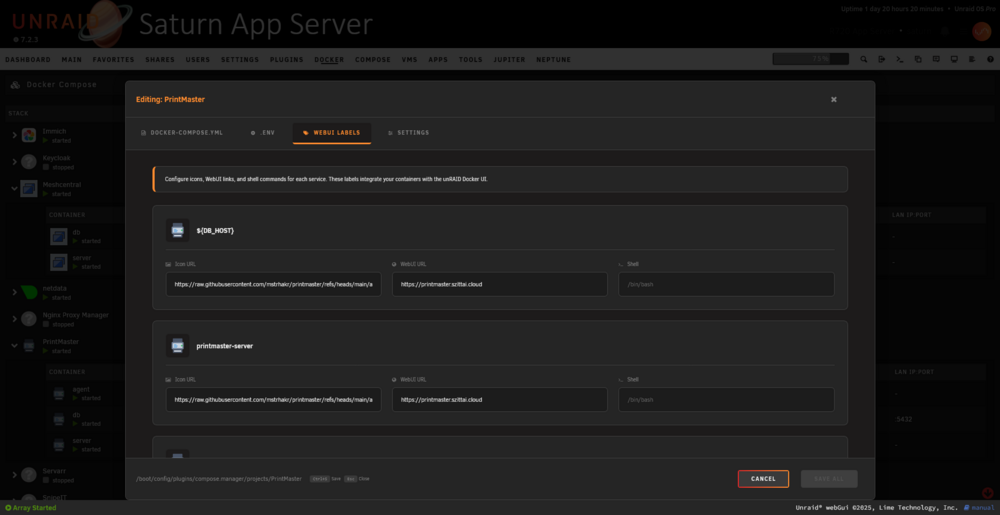
mstrhakr created a plugin that combines Docker creation and folder browsing. https://github.com/mstrhakr/compose_plugin I'm not sure whether a user interface is needed for unraid templates at all, since template creators can leave all the necessary additions inside compose.yaml
-
I'm trying to run lldap container with smtp. The variables LLDAP_SMTP_OPTIONS__FROM and LLDAP_SMTP_OPTIONS__TO lose the < and > symbols when running the container. When editing the template, they also disappear. docker run -d --name='lldap' --net='bridge' --pids-limit 2048 -e TZ="Asia/Vladivostok" -e HOST_OS="Unraid" -e HOST_HOSTNAME="unraid" -e HOST_CONTAINERNAME="lldap" -e 'UID'='99' -e 'GID'='100' -e 'LLDAP_JWT_SECRET'='secret_jwt_secret' -e 'LLDAP_KEY_SEED'='secret_key_seed' -e 'LLDAP_LDAP_BASE_DN'='dc=example,dc=com' -e 'LLDAP_LDAP_USER_DN'='admin' -e 'LLDAP_LDAP_USER_EMAIL'='[email protected]' -e 'LLDAP_LDAP_USER_PASS'='secret_admin_password' -e 'LLDAP_DATABASE_URL'='postgres://lldap:lldap@postgresql/lldap' -e 'LLDAP_SMTP_OPTIONS__ENABLE_PASSWORD_RESET'='true' -e 'LLDAP_SMTP_OPTIONS__SERVER'='smtp.gmail.com' -e 'LLDAP_SMTP_OPTIONS__PORT'='587' -e 'LLDAP_SMTP_OPTIONS__SMTP_ENCRYPTION'='TLS' -e 'LLDAP_SMTP_OPTIONS__USER'='[email protected]' -e 'LLDAP_SMTP_OPTIONS__PASSWORD'='secret_smtp_password' -e 'LLDAP_SMTP_OPTIONS__FROM'='no-reply [email protected]' -e 'LLDAP_SMTP_OPTIONS__TO'='admin [email protected]' -l net.unraid.docker.managed=dockerman -l net.unraid.docker.webui='http://[IP]:[PORT:17170]/' -p '17170:17170/tcp' -v '/mnt/user/appdata/lldap/data':'/data':'rw' 'lldap/lldap'
-
Discussion of creating templates on GitHub
-
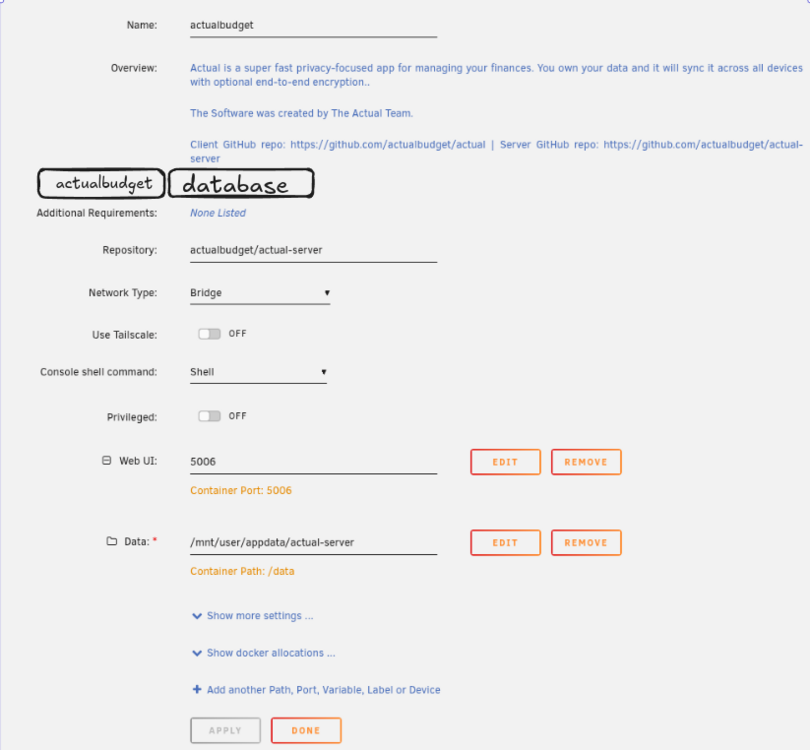
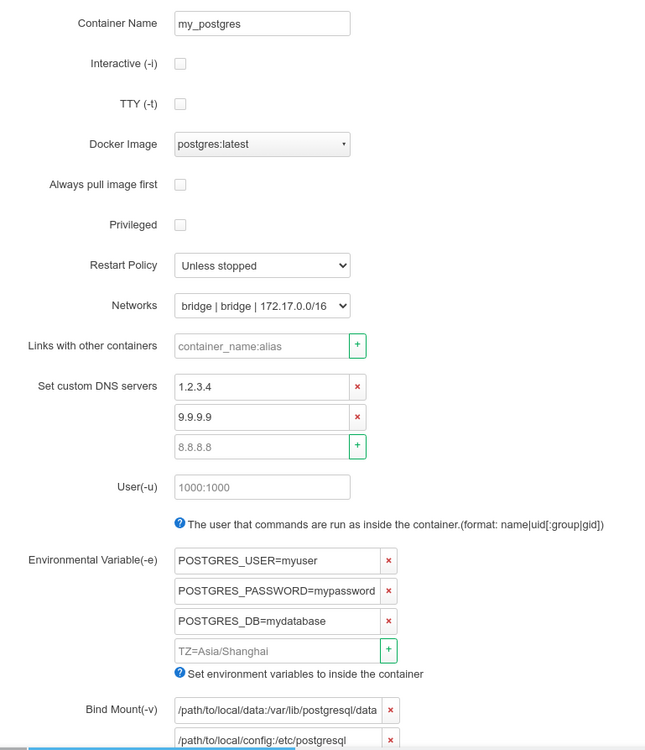
Problem: Modern applications consist of microservices. For example: 1. Authentication and authorization service can be implemented by combining: PostgreSQL, SMTP server, LDAP server, Authelia. 2. Media server can be implemented by combining: PostgreSQL, Gluetun, Qbittorrent, Prowlarr, Radarr, Sonnar, Jellyfin 3. etc Usually, users install such applications as separate Docker containers and combine them in WebUI using the FolderView plugin (now FolderView2) Also, most guides, especially from application developers, are focused on Docker Compose, since it is the de facto industry standard. It allows you to very conveniently configure network interaction, heathcheck, env files and much, much more. This is the most flexible, portable and widespread solution. While the XML templates used in Unraid can only be used in Unraid. To use Docker Compose in Unraid, the Docker Compose Manager plugin is mainly used. However, it does not have full support with the WebUI. Also, the current construction of Community Applications templates is not very convenient for maintainers, and if the application requires several containers (for example, Authentik) or configured healthchecks, then simple work turns into suffering. My proposal is to: 1. Replace XML templates with compose.yaml templates, even for applications consisting of a single docker container. 2. Transfer all Docker workflows from docker run to docker compose up 3. Combine containers of applications consisting of several containers, similar to FolderView. Applications consisting of a single container can also be placed in folders for ease of implementation and support. How will this look in the WebUI? 1. The list of applications will look like when using FolderView 2. The editing page will be divided into a header, where the application name and description are indicated, and into tabs, where each tab is a separate docker container specified in compose.yaml What will the CA packaging look like? The template will consist of files: 1. compose.yaml - the actual file with compose specifics 2. unraid.yaml - a file that stores information specific to Unraid, such as the name and description of the application, since this information cannot be added to compose.yaml 3. [Optional] .env files, icons, something else. How can this be achieved? As starting points, we have: 1. Docker Compose Manager plugin - https://github.com/dcflachs/compose_plugin/ 2. Composerize plugin - https://github.com/llalon/unraid-plugin-composerize 3. FolderView2 plugin - https://github.com/VladoPortos/folder.view2 4. yaml_emit_file and yaml_parse_file in PHP - https://www.php.net/manual/en/book.yaml.php