sirnicolas21
Members
-
Joined
-
Last visited
Everything posted by sirnicolas21
-
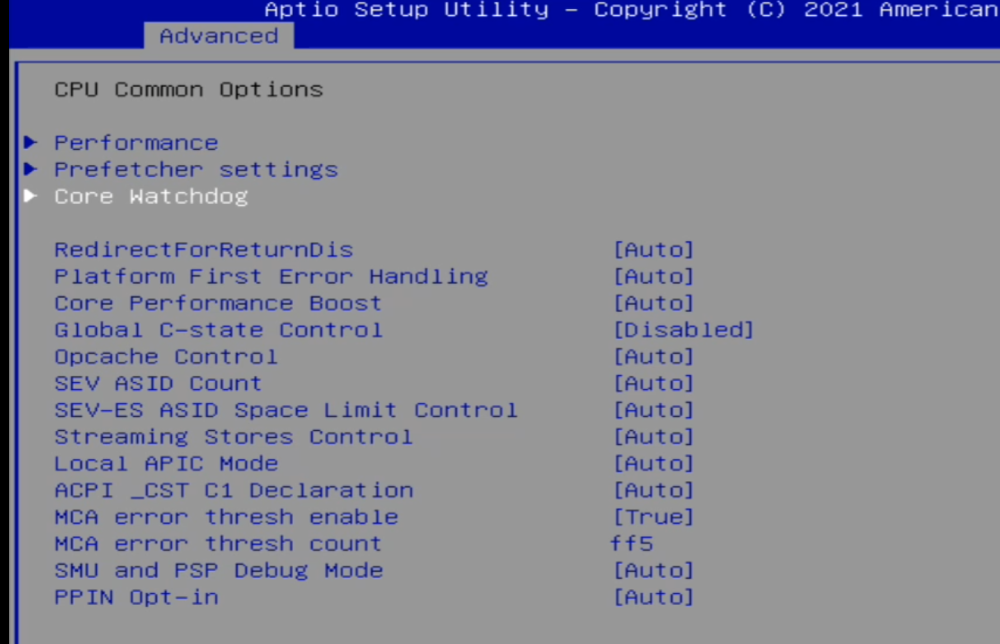
bios has an extremely hidden setting for "global c-state" on another location, two locations for some reason switched the second one off and i have 2 days of stability, i will mark this as resolved for now
-
leaving this here also.... lol
-
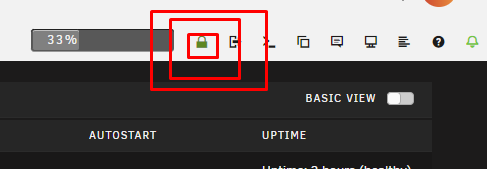
this is so wrongly placed, its my 3rd time trying to find it and even seeing this post i still took some time to see it Note to future me: its not in the grid view.... its next to logout and terminal
-
is this related to kernel crashes?
-
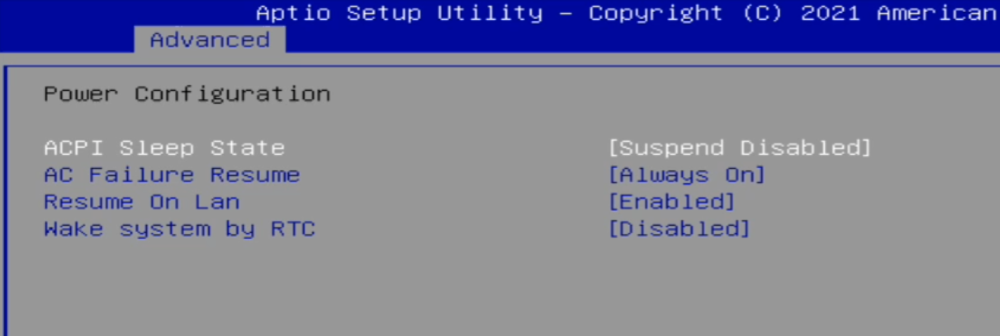
thanks for your investigation, this is a bitcoin/ethereum node system (also runs pihole and homeassistant) parity check is automatic because the system is crashing i did forgot that i had done this guide like a year ago, i cannot find power idle in bios, but i had disabled the states back then (device model is minisforum HM80)
-
logs.txt
-
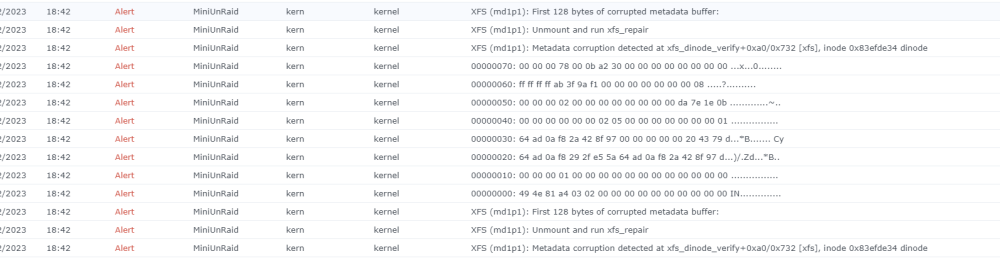
i get mail spammed from syslog server with unraid kernel warnings and after a while unraid hangs, its doing that for many months now, i even reformatted the disks as part of my tests logs and diagnostics attached logs.html miniunraid-diagnostics-20231215-2127.zip
-
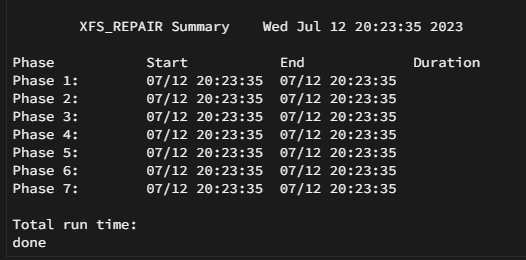
Thanks for your really fast reply!! both disks say i suppose the error would be somewhere bellow or between the phases if it had any?
-
miniunraid-diagnostics-20230712-1915.zip
-
I suddenly got like 50 mails from the log server containing those, I did a restart and parity check is running and the spam stopped do I need to do something here since restart seems that stopped the log generation