





Reakos
Members
-
Joined
-
Last visited
-
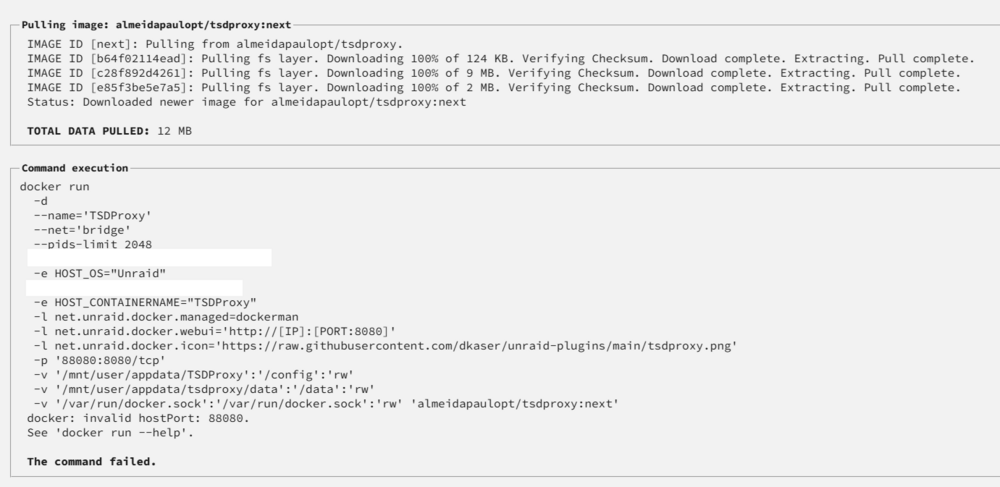
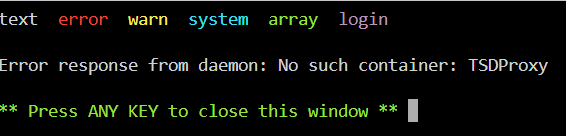
I can't seem to install this container (see attached) does anyone know what im doing wrong?
-
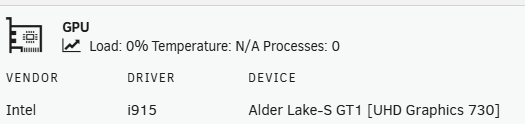
Ahh, i manually set the value to "iHD" when i couldnt get it to work based on some posts i read elsewhere but it didnt work regardless btw, i thought my system was using i915
-
Thank you so much for taking the time and troubleshooting it with me! I'm shocked im the first person to run into this problem since it's a standard variable when you create the container
-
Omg that worked! It doesnt show up as an icon in the gpu monitoring plugin, but it shows processes:1 and my cpu has much less load
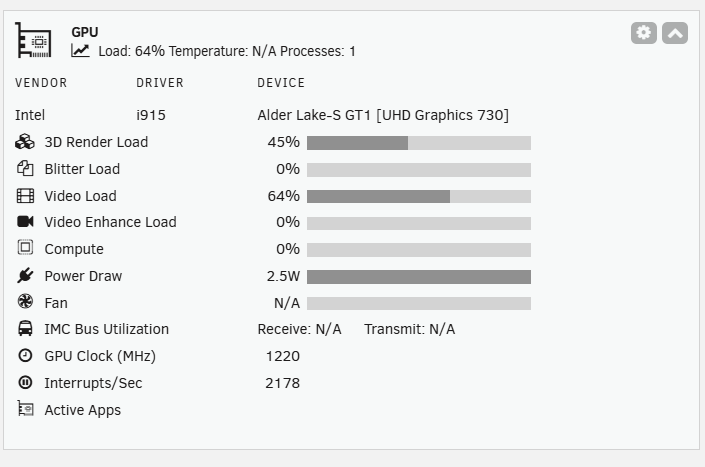
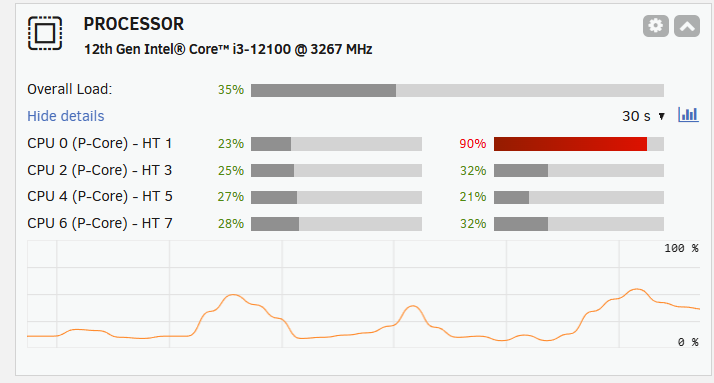
-
Right so just like this? (still doesnt work btw)
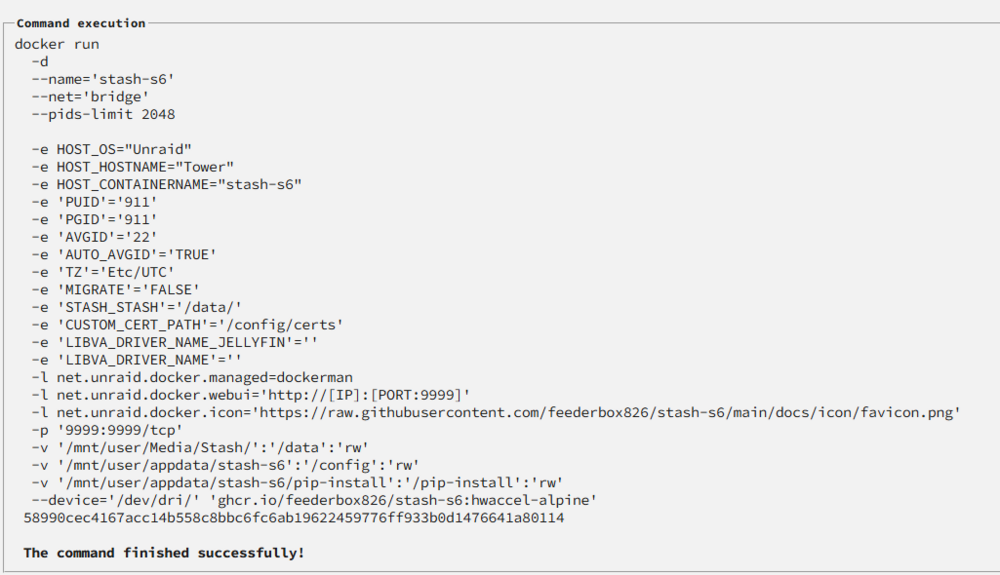
-
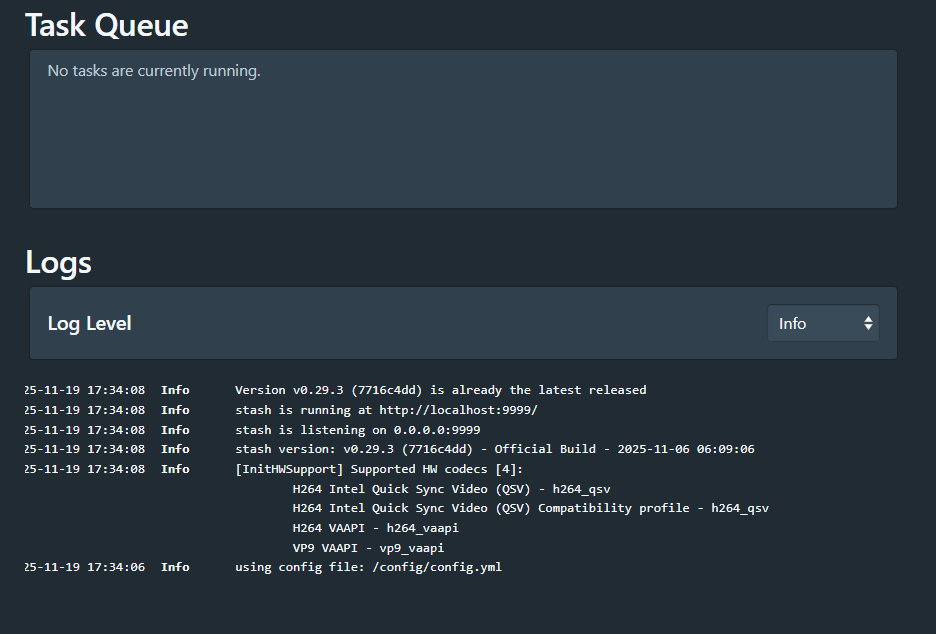
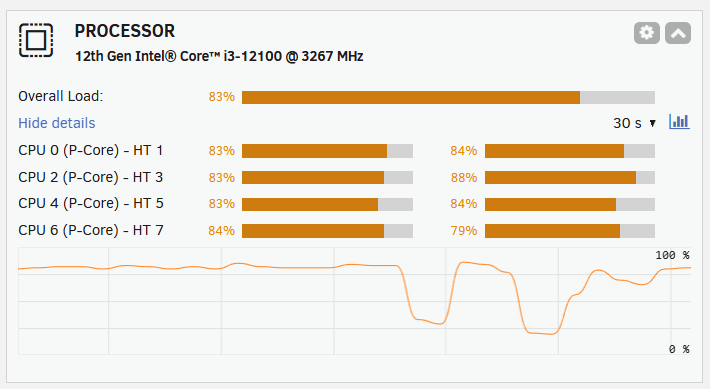
So i removed the variables from the container: But same message: [InitHWSupport] Supported HW codecs [0]: and cpu going crazy:
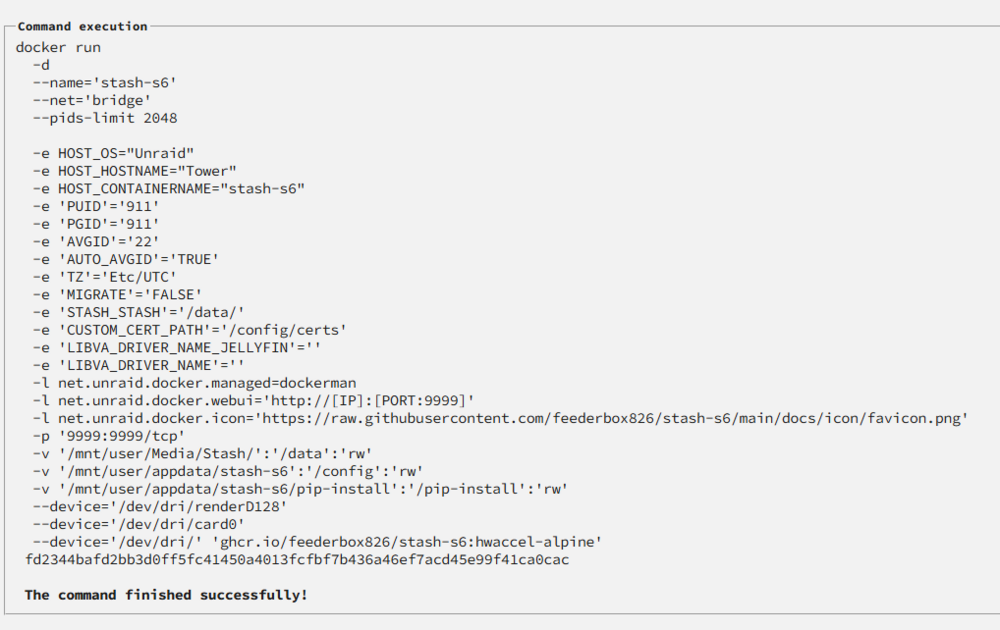
-
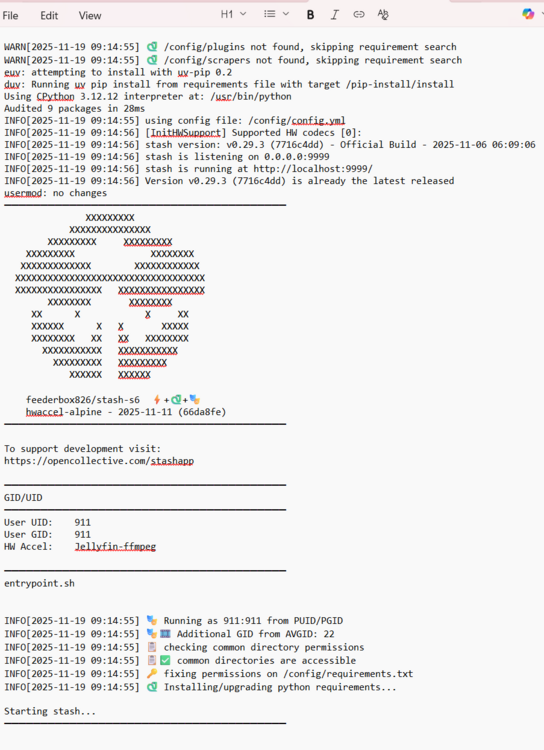
Like this? WARN[2025-11-19 09:14:55] /config/plugins not found, skipping requirement search WARN[2025-11-19 09:14:55] /config/scrapers not found, skipping requirement search euv: attempting to install with uv-pip 0.2 duv: Running uv pip install from requirements file with target /pip-install/install Using CPython 3.12.12 interpreter at: /usr/bin/python Audited 9 packages in 28ms INFO[2025-11-19 09:14:55] using config file: /config/config.yml INFO[2025-11-19 09:14:56] [InitHWSupport] Supported HW codecs [0]: INFO[2025-11-19 09:14:56] stash version: v0.29.3 (7716c4dd) - Official Build - 2025-11-06 06:09:06 INFO[2025-11-19 09:14:56] stash is listening on 0.0.0.0:9999 INFO[2025-11-19 09:14:56] stash is running at http://localhost:9999/ INFO[2025-11-19 09:14:56] Version v0.29.3 (7716c4dd) is already the latest released usermod: no changes ─────────────────────────────────────── XXXXXXXXX XXXXXXXXXXXXXXX XXXXXXXXX XXXXXXXXX XXXXXXXXX XXXXXXXX XXXXXXXXXXXXX XXXXXXXXXXXX XXXXXXXXXXXXXXXXXXXXXXXXXXXXXXXXXXX XXXXXXXXXXXXXXXX XXXXXXXXXXXXXXXX XXXXXXXX XXXXXXXX XX X X XX XXXXXX X X XXXXX XXXXXXXX XX XX XXXXXXXX XXXXXXXXXXX XXXXXXXXXXX XXXXXXXXX XXXXXXXXX XXXXXX XXXXXX feederbox826/stash-s6 ++ hwaccel-alpine - 2025-11-11 (66da8fe) ─────────────────────────────────────── To support development visit: https://opencollective.com/stashapp ─────────────────────────────────────── GID/UID ─────────────────────────────────────── User UID: 911 User GID: 911 HW Accel: Jellyfin-ffmpeg ─────────────────────────────────────── entrypoint.sh INFO[2025-11-19 09:14:55] Running as 911:911 from PUID/PGID INFO[2025-11-19 09:14:55] Additional GID from AVGID: 22 INFO[2025-11-19 09:14:55] checking common directory permissions INFO[2025-11-19 09:14:55] common directories are accessible INFO[2025-11-19 09:14:55] fixing permissions on /config/requirements.txt INFO[2025-11-19 09:14:55] Installing/upgrading python requirements... Starting stash... ───────────────────────────────────────I also get these 2025-11-19T09:13:37.977722083Z INF Response: 304 Redirect httpRequest={"proto":"HTTP/1.1","remoteIP":"remoteip:50713","requestID":"fb18493bd2e6/0ONR2O52Lv-000008","requestMethod":"GET","requestPath":"/customlocales","requestURL":"http://address:9999/customlocales"} httpResponse={"bytes":0,"elapsed":0.020863,"status":304} service=stash
-
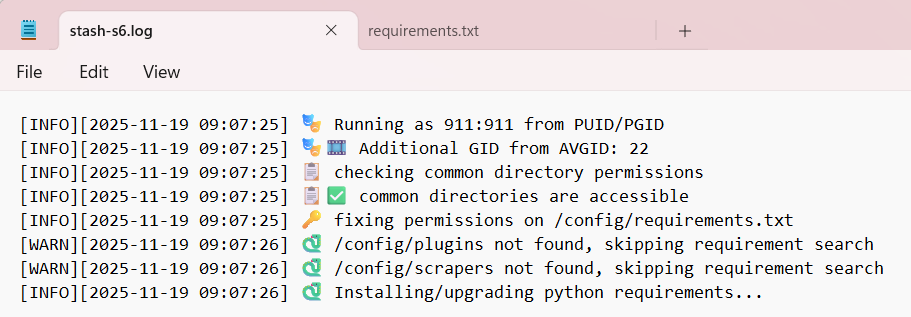
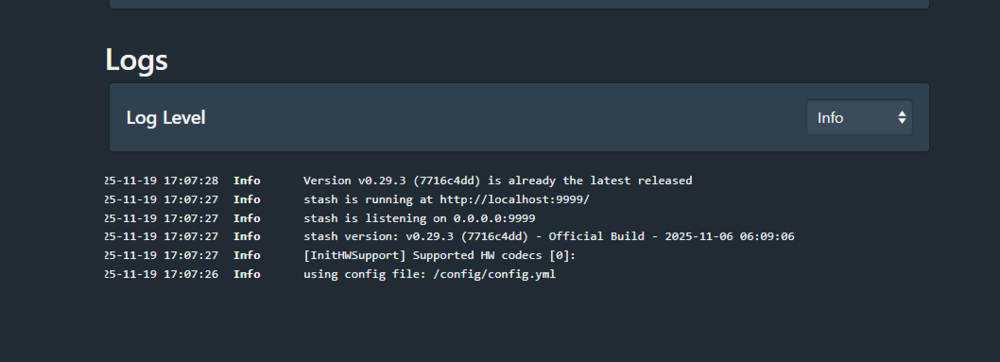
Hmm that didnt work, I just restarted: Logs: I then see this in the app log And this is the cpu load when opening a video
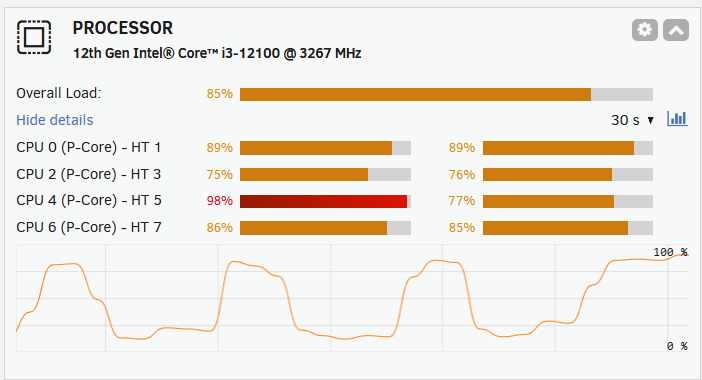
-
Hi, I have the container installed and it works but i can't seem to enable hardware accel I set it up with the device added to the container: SsMlaBv.png (1191×849) but i get this message in the logs at boot up of the container: F79oawF.png (899×327) I know it should work because i have plex installed and it seems to work fine: Mq3AZkr.png (703×458) Can you please advise?


