FitzZZ
Members
-
Joined
-
Last visited
Everything posted by FitzZZ
-
I was only faintly aware of this attribute but after checking: you are right! This also answers my question if it is faulty - which it is not. I just seemingly never saw the issue as I ran them in a RaidZ configuration which apparently masked the performance issue while writing initially. Thank you @JorgeB - now I don't have to open up the server again and hunt shadows (and can actually use it as it's a data grave anyways)
-
Just wanted to add this - even though @itimpi approach is a good learning, it turned out it was the first HDD in my array that was causing this issue in the first place. I checked them all individually in a single-disk array, and the issue would only come up with that one disk. No SMART errors, nothing. Weird failure, at least I caught it 🙂 Was thinking this might be of interest for someone else at some point.
-
Thank you @itimpi - will do as suggested! Marked as solved.
-
Thank you! So my situation might totally be "works as designed"? So in that case I should: move already transferred stuff off new config w/o parity disk load data add parity disk & enable cache pool Is that correct?
-
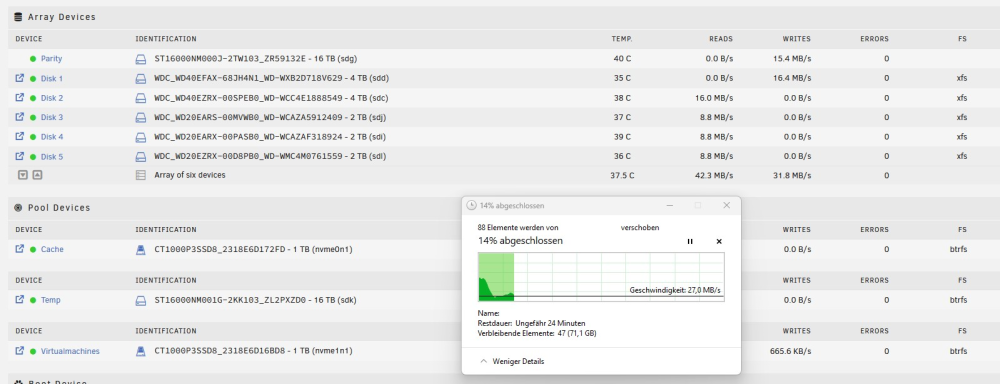
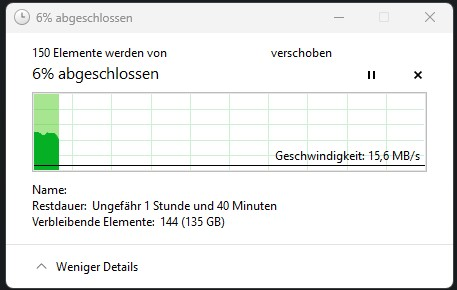
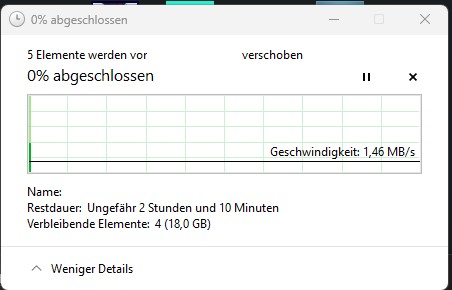
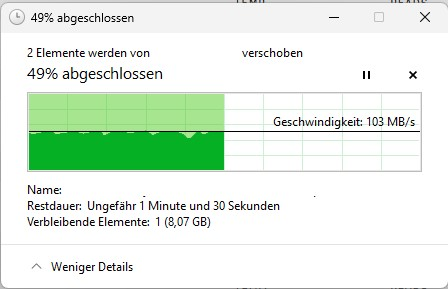
Hey all, after reading through countless posts I am at the end of my ideas and am kindly asking for some pointers. The issue: New (first) Unraid build. Trying to fill up my array with data. Since it is the initial fill (~8TB of data), I do not have any cache disk enabled. I did however switch on md_write_method = reconstruct write after reading that for my use-case it makes sense, as I don't care about spin-ups and such while initially loading the data. Unfortunately, I still only see 4-30MB/s with various ups and downs over longer periods. Things I've tested/observed: ❌ copy from client to array: 4-30MB/s after cache is full, before that ~110MB/s (GBit networking) ✅ copy from client to pool (hdd): ~110MB/s ❌ copy from pool to array: same as first, with faster initial speed ✅ read speeds always ~ 1GB/s maxing out my network ✅ write speeds when pre-clearing were as expected per HDD, ranging from 260MB/s down to lower 3-digit numbers, all as I'd expect from spinning drives switching between md_write_methods does not help no errors reported in log, 8800k is bored load-wise "Fix common problems" and "Tips and Tweaks" plugins didn't offer any additional insights I used the same hardware / controllers in Proxmox/TrueNAS Core before without any speed issues - didn't have the 16TB drive back then though. Diagnostic file attached while moving data onto the array with the described slow speeds. Hope someone can offer a pointer or two. Thank you for your time & help! //Chris Some additional screenshots: With md_write_method = reconstruct: With md_write_method = auto: Copy from array while write activity is still ongoing from previous transfer TO array: Copy from array with no other write activity to array: Writing to pool (didn't have Windows screenshot here, but it was maxing my NIC) sovereign-diagnostics-20230721-2121.zip