





wyhghost
Members
-
Joined
-
Last visited
-
It's okay. I still want to thank you very much
-
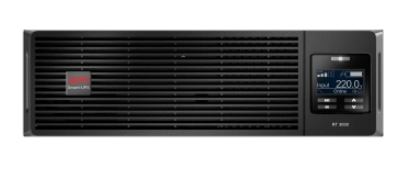
APC Smart-UPS RT 3000VA, 220VSURT3000XLI-CH
-
Are you sure you are using this UPS? I purchased a USB cable with the same pinout, and I was able to achieve normal communication by connecting to the USB port on a Windows computer (using the official PCSS software). However, it is still not recognized in Unraid
-
Thank you. I'll give it a try. What kind of USB cable do you use? It seems like the official one only has a serial port cable. Did you use an adapter or a directly purchased USB cable
-
Are you using the same model of UPS as mine? My UPS firmware is the latest version, and I am using the official cable to connect it to the NAS. In the UPS settings of Unraid, I have set various options but it still cannot be recognized. It is worth noting that the APC backups I purchased before can be recognized
-
I have purchased the APC SURT3000XLI-CH UPS and hope to establish communication with the Unraid system. However, I am unable to achieve this through direct connection. I was wondering if anyone who owns the same UPS has any solutions
