smelly-six-pack7702
Members
-
Joined
-
Last visited
-
Sorry super late reply I was just thinking about this and didnt realize someone responded. What is the best way to rename this? I don't have network access to the drives like I normally manage files due to the IP issue.
-
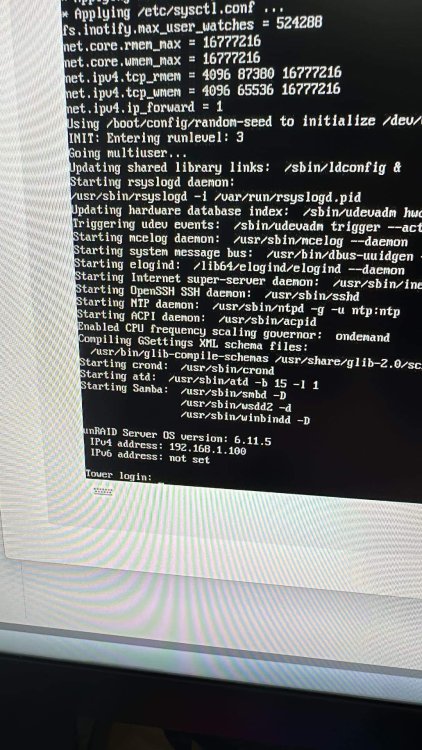
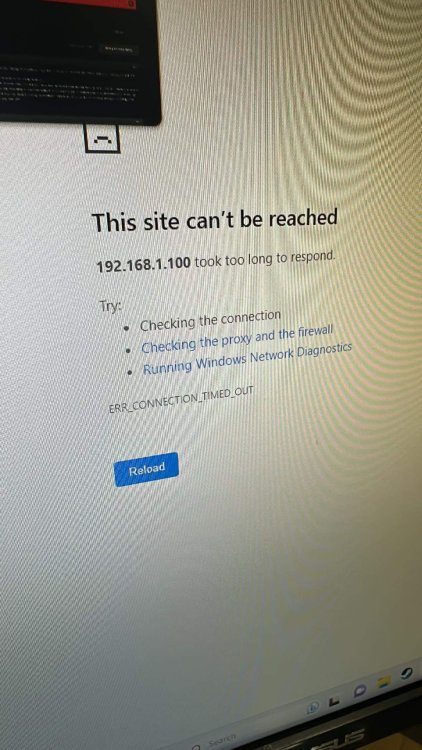
I shutdown my server (Via shutdown in webUI) to show a friend the hardware setup of the server. Plugged everything back in and now I’m getting a timeout when accessing 192.168.1.100? Through iKVM I can access command line and it shows the ipv4 address as the one listed above. Anyone have any ideas? I can also login and use commands normally. I’m relatively new to UnRaid though so I’m not really sure what to do from here. I did run a top command to see if anything was using a bunch of resources and all usage was very low. Basic SuperMicro Xeon setup with a Nvidia Telsa P4, 32gb RAM. Any help would be greatly appreciated!