BaconDroid
Members
-
Joined
-
Last visited
-
I’m having the same issue but on an intel 11th gen platform. Any ideas ?
-
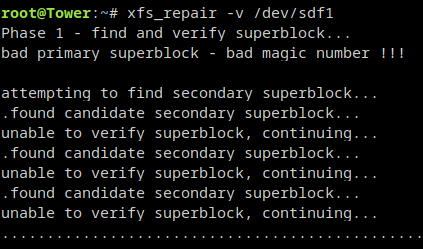
Thanks for the reply, I've launched the right command now.
-
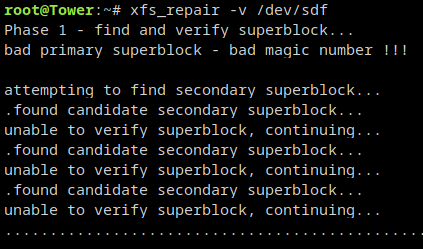
It's running, will let you when it stops.
-
If there's no solution, I will start anew. Just would like to make sure it doesn't happen again
-
Here. tower-diagnostics-20231006-1235.zip
-
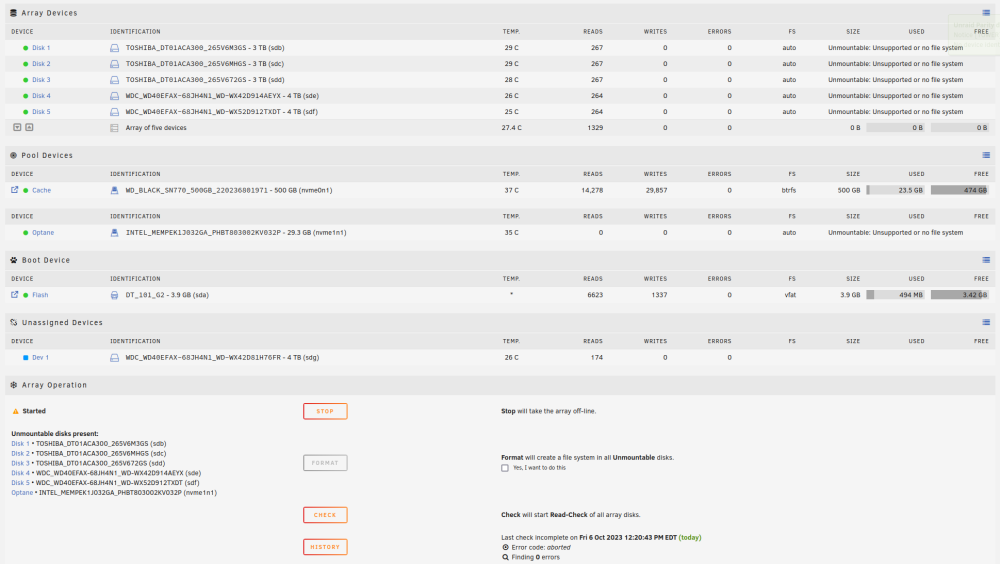
I get this. I've remove the parity drive but now the data drive look unmountable.
-
No, I just added a new ssd. I've also followed your previous comment by delete the partition of the parity drive. After that, since it still didn't work, I tried to copy the partition from sdf to sdg, so I could get a partition that started at sector 64. Nothing to the other disks. But yeah, i don't think i did much.
-
Sorry about that. Here's the diagnostic. tower-diagnostics-20231006-1049.zip
-
Here. tower-syslog-20231006-1358.zip
-
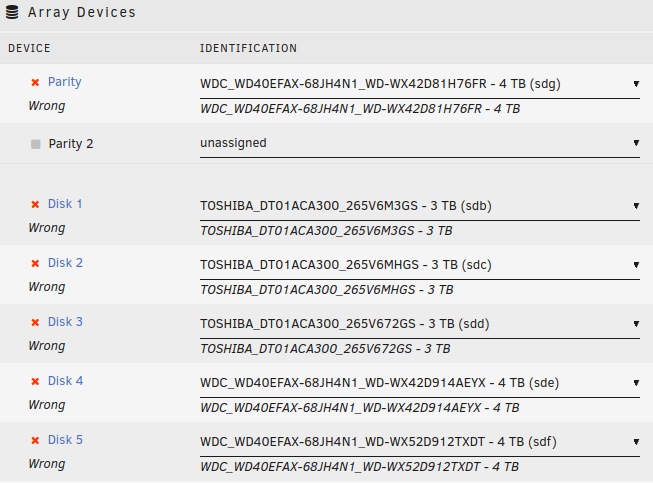
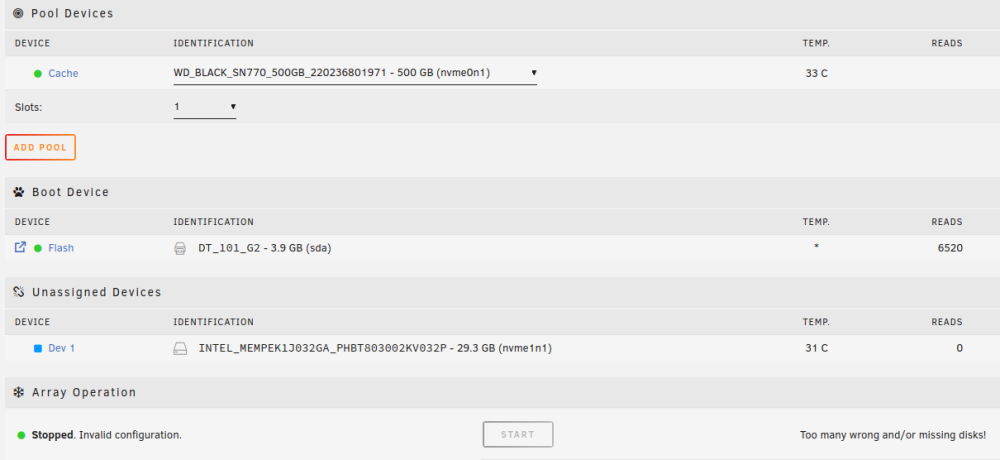
I'm getting Invalid Configuration - Too many wrong and/or missing disks! Did I break something?
-
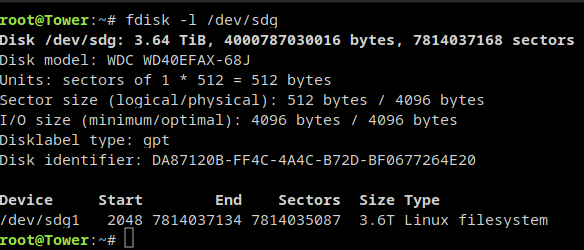
I was able to delete the partition using fdisk. I'm rebooting to see if I can start back the array.
-
Is there a way I can easily do that from the web gui? or is there a specific command i should use? I'm still a beginner, i've use OMV for a year before they move to version 6 which was causing me issues. This is why I'm trying Unraid now.
-
Here it is :
-
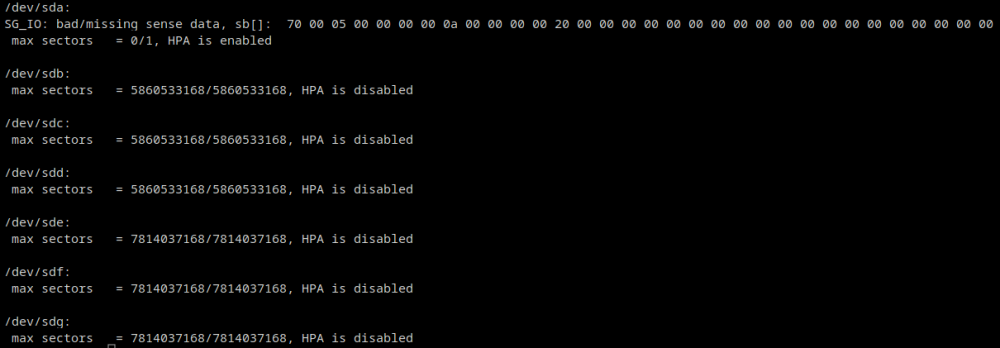
Hi, I've stopped my array before shutting down my server to install a second nvme for cache. Turning the server back On, and now I can't restart my array. Unraid says Disk in parity slot is not biggest. My parity drive (sdg) is the same size has two of my data drive (sdd, sde). (same model etc.) Looking around on the forum, I saw something about HPA, but it doesn't seem to be the issue? When I do hdparm -N /dev/[hs]d[a-z] every drive except my USB thumb give me HPA is disabled. Anybody got an idea? I didn't purchase unraid yet, still on the trial. I don't want this to be a dealbreaker, since it worked fine before. Thanks, tower-syslog-20231005-1714.zip