dear-plateau5289
Members
-
Joined
-
Last visited
-
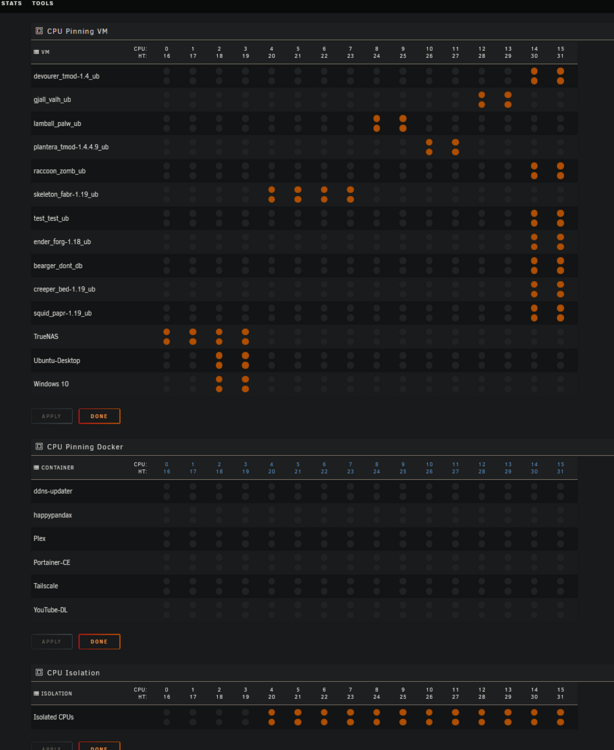
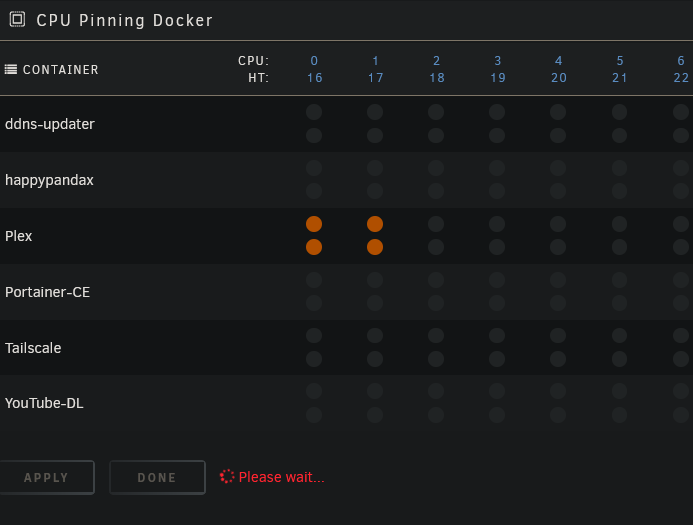
When attempting to pin a docker container in the settings, I am provided with an infinite "Please wait..." loading prompt that never ends and if I tab away from the settings and tab back the settings do not get applied.
-
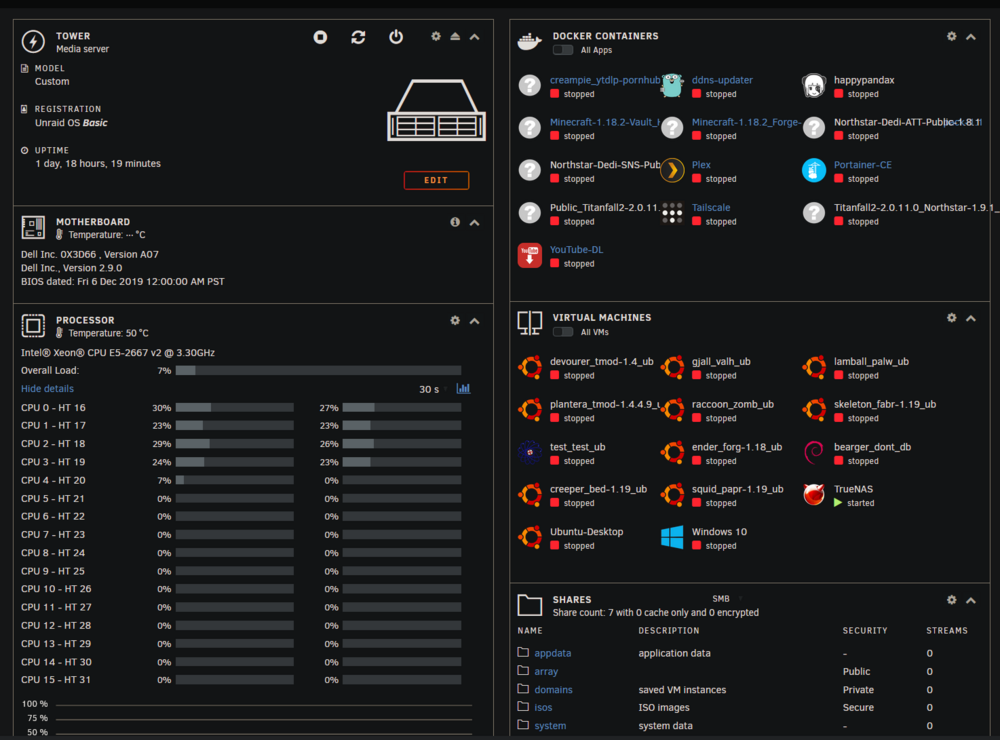
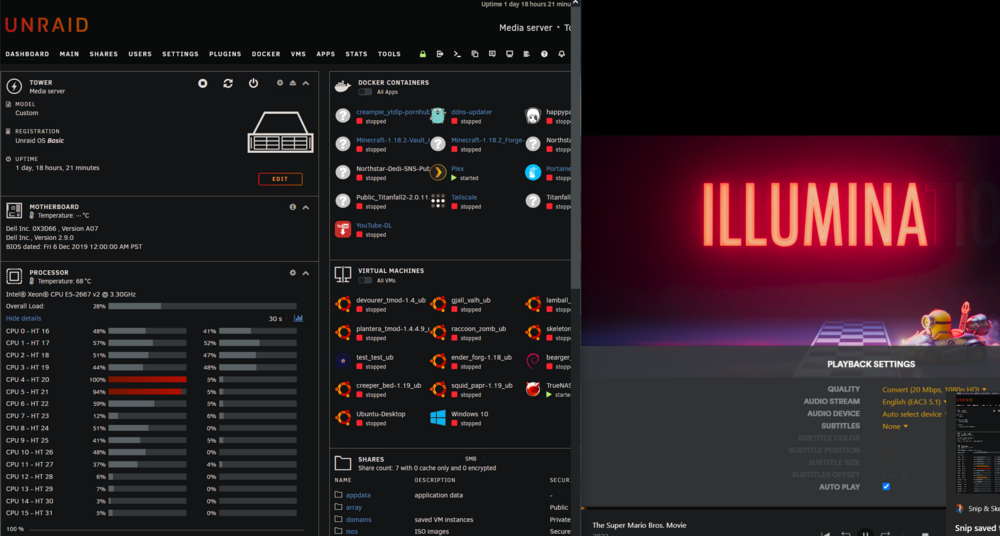
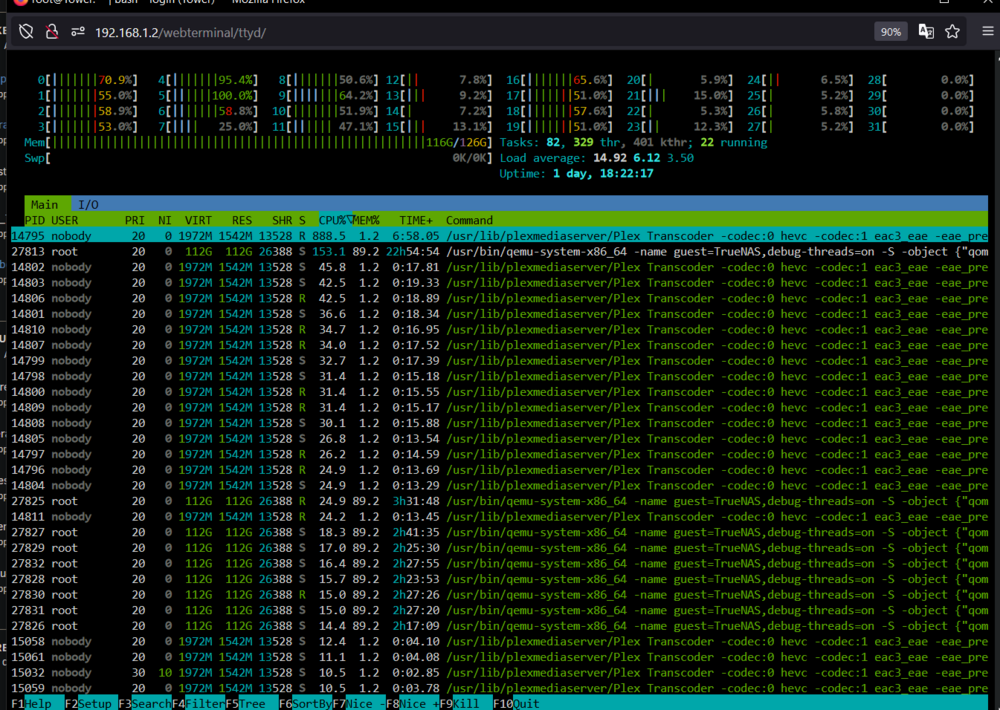
In these example screenshots the plex container is seen to be using cores that are isolated and have only been pinned by vms and this usage persists even when i turn on the vms. Unraid is allowing containers to run on isolated cores that have not been assigned to them and it impacts the performance of vms. I also cannot pin containers to force them not to do that behavior. The isolated cores have already been applied through restarting. I've been provided a lot of conflicting information about this telling me that docker containers will run on any of the isolated cores when they are not pinned, in which case I can not fix because I can't pin containers for some reason, and I've been told that containers should never be able to use isolated cores. My understanding is that isolated cores will not get used unless there is a vm or container pinned to them, which from my evidence is not the case for containers because they are actively utilizing those isolated cores without getting pinned to them.