




-
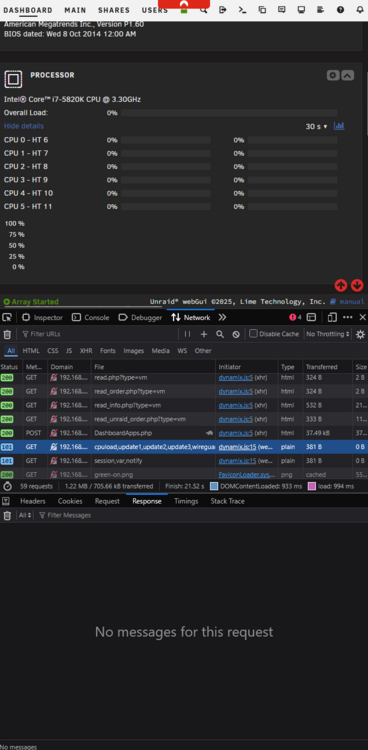
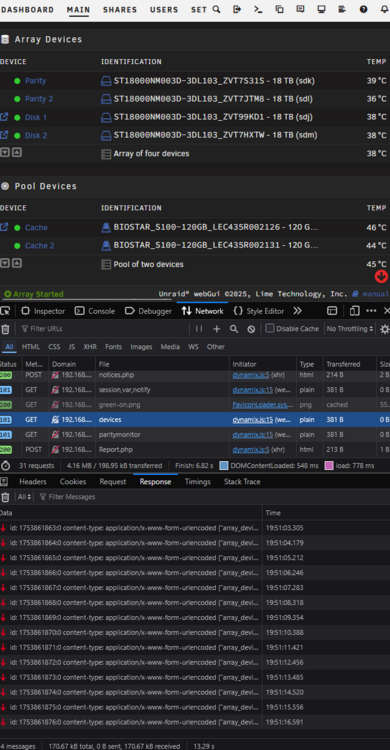
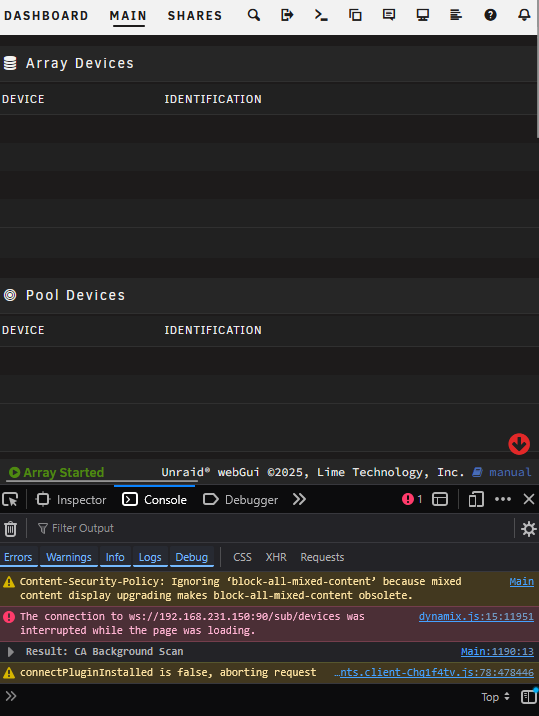
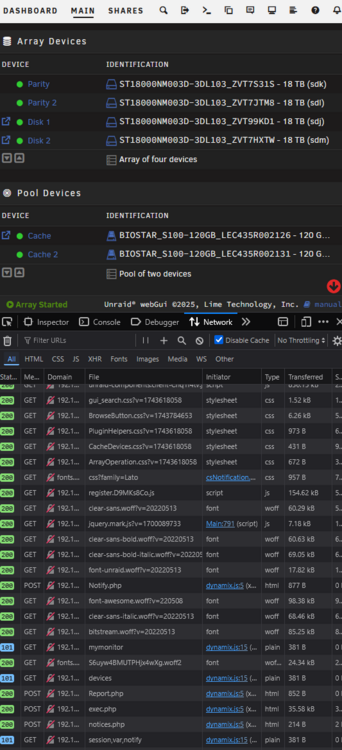
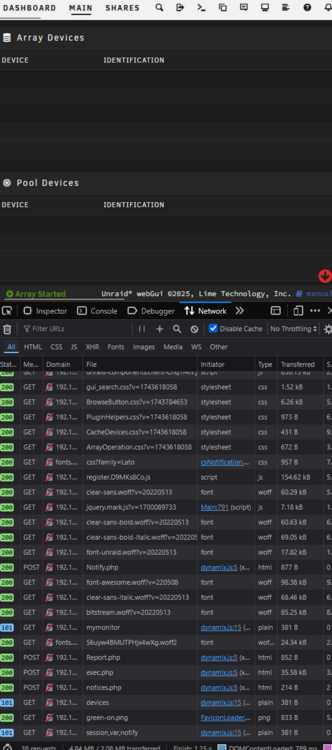
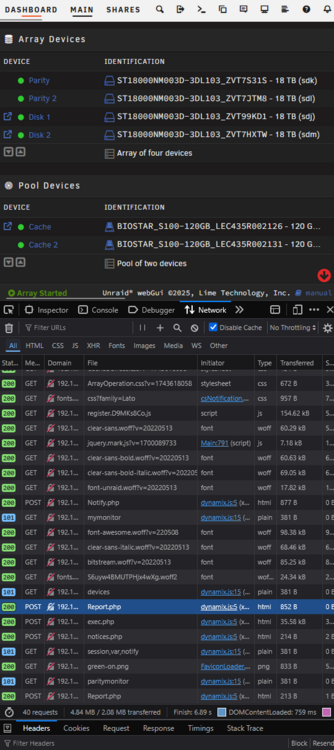
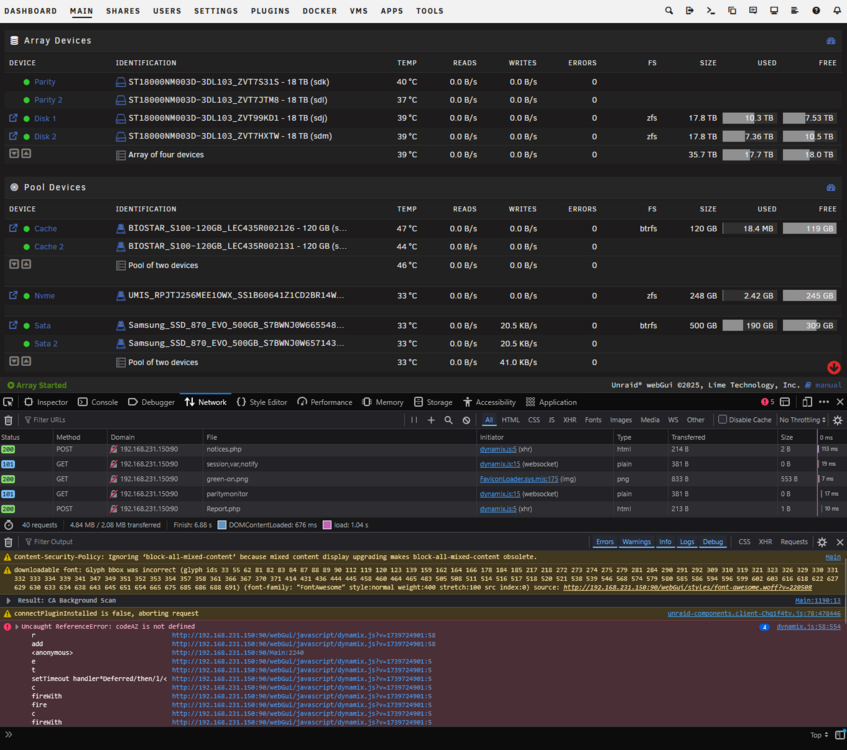
For some reason the information for my arrays and cpu does not get displayed (most of the time) on my dashboard when loading from local ip, it is hosted on port 90. This has happened for a long time so not sure when it started, I have been able to get around this by using the unraid connect url to manage the server *.myunraid.net:453 but thought I would post my findings to hopefully get this fixed. Tracing it down, it is because the opened websocket to ws://192.168.231.150:90/sub/devices does not return any data 99% of the time, I reload the window in firefox with ctrl+shift+r to force a reload and it will occasionally show the websocket returning information (yes I have tried other browsers still the same issue). Another thing I noticed is that occasionally itll throw this error in console: The connection to ws://192.168.231.150:90/sub/devices was interrupted while the page was loading. Hoping you can help get this issue resolved, pressing ctrl+shift+r 20 times to have the chance to see the array is a bit weird.

View in the app
A better way to browse. Learn more.


