Brazen-1-4-Freedom
Members
-
Joined
-
Last visited
-
I just performed a reboot to check the BIOS and yes, both cache drives are being detected by the BIOS. I then proceeded to load Unraid and noticed both drives are now showing up in the unassigned drives section. I added them to the pool and now all containers are loading. It's fixed! Everything seems to be working like before with no issues. Not sure why rebooting it the 2nd time after updating to 6.12.8 got it working. Thanks so much for your quick reply and help!
-
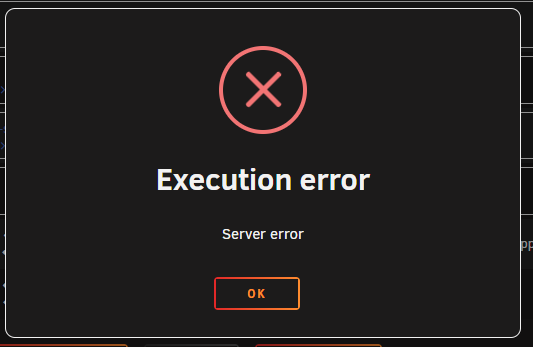
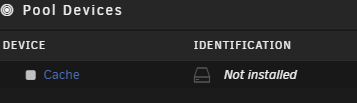
So I upgraded from 6.12.6 to 6.12.8 and noticed my docker containers were not loading. I received the Execution error, "Server Error" when attempting to start them. After further investigation I noticed both of my cache drives were not installed. I turned off the array and then attempted to find/reassign the cache drives but they are missing altogether. I am a novice and still pretty new to Unraid. Any help or advice is greatly appreciated. Thanks! tycho-diagnostics-20240301-0502.zip