evilmouse
Members
-
Joined
-
Last visited
-
I have a 4090 being passthrough to my VM for many months with no issues. I've got a new monitor in a different room so ordered a 20m DisplayPort 2.1 over fibre (https://amzn.to/4gjGV6Z) The VM seems to work perfectly fine when the DisplayPort cable is not connected. If it is connected then the VM will not appear to boot (appears in unraid as booted, but will not respond to RDP and no output on monitor) If I boot the VM while the DisplayPort is disconnected then it boots fine (RDP works), connecting the DisplayPort then seems to give an output on my monitor At this stage it was late at night so left it booted and working, came back in the morning and the VM was no longer responding to RDP and no output again on DisplayPort. Has anyone experienced this before? Is it the DisplayPort causing the issue?
-
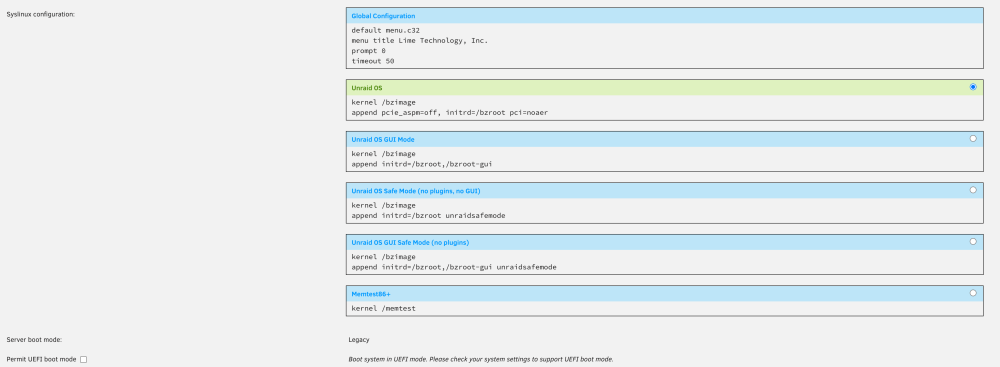
kernel /bzimage append pcie_aspm=off, initrd=/bzroot pci=noaer Didn't seem to work for me. still getting spammed in my log. Any help?