Fene
Members
-
Joined
-
Last visited
-
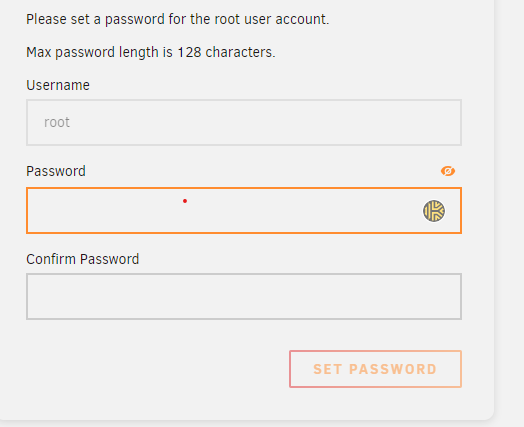
Same issue for me... MSI h510m-a pro board to the latest firmware (July 2023) in my case only "quick boot" option was enabled but unraid booted after disabling it. Additional issue which i assume was caused by the fact that it was the first run after install, once the boot was done, root password was no longer working. Performed a password reset using the below procedure : Lost root Password Occasionally users lose their password for managing Unraid via the Unraid webGUI or console. This may be that they simply forgot the password, but corruption of the flash drive can also result in the password not being recognized. Passwords for shares can be changed/reset from the Unraid webGUI. To reset the management password use the following process: Shutdown server and then plug the USB boot flash device into a PC or Mac While there it is a good idea to run a check on the flash drive and make a backup of its contents Delete these files: config/passwd config/shadow config/smbpasswd Plug the flash back into the server and start up again. Note that this will reset all user passwords including 'root' user to null (blank). After a refresh of the browser .... Password change was successful. Also one additional thing that I have observed is that the other user that I had previously created was no longer present, so I had to recreate it. PS : for noobs ! (like me... :)) ) if the array does not start go to Settings --> Disk Settings ---> SET "Enable auto start" option to YES